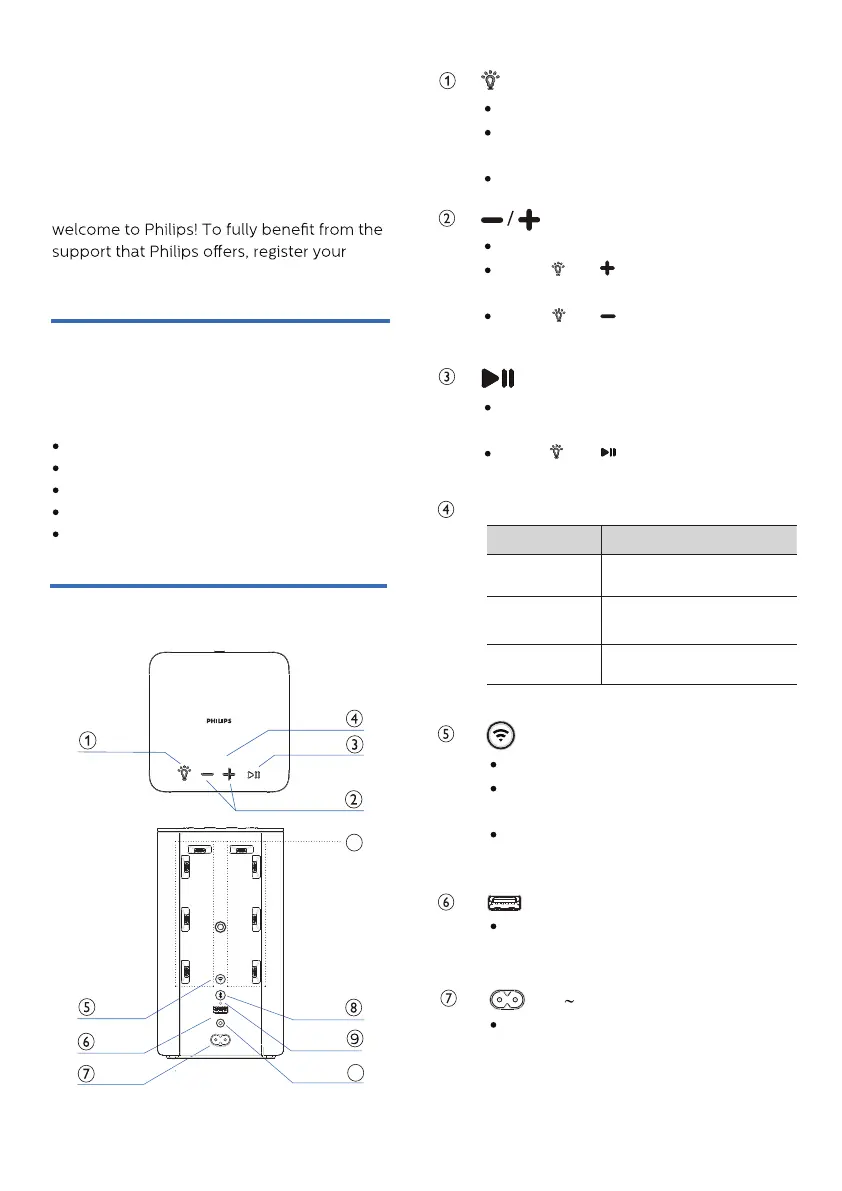
Play, pause or resume in
Bluetooth/Play-Fi playback.
Press and once to select next
LED light color.
Press to increase or decrease volume
.
Press and once to increase the
LED light brightness.
Press and once to decrease the
LED light brightness.
What’s in the box
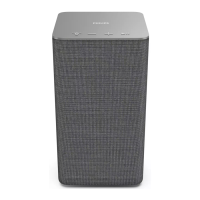
Overview of the speaker
Wi-Fi LED indicator (White)
LED State Status
Double blink
Constant on
Blink
Wi-Fi Setup button
AC
socket
For service
2 Your wireless
speaker
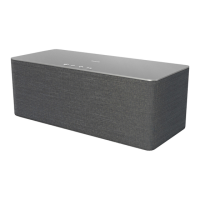
Congratulations on your purchase, and
product at www.philips.com/support.
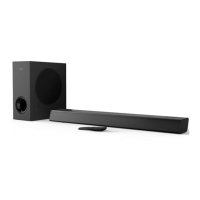
Check and identify the contents of your
package:
Speaker
Power cable
Quick start guide
Safety sheet
Worldwide warranty
Indicate the status.
Press and hold for 3 seconds to enter
the pairing with Ambilight TV mode.
Press to select the LED light mode.
Wi-Fi Access Point (AP)
mode
Wi-Fi Protected Setup
(WPS) mode
Connected / Pairing
successful
Trigger Wi-Fi setup for Play-Fi.
Press and hold the button for 3
seconds to active the WPS mode.
Press and hold the button for 8
seconds to active the AP mode.
USB socket for speaker software
upgrade only. No playback function
.
Connect to the power supply.
10
11
4
BACK
TOP
*The rating label is placed on the bottom
side of the product.


 To Next Page