Turn on and o
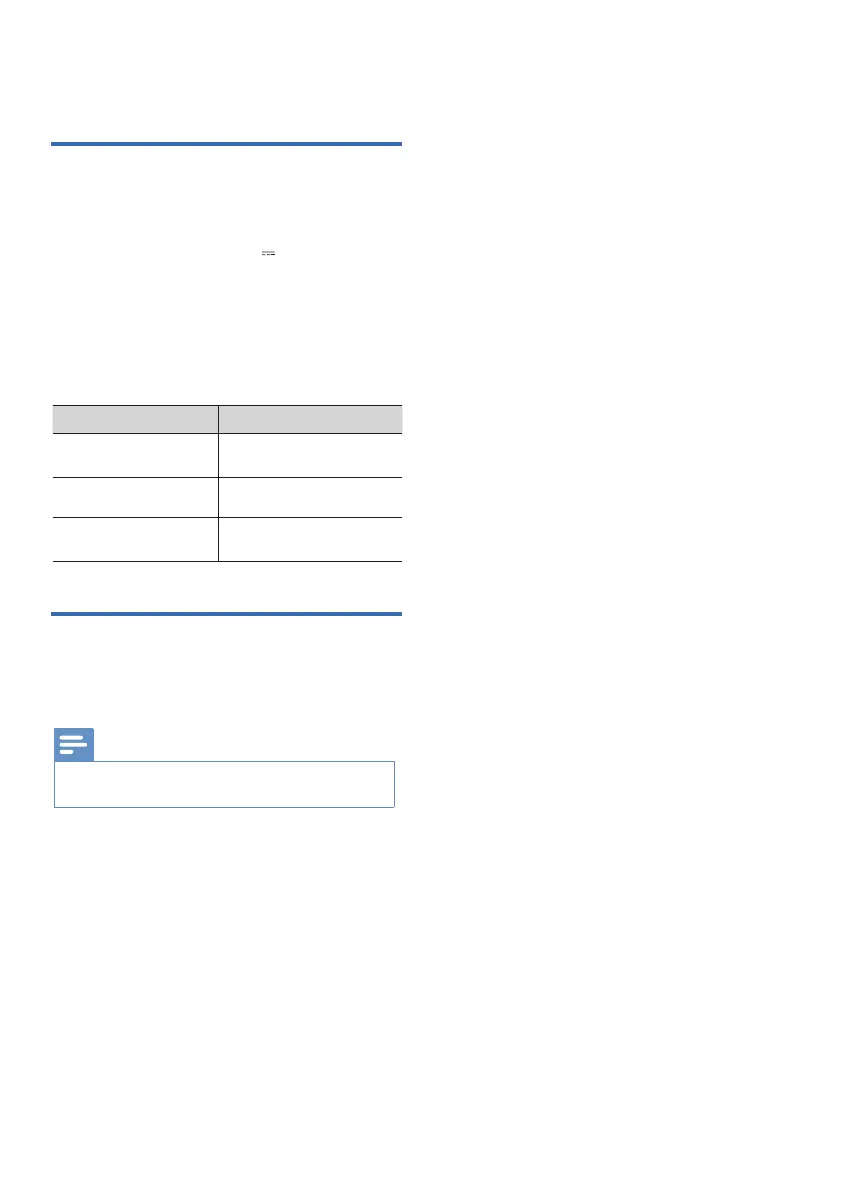
LED State Status
3 Get started
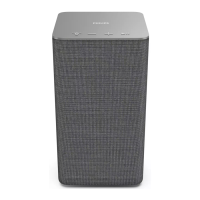
Plug in the power
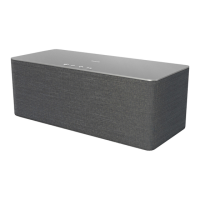
x The speaker is powered by AC input.
x Connect the AC IN socket on the
speaker to an outlet (19V 2.1A) by
using the provided power cable.
x Risk of product damage! Ensure that
the power supply voltage
corresponds to the voltage printed on
the back or the underside of the unit.
Attempting to connect
to the router
Wi-Fi connection is
successful
Wi-Fi connection
failed
Turn around in blue
color for 20 seconds
Turn o
Blink red for 5
seconds
x The speaker will turn off automatically after 15 minutes
without user operations and music playback.
Note
Unplug the power cable from the main socket
to turn o the speaker.
6


 To Next Page