(For iOS and Android version)
1
2
3
4
5
4 Connect
Connect to Wi-Fi (Wireless
Operation)
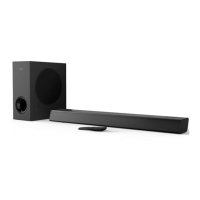
By connecting this unit and mobile phones,
tablets (such as iPad, iPhone, iPod touch,
Android phones, etc.) to the same Wi-Fi
network, you can then use the Philips
Sound app powered by DTS Play-Fi to
control the soundbar to listen to audio les.
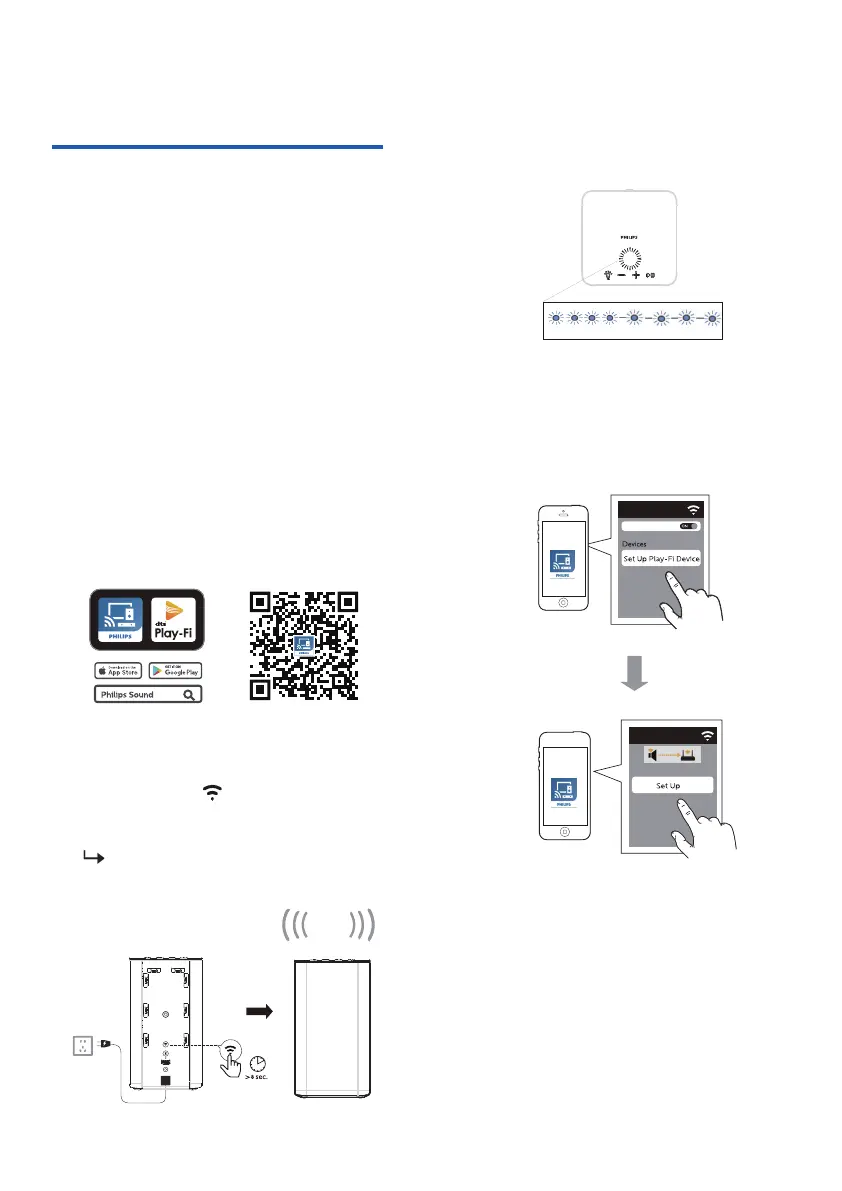
Connect your phone or tablet to the
same Wi-Fi network that you want to
connect your wireless speaker.
Download and install the Philips
Sound app powered by DTS Play-Fi
on a phone or tablet.
Press and hold (Wi-Fi) button
located at the back cabinet for 8 sec to
trigger the Wi-Fi connection.
Until the speaker make a second
tone and then release the button.
x Make sure your router is turned on
and working properly.
Wait until the Wi-Fi light indicator on the
top panel turns from a fast blink to a
slow pulse. Slow pulsing indicates that
the speaker is entering the Wi-Fi setup
mode.
Launch the Philips Sound App powered
by DTS Play-Fi. Follow the instructions
in the App to connect this product to
your Wi-Fi network.
7
Fast blink Slow pulse
Two sound


 To Next Page