6
TSU9400 Starter’s Guide
Changing the Pronto Settings
Notes Your installer might have blocked the access to the Settings pages.
Normally, your installer will have fully programmed your Control Panel and no changes are
required.
To open the Settings pages:
• Press and hold the Settings icon for more than 3 seconds.
General
Tip Press and hold the ‘-’ and ‘+’ buttons to increase or decrease the setting faster.
Turning the Control Panel On/Off
Tip Always switch the Control Panel off during transport to prevent the touch screen from being
activated and draining the battery.
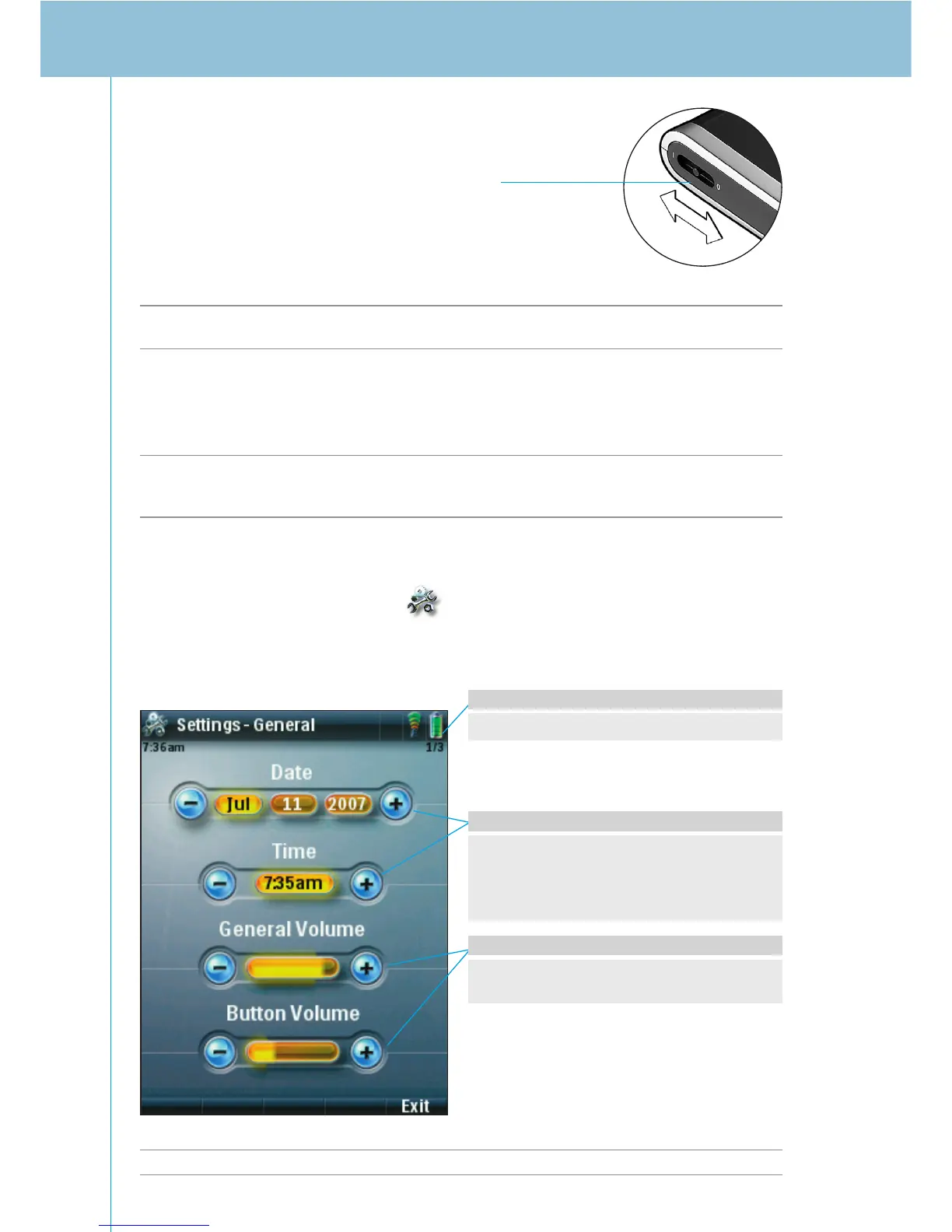
Power switch
The Power switch on the
left side of the Control
Panel turns the Control
Panel on and off.
On the Info Page you can find the version
and network information and memory status.
The General volume refers to all sounds you
hear when you operate the Control Panel.
The Button volume specifically refers to the
default sound you hear when you press a
button.
To change the Volume settings
• Tap the ‘-’ and ‘+’ buttons to adjust the
volume settings.
To access the other Settings pages:
• Tap the Page +/Page - key.
To change Date & Time settings
1 Tap the Month, Day, Year, or Time button.
The button is highlighted.
2 Tap the ‘-’ and ‘+’ buttons to adjust the
date or time.











 To Next Page