Helpful Hints
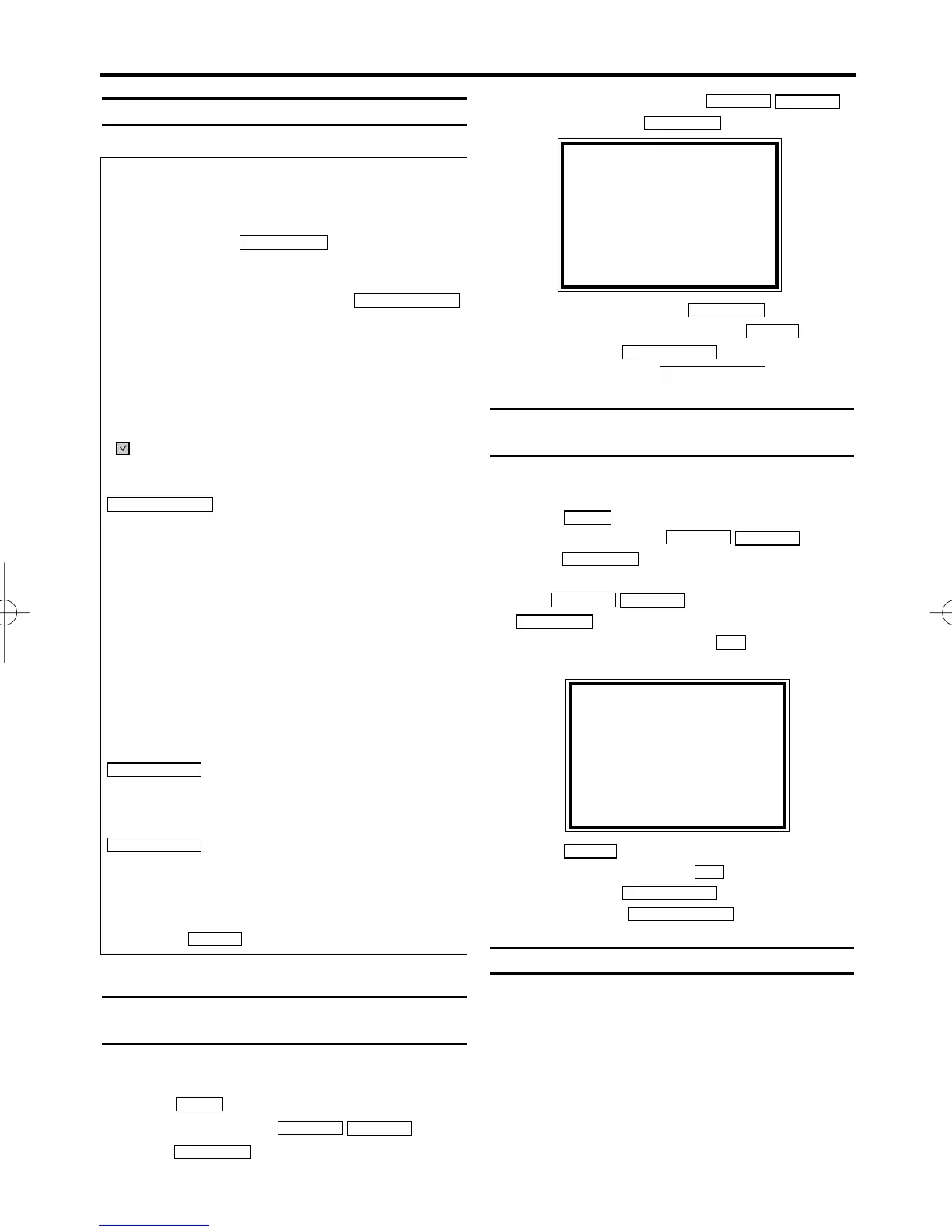
How to check, or delete a pro-
grammed recording (TIMER)
1.
1.Switch on the TV. If required, select the pro-
gramme number for the video recorder.
2.
2.Press . The main menu will appear.
3.
3.Select 'TIMER' with . Then
press .
4.
4.Select 'TIMER LIST' with ,
and confirm with
.
5.
5.Select timer block with .
6.
6.To cancel the recording, press .
7.
7.To end, press
.
8.
8.Switch off with with
.
How to change a programmed
recording (TIMER)
1.
1.Switch on the TV. If required, select the pro-
gramme number for the video recorder.
2.
2.Press . The main menu will appear.
3.
3.Select 'TIMER' with . Then
press .
4.
4.Select ONCE, DAILY, or WEEKLY recording
with . Then press
.
5.
5.Select a TIMER block with . (The flashing
number indicates an empty TIMER block.)
6.
6.Press
to delete information and input
correct information with
.
7.
7.To end, press
.
8.
8.Switch off with
.
'NexTView Link' [VR840]
This video recorder is equipped with the function
'NexTView Link'. If your television is also
equipped with this function, you can mark TV
programmes on the television for programming.
These TV programmes will automatically be
transmitted to a TIMER block on the video
recorder. Please note that “Direct Record” has
to be switched ON (see page 19).
For more information, read the instruction manu-
al of your TV set.
STANDBY/ON
yy
STATUS/EXIT
0..9
CLEAR
0..9
FWD 1- B
STOP C-L
PLAY B-K
FWD 1- B
STOP C-L
PLAY B-K
MENU
STANDBY/ON
yy
STATUS/EXIT
CLEAR
FWD 1- B
FWD 1- B
STOP C-L
PLAY B-K
FWD 1- B
STOP C-L
PLAY B-K
MENU
The video recorder does not react
• While a programmed recording is being made,
you cannot operate your video recorder manu-
ally. If you want to cancel the programmed
recording, press .
• The end of the tape was reached during
recording.
Switch off the video recorder with
.A programmed recording (timer) will only func-
tion if the video recorder is switched off.
'TURN OFF VCR FOR TIMER RECORDING'
appears on the screen
* The video recorder was switched on several
minutes before the start of a programmed
recording.
'' will flash in the video recorder display
* No cassette was inserted. Insert a cassette and
switch off the video recorder using
.
Cassette is ejected during recording
* The end of the tape was reached during
recording.
The 'PROTECTED CASSETTE CANNOT
RECORD' error message appears briefly in
the screen then the cassette is ejected
* A cassette was inserted with the security tab
removed.
Undo the erase protection (chapter 'Manual
Recording', section 'Preventing accidental eras-
ing') or insert a different cassette.
Error message: ' Err '
* If this error message appears after pressing
, the timer recording is overlapped
with another recording.
Error message: ' FUL '
* If this error message appears after pressing
, then all TIMER blocks are
already programmed. No more recordings can
be programmed. If you want to clear or check a
programmed recording (TIMER block),select the
programme number on TIMER LIST menu and
then press .
CLEAR
TURBO TIMER
TURBO TIMER
STANDBY/ON
yy
STANDBY/ON
yy
STOP / EJECT
SELECT KL CHOOSE B
ONCE
DAILY
WEEKLY
→TIMER LIST
END=EXIT
ONCE
TIMER - 1 2 3 4 5 6 7 8 -
SELECT TIMER NUMBER
END=EXIT
EN
21



 To Next Page