2
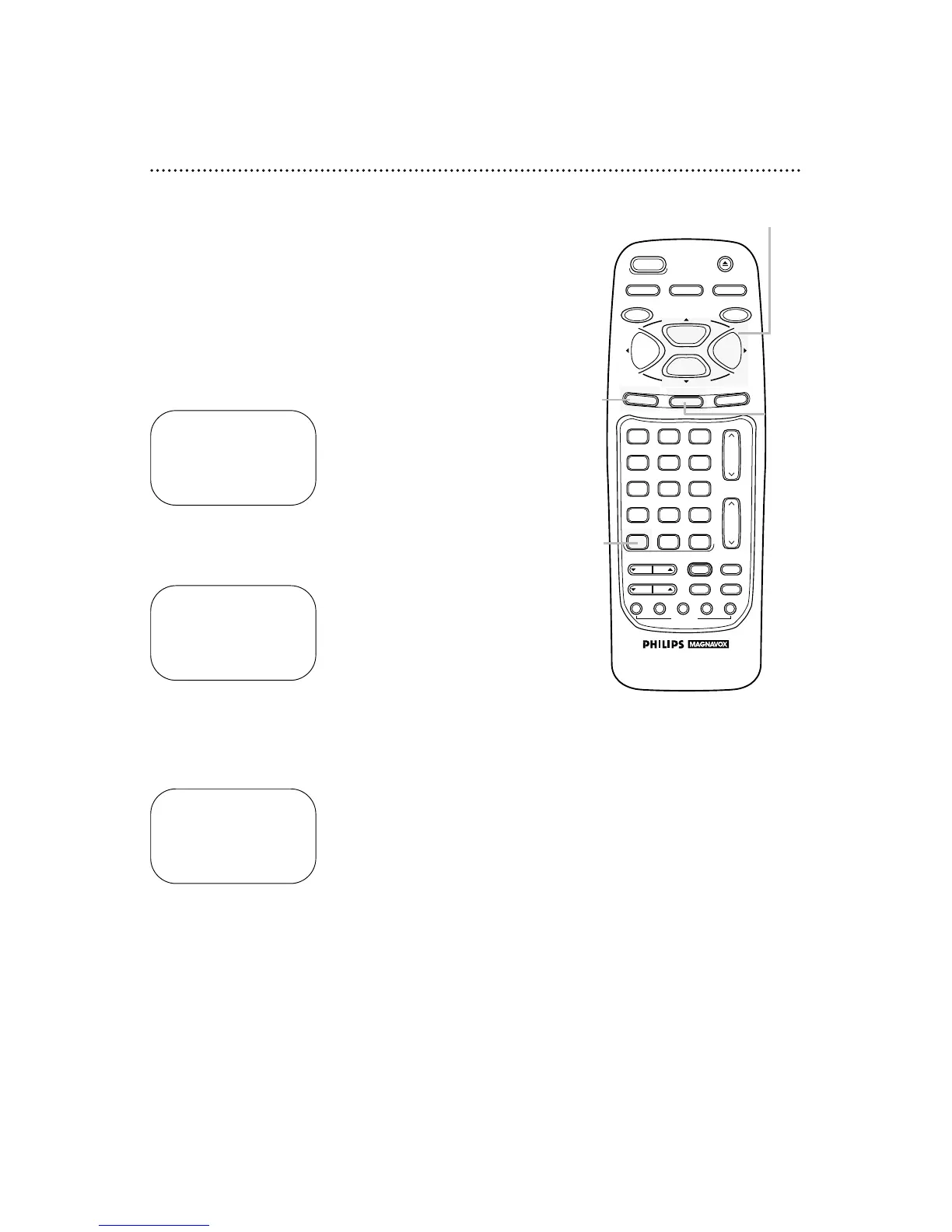
Press the MENU button.
3
Press the PLAY/o button or the STOP/p button to select
SET CLOCK, then press the F.FWD/B button.
5
Press the STATUS/EXIT button.
Daylight-Savings Time 19
You may program the VCR so its clock will automatically move
forward one hour in April and turn back one hour in October.
Daylight-Savings Time is set to ON when you receive your VCR.
Turn Daylight-Savings Time ON or OFF by following the steps
below. Before you begin:
● Make sure the clock is set.
1
Press the VCR button.
4
Press the PLAY/o button or the STOP/p button to select
DAYLIGHT SVG TIME. Then, press the F.FWD/B button
so that OFF (or ON) appears beside DAYLIGHT SVG
TIME.



 To Next Page