46 Special Effects Playback
Forward and Reverse Searching (SP/LP/SLP)
1
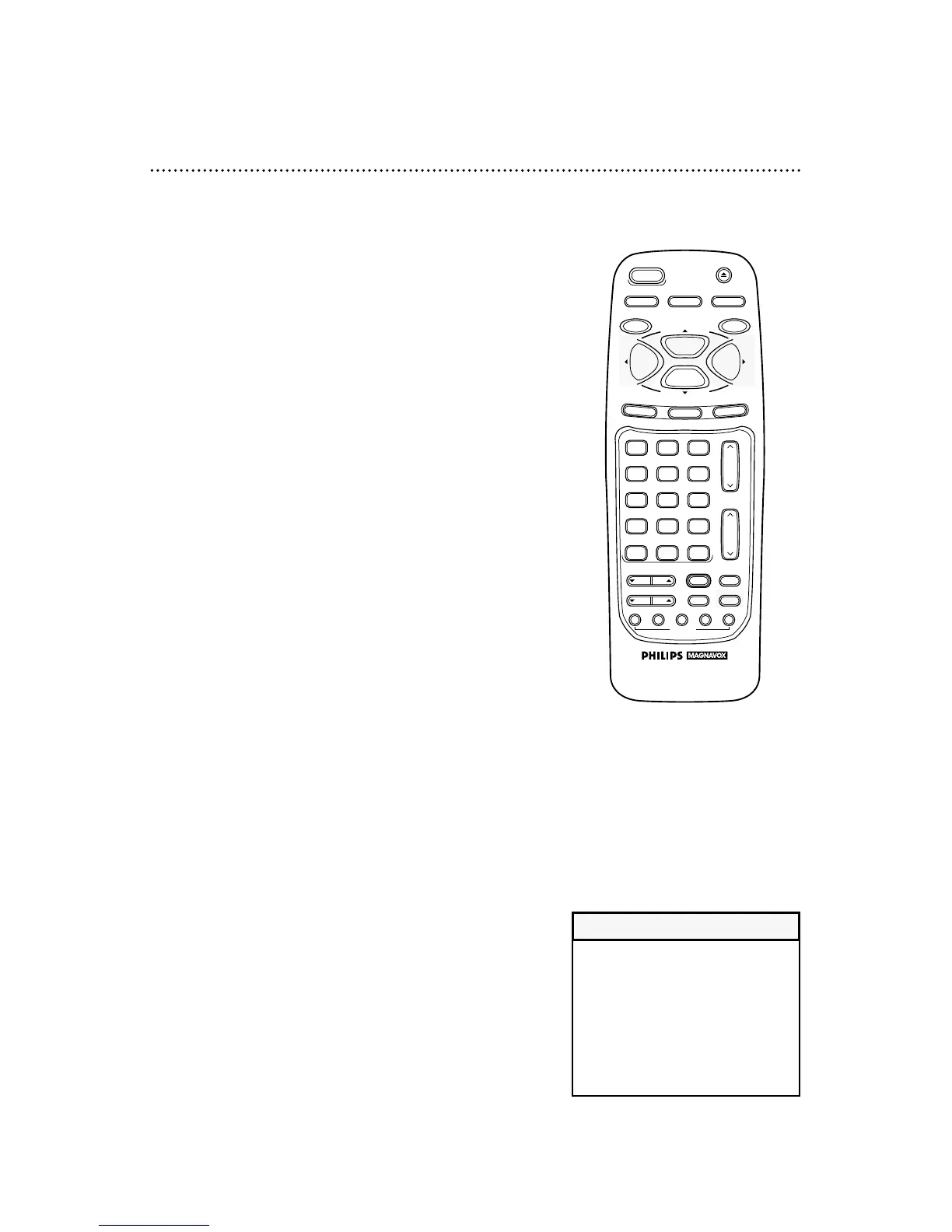
During tape playback, press and release the F.FWD/B
button or the REW(ind)/{ button. A fast forward or reverse
picture search will begin.
2
To return to playback, press the PLAY/o button.
Super High Speed Searching (LP/SLP)
1
During tape playback, press the F.FWD/B button or the
REW (ind)/{ button, then press again. The VCR will now
search in super high speed.
2
To return to normal playback, press the PLAY/o button.
Playing a Tape at Double Speed
1
During tape playback press the X2 PLAY button. The pic-
ture will play at twice the normal playback speed.
2
To return to normal playback, press the X2 PLAY button
again or press the PLAY/o button.
• SP/LP/SLP means this feature will
work with tapes recorded in
Standard Play, Long Play, or Super
Long Play.
• LP/SLP means this feature will work
with tapes recorded in Long Play or
Super Long Play. For details about
tape speed, see pages 36 and 62.
Helpful Hints



 To Next Page