• Slow and Still modes will automati-
cally switch to Stop mode after five
minutes to protect the VCR and the
tape from damage.
Helpful Hint
Special Effects Playback (cont’d) 47
Viewing a Still Picture
1
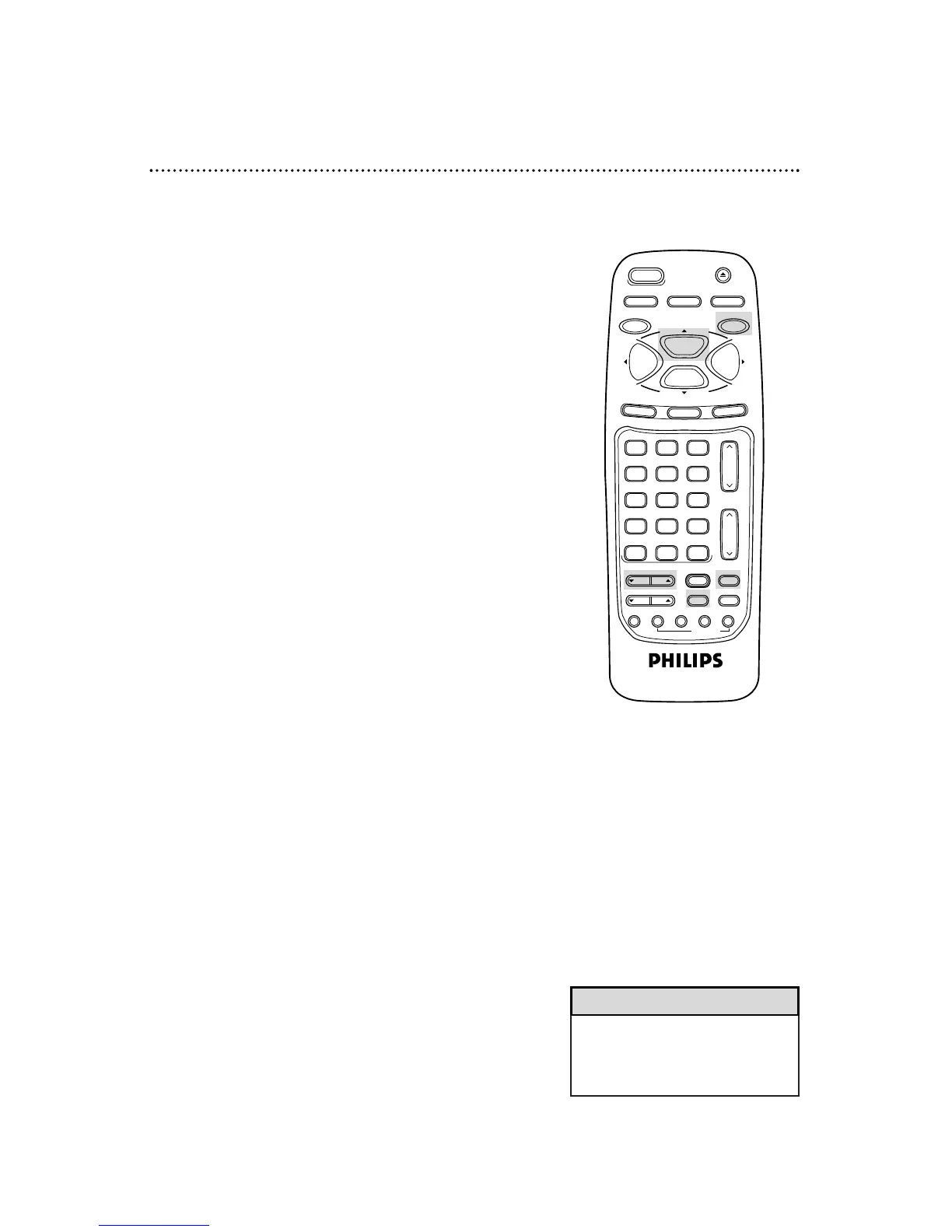
During tape playback, press the PAUSE/STILL button. A
still picture will appear on the screen.
2
To advance the still picture frame-by-frame, press the
F(rame). ADV(ance) button.
3
To release the still picture and return to playback, press
the PLAY/o button or press the PAUSE/STILL button
again.
Viewing a Slow Motion Picture
1
During tape playback, press the SLOW button. The tape
will play in slow motion.
NOTE: You can control the speed of slow motion playback by
pressing the VAR(iable). SLOW button.
2
To release slow motion playback and return to normal
playback, press the PLAY/o button or press the SLOW
button again.



 To Next Page