EasyManua.ls Logo

Philips VRB664AT - Smart Picture 49

Philips VRB664AT
68 pages
Print Icon
To Next Page IconTo Next Page
To Previous Page IconTo Previous Page
Loading...
Smart Picture 49
[NATURAL]
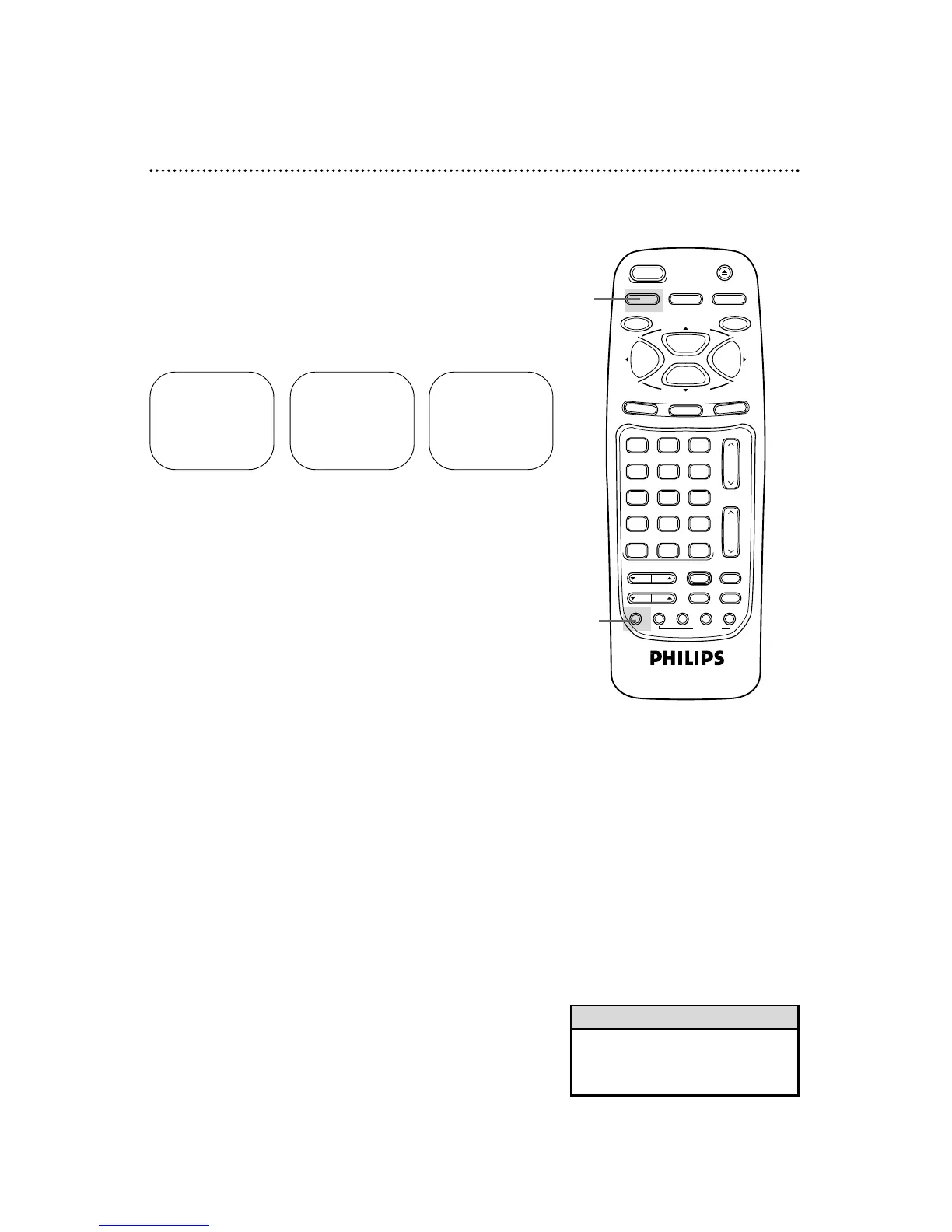
The Smart Picture feature allows you to improve the VCR picture
during normal playback.
1
Press the VCR button.
2
Press the SMART PICTURE button repeatedly until your
desired mode appears on the screen.
Your selection will remain on the screen for about five seconds, then
disappear.
• When the VCR is changed to spe-
cial playback mode or stop mode,
Smart Picture mode is canceled.
Helpful Hint
[SOFT] [SHARP]

VAR.SLOW
VCR TV CBL/DBS
VOL.
CH.
MUTE
ALT.CH
3
6
9
0
2
5
8
1
4
7
TRACKING
F.ADV
VCR/TV
REC/OTR
POWER
SPEED
STATUS/EXIT
STOP
PLAY
F.FWDREW
MEMORY
X2 PLAY
SLOW
VCR PLUS+
/ENTER
SMART
PICTURE
TIME INDEX
SEARCH
REC END
SKIP
EJECT
MENU
CLEAR
PAUSE/STILL
2
1

Table of Contents

Related product manuals