56 EN
4.3. Dialogue translation
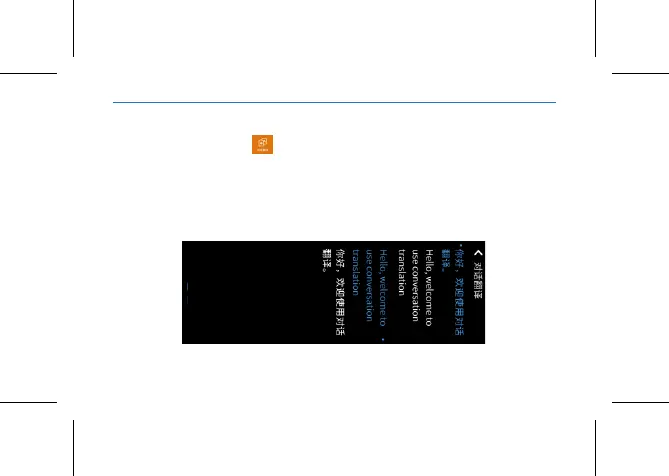
In the main menu, click to enter the dialogue translation. Long press
and hold the “Volume -” or “Volume +” to speak.
Press and hold the “Volume -” to speak English, then the device can directly
translate it into Chinese and read aloud after you release your hand.
Press and hold the “Volume +” to speak Chinese, then the device can
directly translate it into English and read aloud after you release your hand.















 To Next Page