EN 63
4.12 Forced shutdown
Long press the power button for 10 seconds, the device will be forced to
shut down.
4.13 System update
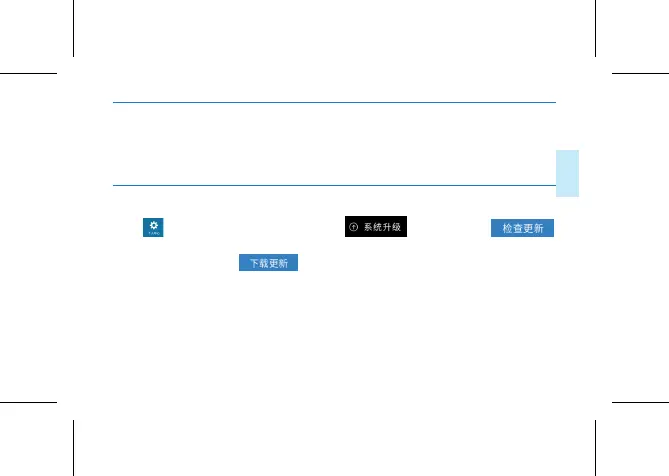
Click in the main interface and click .If you choose
the device will check whether there is a current version to update. If there
is a new version, click to download the system file , and the menu
will pop up when the download is completed. Select “Yes” to enter the
system installation, and after the system is automatically restarted, the
system update is completed.
(PS: Before the system is updated, the device should have sucient power.
Please do not do any operation during the system installation, so as to















 To Next Page