19
English
Basic functions
Display adjustment
You can adjust the display’s backlight and
contrast settings.
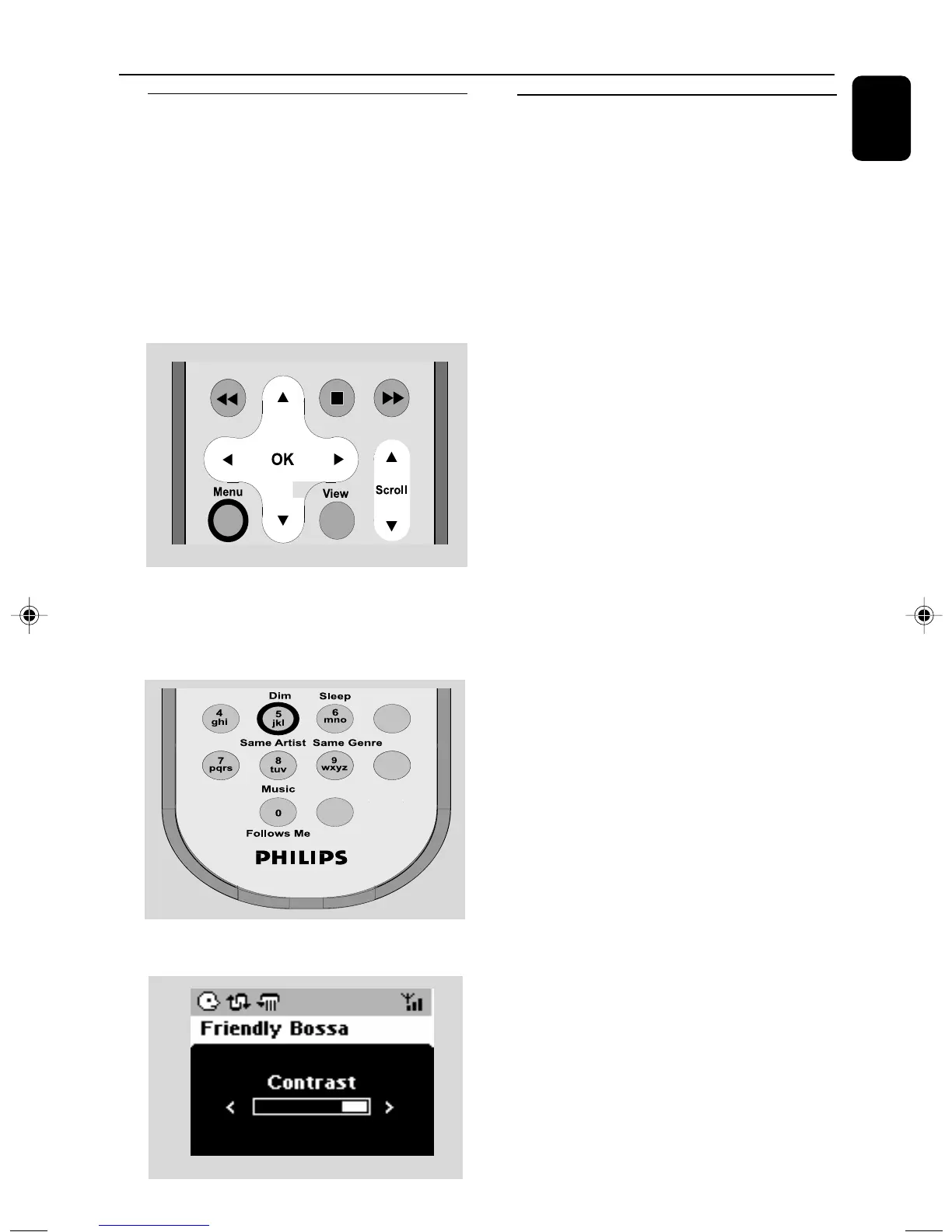
1 On the remote control, press MENU.
2 Use the navigation controls 3 or 4 and 2
to select Settings.
3 Press 3 or 4 and 2 to select Display.
4 Press 1 / 2 / 3 / 4 to select your
options:
Backlight:
Press 3 or 4 and 2 to select on or off ;
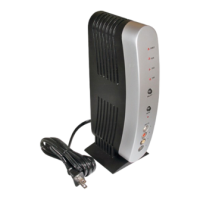
● You can also turn the backlight on or off by
pressing DIM on the remote control
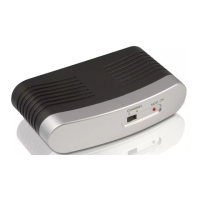
Contrast:
Press 1 / 2 to reduce or enlarge the contrast.
Selecting languages
1 On remote control, press MENU
2 Use the navigation controls 3 or 4 and 2
to select Settings
3 Use the navigation controls 3 or 4 and 2
to select Language
4 Press 3 or 4 and 2 to select:
English, French, Spanish, Dutch, Italian
and German.
p001-p025_WAS5_Eng_37 2/8/2006, 10:0019


 To Next Page