Home
Philips
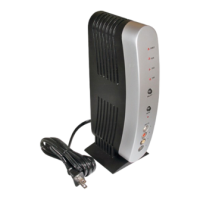
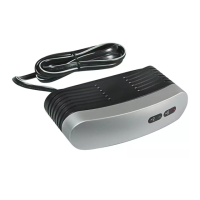
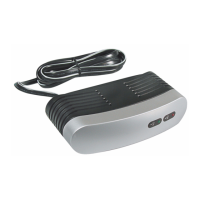
Media Converter
WAS5
Page 4 (Default Chapter)
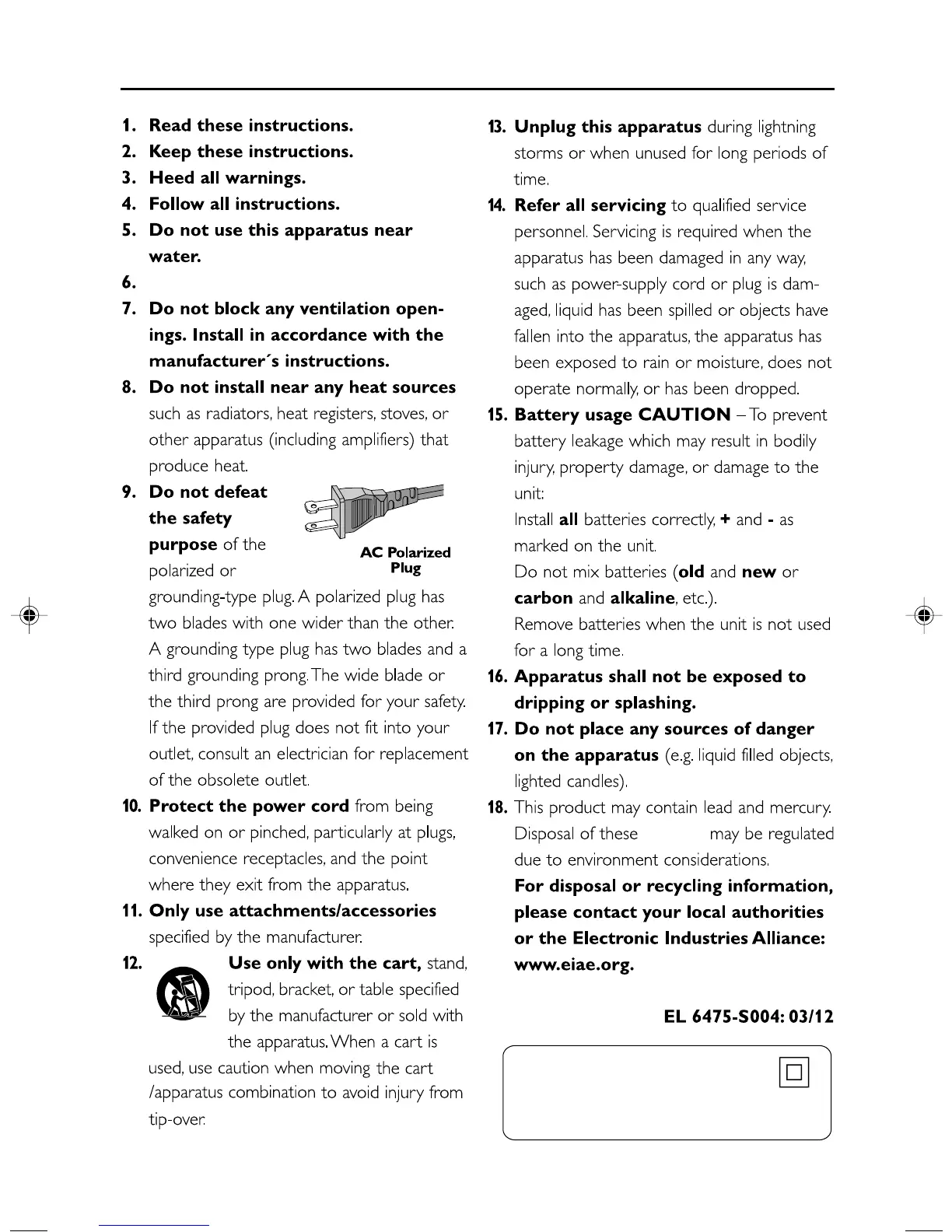
Philips WAS5 - Default Chapter; Important Safety Instructions
25 pages
Manual
Save Page as PDF
To Next Page
To Next Page
To Previous Page
To Previous Page
Loading...
4
IMPOR
T
ANT SAFETY INSTR
UCTIONS
Class II equipment symbol
This symbol indicates that the unit has
a double insulation system
Clean only with a piece of dry cloth.
mater
ials
p001-p025_WAS5_Eng_37
2/8/2006, 10:00
4
3
5
Table of Contents
Main Page
Default Chapter
4
Important Safety Instructions
4
Table of Contents
8
General Information
9
About Wireless Music Station WAS5
9
Supplied Accessories
9
Philips On-Line Support
10
Environmental Information
11
Maintenance
11
Safety Information
11
Controls
12
Controls on the Station
12
Station's Remote Control
13
Installation
14
Placing Center and Station
15
Mounting Stand Onto Station
15
Setting up Wi-Fi Connection
15
Between Center and Station
15
Rear Connections
16
Connecting to an Audio System
16
Using AC Power
16
Preparation
17
Using the Remote Control
17
Using the Navigation Controls
17
Basic Functions
18
Switching to Standby/On
18
Switch to Eco Power/ on
18
Auto-Standby
18
Switching the Blue Indicator On/Off
18
Display Adjustment
19
Selecting Languages
19
Upnp
20
Sleep
21
Reset
22
Specifications
23
Troubleshooting
24
Remote Control
24
Related product manuals
Philips Streamium WAS700
2 pages
Philips SWS2104W
2 pages
Philips US2-PH61159
21 pages
Philips MCD1065
24 pages
Philips US2-PH61156
24 pages
Philips MCD1060
25 pages
Philips SWS2103W
2 pages


 To Next Page