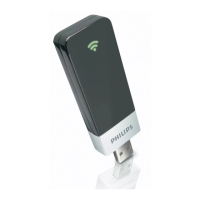
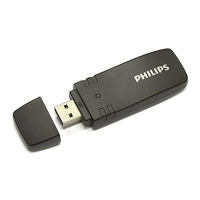
WUB1110/00 introduction
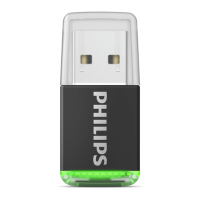
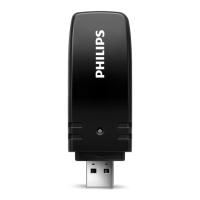
This Wi-Fi USB adapter, WUB1110/00, is used with selected Philips
products (e.g. Philips Blu-ray disc players, Home and micro theatre
systems).ThisadapterisnotrecommendedforPCusage.
Selected Philips products for use with WUB1110/00
BDP7500MKII/(BDP7500S2/BDP7500B2)•
BDP5100•
HTS5220•
HTS9140•
HTS9520•
MBD3000•
Note: For optimal wireless performance, update the product that will
be used with WUB1110/00 to the latest software (refer to the user
manualoftherelatedproductontheproductupdate).
Install a Wi-Fi connection via WUB1110/00
For details on how to connect WUB1110/00 and set up a network,
refer to the user manual of a related product.
Connect WUB1110/00 to a related product.1.
On the related product, install a Wi-Fi connection: 2.
a. Select “Setup” in the Home Menu.
b. Select “Network Setup” > “Network Installation”.
c.Select“Wireless(Wi-Fi)”andfollowtheonscreeninstructionsto
complete the installation.
Note: To avoid radio interference, ensure that the distance between
the Wi-Fi product and a DECT phone or microwave oven is at least
5 meters.


 To Next Page