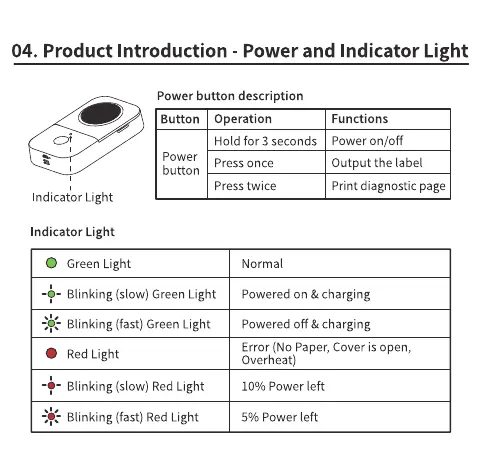
04. Product Introduction - Power and Indicator Light
Power button description
Button Operation
Hold for 3 seconds
Power
Press once
button
Press twice
Functions
Power on/off
Output the label
Print diagnostic page
Indicator Light
Indicator Light
O
Green Light
-+- Blinking (slow)GreenLight
- Blinking (fast) Green Light
Red Light
Blinking (slow) Red Light
- Blinking (fast) Red Light
Normal
Powered on & charging
powered off & charging
Error (No Paper,Cover is open,
Overheat)
10% Power left
5% Power left



 To Next Page