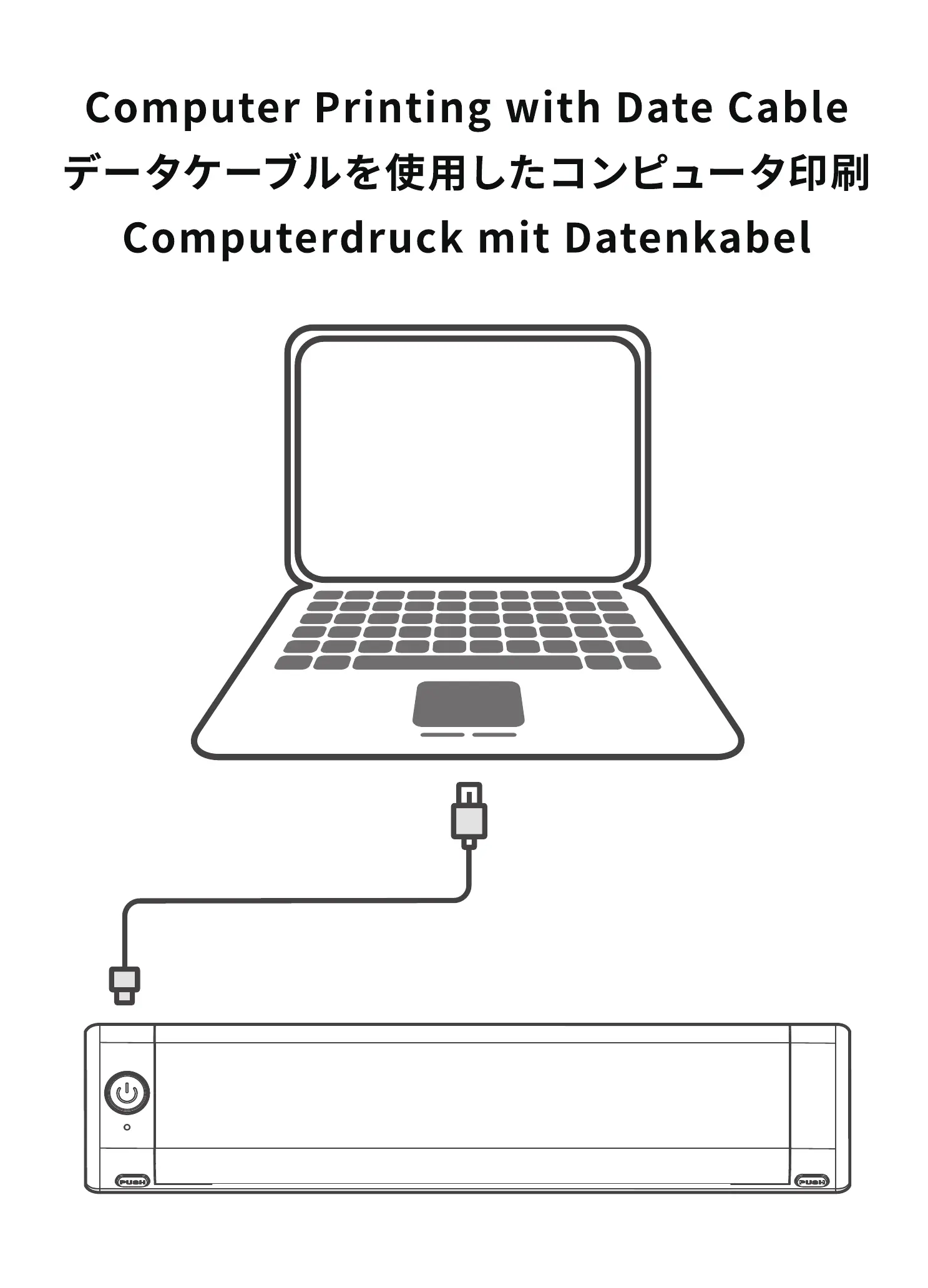
Computer Printing with Date Cable
Computerdruck mit Datenkabel
PUSH
PUSH
Smartphone-controlled
Smartphone-Steuerung
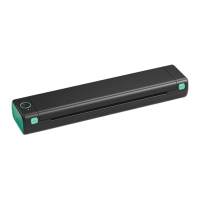
Phomemo M08F
Quick Start Guide
Driver for Windows Driver for Mac
e Setup- QY_PrinterDriverSetupvl.O.O
Ready to Instan
Seb.Ois now to nstahg QY_Prnter Driver SetlO VI.O.O ymr
Inst* to amthue hstalatW1.
Device Driver Installation Wizard
ON/OFF
Red light
JPG PDF TXT
HTML
English
Deutsch
English
Deutsch
English
Deutsch
English
Deutsch
English
Deutsch
Open the link: m08f.phomemo.com
l) :m08f.phomemo.com
ÖffnenSieden Link:m08f.phomemo.com
Phomemo
Google Play
App Store
Get/install the Phomemo App.
Holen/installieren Sie die Phomemo App.
Download
Download the corresponding drive for your
computer system.
Laden Sie das entsprechende Laufwerk für Ihr
Computersystem herunter.
English
Deutsch
English
Deutsch
Connect the printer to your computer with a
Type Cdata cable.
Type
Schließen Sie den Drucker mit einem
Typ-C-Datenkabel an Ihren Computer an.
Thissideshouldfaceup
Load the paper according to the prompt.
Legen Sie das Papier gemäß der Aufforderung ein.
English
Deutsch
English
Deutsch
Thissideshouldfaceup
Load the paper according to the prompt.
Legen Sie das Papier gemäß der Aufforderung ein.
Document print
Print Web
Print Images
Scan
Select the file in the Phomemo App to print.
Wählen Sie die zu druckende Datei in der
Phomemo App aus.
English
Deutsch
print
Copies:
Print
Printer
M08F Printer
Ready
Select M08Fon your computer and start printing.
Wählen Sie M08Fauf Ihrem Computer und starten
Sie den Druckvorgang.
English
Deutsch
English
Deutsch
Completing the Device Driver
Installation Wizard
The divas wee succesåt& ths convue.
&iver
V Device
Click the next button.
Klicken Sie auf die Schaltfläche Weiter.
Bluetooth
Bluetooth
Bluetooth
Turn on Blutooth from phone settings.
Aktivieren Sie Bluetooth über die
Telefoneinstellungen.
Pressand hold for 3s to turn on the M08Fprinter.
Halten Sie 3 Sekunden lang gedrückt,um den
Right-click the file and click the print button.
Klicken Sie mit der rechten Maustaste auf die
Datei und klicken Sie auf die Schaltfläche
„Drucken "
M08F-Drucker einzuschalten.
M08F
40 •
ON/OFF
Red light
English
Deutsch
Press and hold for 3s to turn on the M08F printer.
Halten Sie 3 Sekunden lang gedrückt,um den
M08F-Drucker einzuschalten.
Select a printer
M08F
Connect the printer via Bluetooth in the
phomemo App.
phomemoTjl) TBIuetooth M08F
Verbinden Sie den Drucker über Bluetooth in der
Phomemo App.


 To Next Page
 Loading...