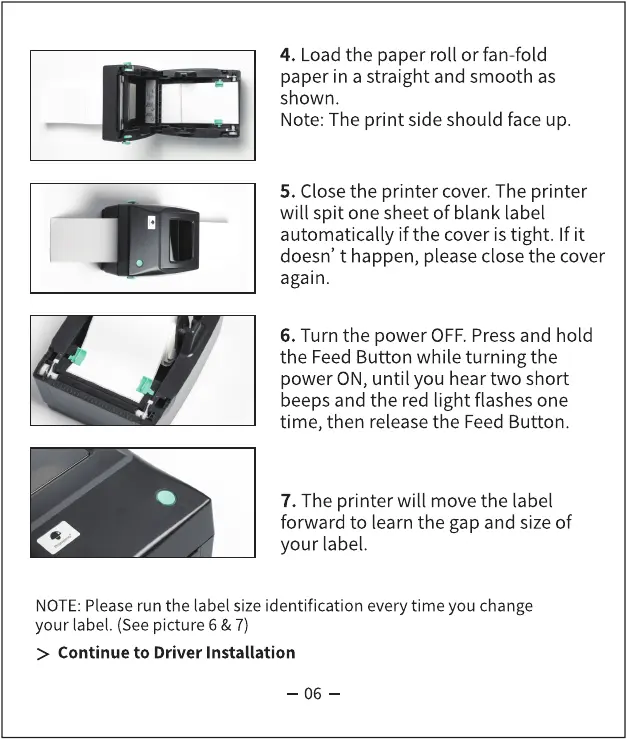
4. Load the paper roll or fan-fold
paper in a straight and smooth as
shown.
Note: The print side should face up.
5. Close the printer cover. The printer
will spit one sheet of blank label
automatically if the cover is tight. If it
doesn' t happen, please close the cover
again.
6. Turn the power OFF.Press and hold
the Feed Button while turning the
power ON, until you hear two short
beeps and the red light flashes one
time, then release the Feed Button.
7. The printer will move the label
forward to learn the gap and size of
your label.
NOTE:Pleaserun the label size identification every time you change
your label. (Seepicture 6 & 7)
> Continue to Driver Installation
06



 To Next Page