11
Deutsch
115 VAC
230 VAC
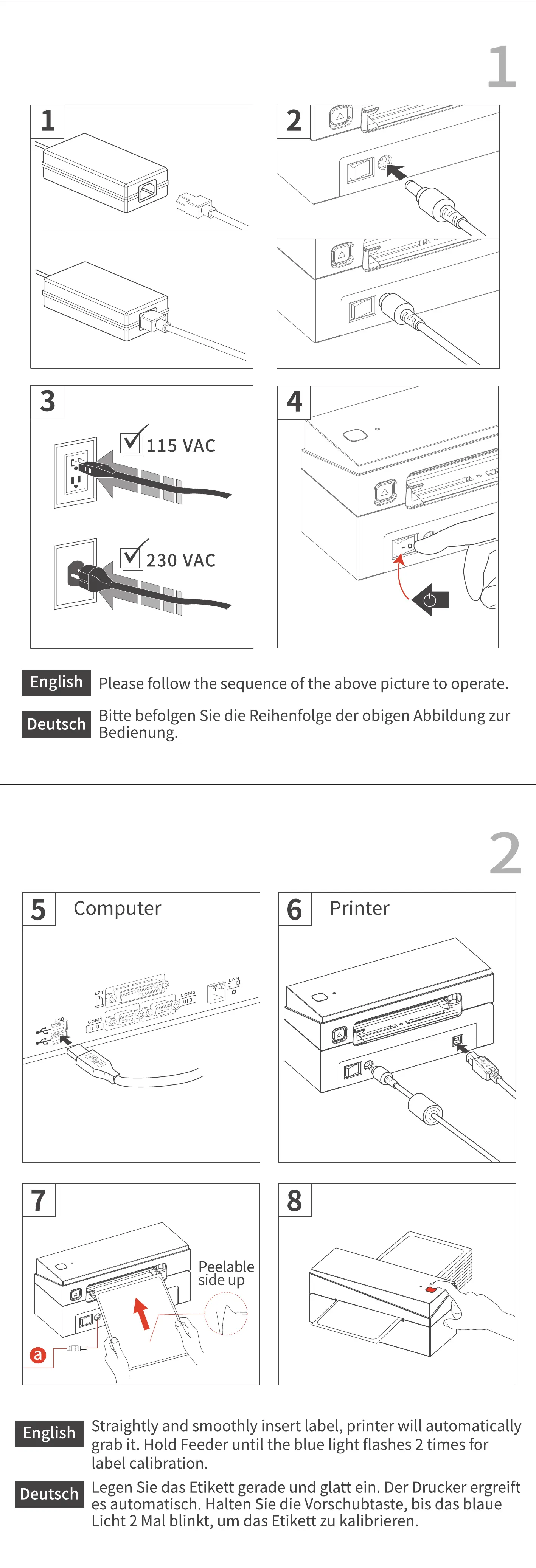
Please follow the sequence of the above picture to operate.
Bitte befolgen Sie die Reihenfolge der obigen Abbildung zur
Bedienung.
5
USB
Computer
6
Printer
coM2
COMI
0
0000000000000 0
00000
0 0000
00000 0
0000
English
Deutsch
Peelable
side up
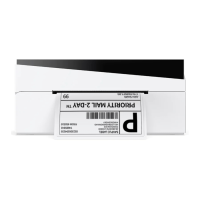
Straightly and smoothly insert label, printer will automatically
grab it. Hold Feeder until the blue light flashes 2 times for
label calibration.
Legen Sie das Etikett gerade und glatt ein. Der Drucker ergreift
es automatisch. Halten Sie die Vorschubtaste, bis das blaue
Licht 2 Mal blinkt, um das Etikett zu kalibrieren.


 To Next Page