9
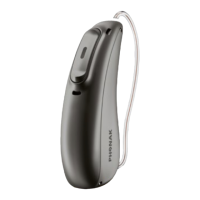
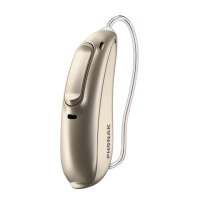
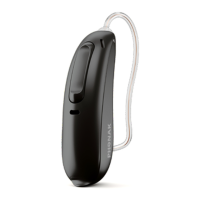
Multi-function button with indicator light
The button has several functions. It
functions as an on/o switch, a
volume control and/or a program
change depending on the hearing aid
programming. This is indicated in
your individual instructions. If paired
with a Bluetooth® enabled phone, a
short press will accept and a long
press will reject an incoming call.
On/O
Firmly press the lower part of the
button for 3 seconds until the
indicator light blinks.
On: indicator light is solid green
O: indicator light is solid red
Enter ight mode
Press the lower part of the button for
7 seconds until the solid orange light
appears. Then release the button.


 To Next Page
 Loading...