36
FM communication with eXtra (optional)
When not in use, the MicroLink receivers automatically
switch to a low power stand-by mode.
Note
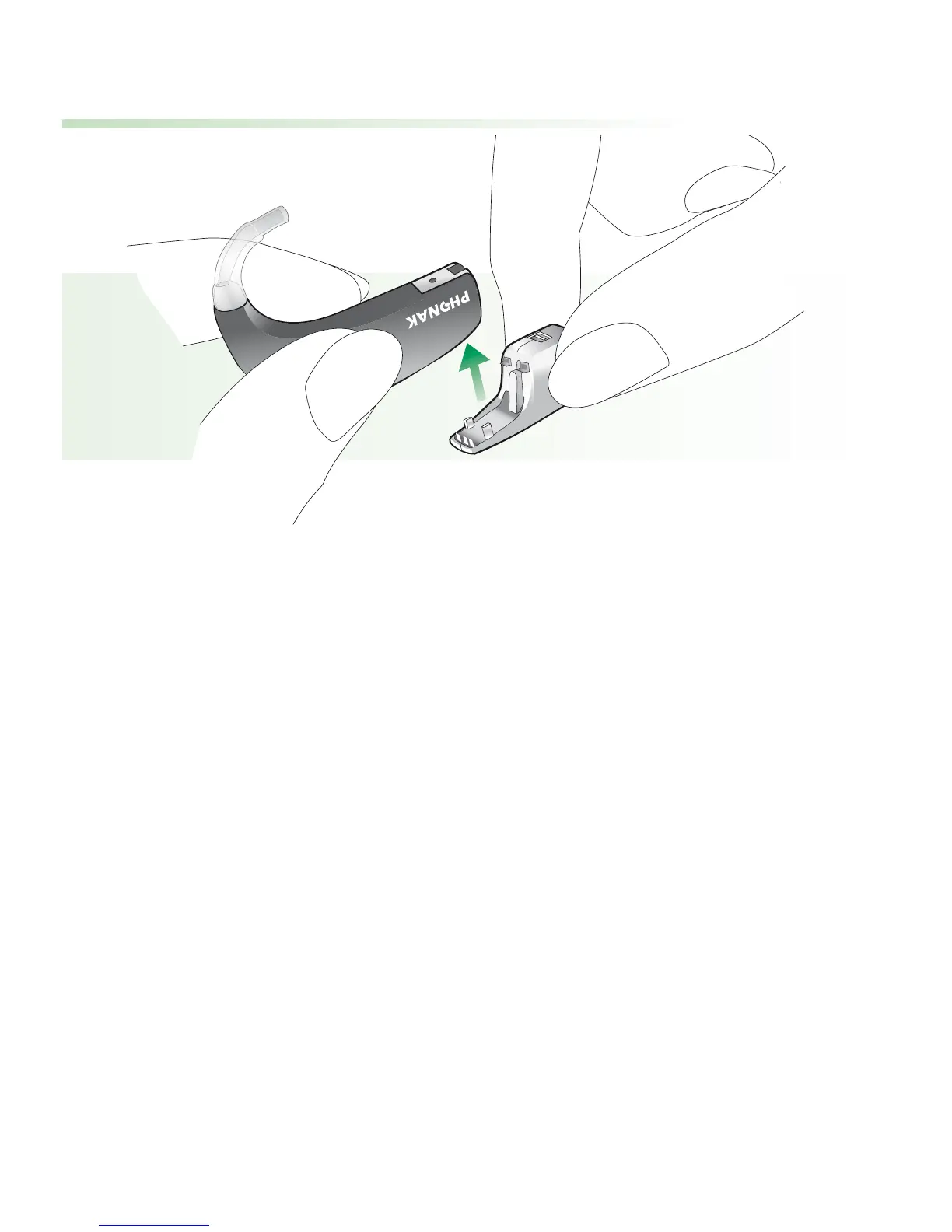
With the audio shoe, a universal MicroLink MLxS or
another audio signal source can be connected to your
eXtra hearing system.
Manual selection of an FM program
Use the program switch to select the desired FM
program, identified by the appropriate acoustic signal.








 To Next Page