EasyManua.ls Logo

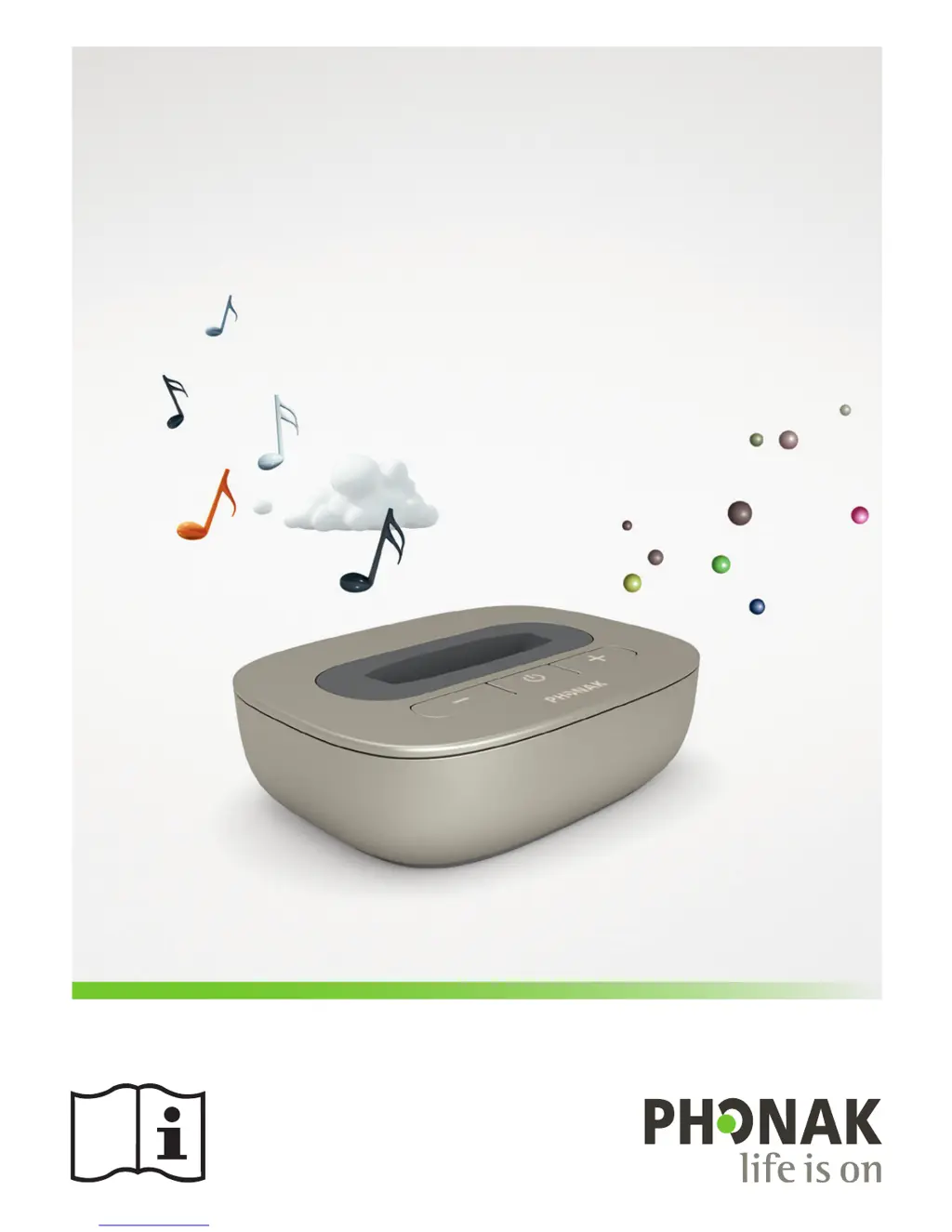
Phonak TVLink II - User Manual

Phonak TVLink II
56 pages
Print Icon
To Next Page IconTo Next Page
Loading...
User Guide
Phonak TVLink II

Other manuals for Phonak TVLink II

Questions and Answers

  • M
    Ms. Kathleen DeanJul 27, 2025
    How to adjust streaming volume on Phonak TVLink II?
    • N
      Natalie LawrenceJul 27, 2025
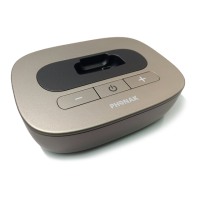
      If you're struggling with the volume during streaming with your Phonak Hearing Aid, the issue might stem from varying output volumes of your TV audio sources. If your TVLink II is connected via optical, coaxial, RCA/Cinch, or SCART, use the base station volume buttons to adjust. Alternatively, if connected to the headset output, adjust the volume using your TV's volume control. You can also adjust the volume of your satellite receiver or set-top box, or directly adjust the volume using the streamer volume buttons.
  • E
    emunozAug 5, 2025
    What to do if I cannot hear TV sound via Phonak TVLink II streamer?
    • S
      Shawn VelasquezAug 5, 2025
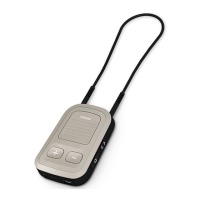
      If you cannot hear sound from the TV via the streamer with your Phonak Hearing Aid, ensure all devices are switched on. Check that the TV is not muted, providing audio input to TVLink II. If TVLink II is in pause mode, a short press of the streamer main button will resume. Also, ensure the streamer and TVLink II are not too far apart; keep them closer than 30 meters (100 ft).
  • C
    Corey MaloneAug 16, 2025
    Why does my TV loudspeaker switch off after connecting Phonak Hearing Aid TVLink II?
    • D
      Dylan ClarkAug 16, 2025
      If the TV loudspeaker switches off after connecting the TVLink II to your Phonak Hearing Aid, it's likely you've selected the headset output on your TV. To resolve this, choose a different audio output such as optical, coaxial, RCA/Cinch, or SCART.

Summary

Getting Started with Phonak TVLink II

Setting Up the Power Supply

Instructions for selecting and attaching the correct power adapter for your region.

Selecting the Charging Slot

Guide on changing the charging slot to accommodate different Phonak streamers.

Connecting the Power Supply

Steps for connecting the power supply to the TVLink II unit.

Supported Audio Formats

Explanation of the different audio input types supported by the TVLink II.

Charging the Streamer

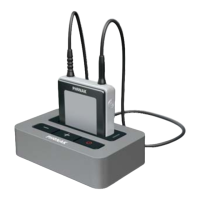
Guide on how to properly charge the Phonak streamer using the TVLink II.

Pairing TVLink II and Streamer

Steps and requirements for pairing the TVLink II with a Phonak streamer.

Daily Use of Phonak TVLink II

Troubleshooting and FAQs

Testing Audio Transmission

Steps for testing audio signal transmission and connection issues.

Important Safety Information

Phonak TVLink II Specifications

General IconGeneral
CompatibilityPhonak hearing aids
TechnologyWireless
FunctionTV audio streaming
Audio Input3.5 mm audio jack, optical input
Power SupplyExternal power adapter
ChargingNot applicable
Battery LifeNot applicable
Charging TimeNot applicable

Related product manuals