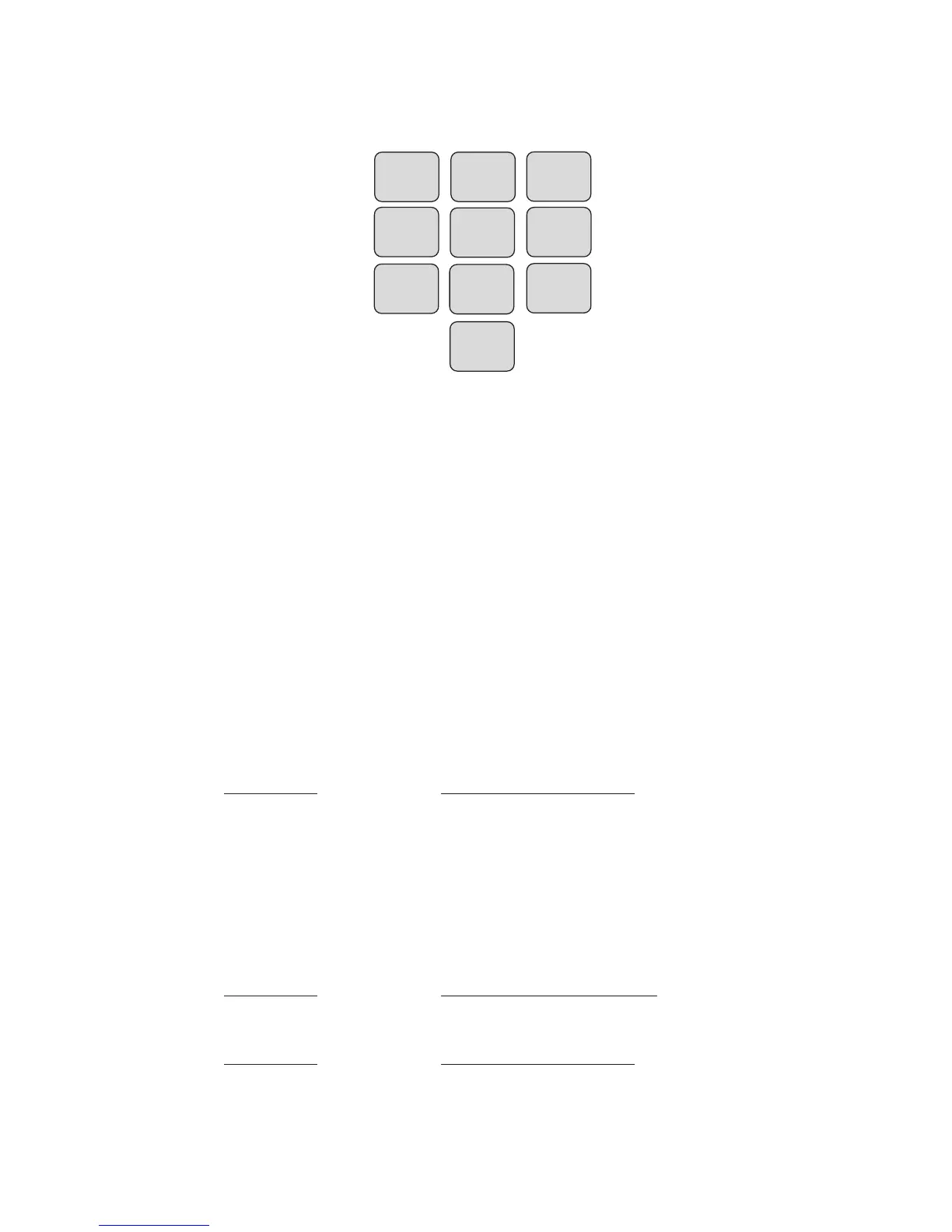
The commands are put together based on the letters of a touch-
tone telephone. See typical telephone keypad layout below.
Many of the commands use three letters that represent an
abbreviation of the selected command. For example, to Set a
High limit on Zone 1 you would press S + H + 1 (or in numeric
form 7 + 4 + 1)
The tables below list all of the touch-tone commands that are
supported. Commands are listed in both character and numeric
formats. The # key is used as an ENTER key. Use the * key to
represent a negative sign or to represent the [CODE] key when
programming telephone numbers.
Enable/Disable Zones
This command will toggle the selected zone between the enabled
or disabled state.
Description Touch-Tone Command
Enable/Disable Zone * + Z(9) + (zone number)
Set and Recite High & Low Alarm Limits
The following commands are used to set or recite the Low Alarm
Limit for any Zone.
Description Touch-Tone Command
Set Zone Low Limit S(7) + L(5) + (zone #) + (value) + #
Description Touch-Tone Command
What Is Zone Low Limit W(9) + L(5) + (zone #)
Sensaphone
®
Model 800 User’s Manual
93


 To Next Page