38
09004 - EN
9. DELETION OF SENSORS IN MEMORY
Unscrew the two screws on the plastic housing of the central module to access the board.
a. disconnect the power supply of the central module
b. set ALL switches to the ON position
c. power on the central module, if the procedure is carried out correctly, the buzzer will emit 10 beeps
d. Return all switches to the OFF position
Close the module.
10. ADDITIONAL MODULES (OPTIONAL)
To increase the level of vehicle protection, the system can be complemented with the following accessory modules:
- Anti-lifting (09350) ---> detects any attempt to lift the vehicle
- Hyperfrequency module (09351) ---> additional volumetric module
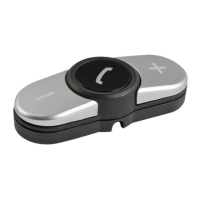
- PAGER GSM dialer (09509) ---> sending alerts (sms and/or voice call) in case of alarm and GSM tracking of the vehicle
- PAGER GPS telephone dialer (09508) ---> sending alerts (sms and/or voice call) in case of alarm and GPS tracking of the vehicle
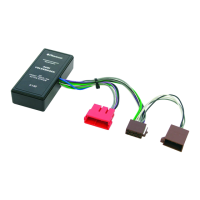
- Central locking module (09114) ---> To control the central locking system of the vehicle (see next paragraph for details of operation).
11. PLIP CONNECTION (VEHICLES WITH ORIGINAL REMOTE CONTROL NO CAN)
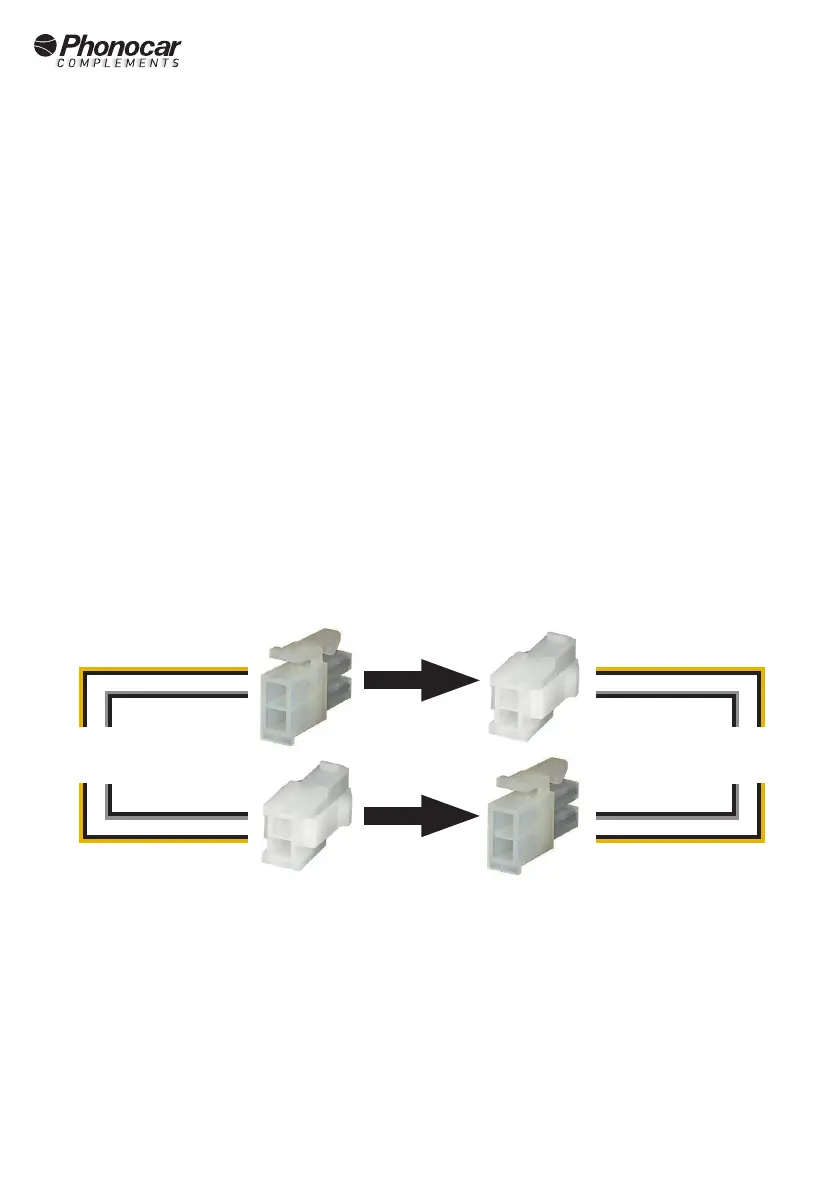
To use the original remote control in vehicles not equipped with a CAN network, connect the supplied wiring to the alarm wiring harness as
shown in the diagram below and make the necessary connections on the vehicle's system. The vehicle wiring diagrams and instructions are
available at: https://automotive.professionalarea.vodafone.com/
*Attention: For the PLIP connection, the control unit must be programmed appropriately depending on the vehicle.
PLIP
wiring
alarm
wiring
yellow-blackyellow-black
yellow-blackyellow-black
grey-blackgrey-black
grey-blackgrey-black


 To Next Page