11
EN
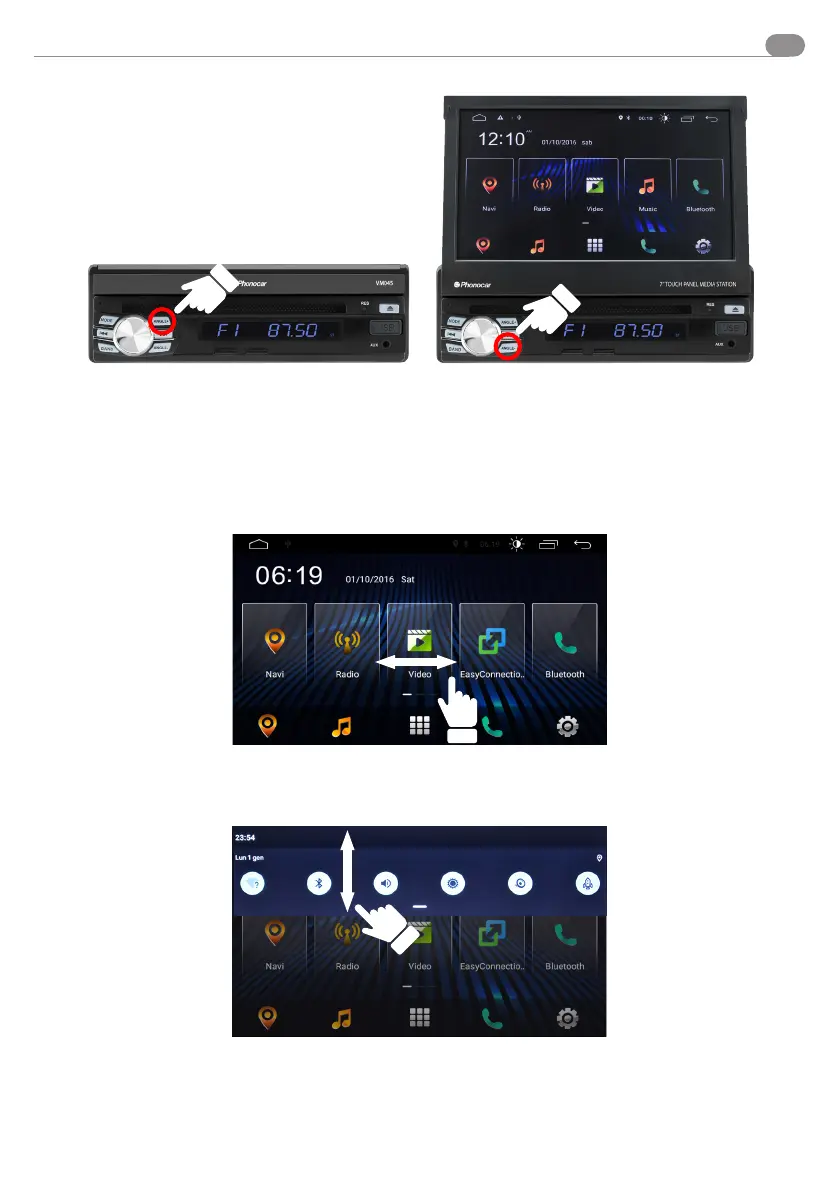
The VM045 starts automatically when the car is turned on.
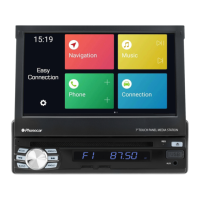
Slide the menu panels to the right/left.
Besides the right/left sliding panels, you will nd additional
features in the drop-down menu by dragging from top to
bottom.
Use
OPEN and CLOSE DISPLAY:
To open the display, press and hold the button marked ANGLE+.
To close it, press and hold ANGLE -
You can adjust the display tilting as you wish by pressing the ANGLE+ or ANGLE-key once.


 To Next Page