11
En
INSTRUCTION MANUAL
6. Press the corresponding function button to
in
.
Turn the
“Adjust/Set knob”to turn the sound on/o.
For RX OFF
Functions in Multi mode
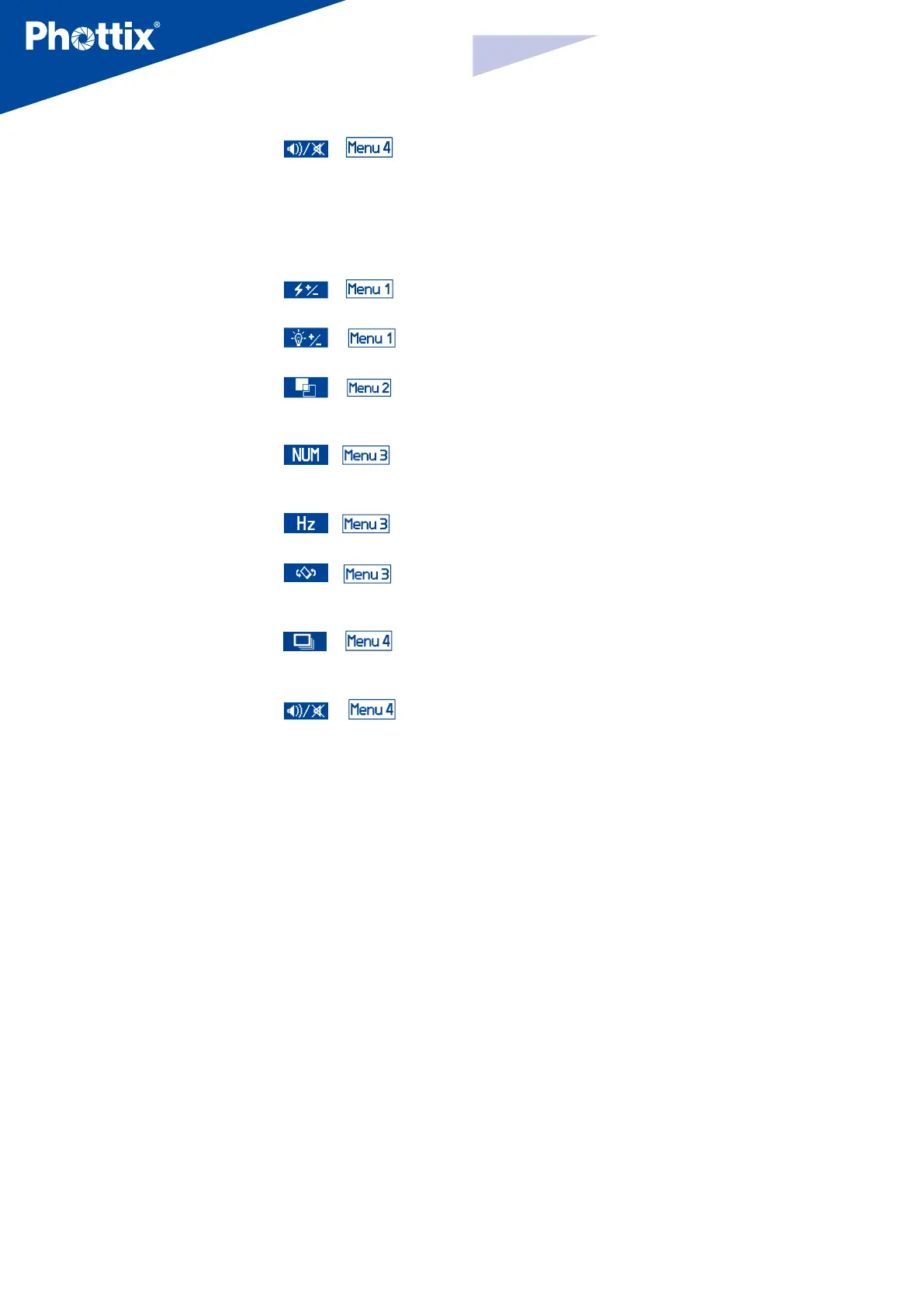
1. Press the corresponding function button to
in
. Turn the
“Adjust/Set knob” to adjust the ash power from 1/4 to 1/128 - 6 stops.
2. Press the corresponding function button to
in
. Turn the
“Adjust/Set knob” to adjust the Modeling Light mode (OFF/01-09).
3. Press the corresponding function button to
in
.
Turn
the “Adjust/Set knob”to adjust the LCD color screen setting (Classic, Dynamic,
Elegant).
4. Press the corresponding function button to
in
to adjust
the ash count from 1-100 times (based on the ash frequency and ash
output).
5. Press the corresponding function button to
in
.
Turn the
“Adjust/Set knob”to adjust the ash frequency from 1-100Hz.
6. Press the corresponding function button to
in
.
Turn
the “Adjust/Set knob”to adjust the LCD Display Sensor Setting (Regular,
Upside-down and Auto by sensor).
7. Press the corresponding function button to
in
,
the
Continuous ash mode option will be highlighted on the LCD screen. Turn the
“Adjust/Set Knob” to turn the Quick Continuous ash mode on/o.
8. Press the corresponding function button to
in
.
Turn the
“Adjust/Set knob”to turn the sound on/o.
Please Note:
If the “Adjust/Set knob” or the corresponding function button is not pressed
to conrm the selected parameter, the selected parameter will be conrmed
by default within 10 seconds.


 To Next Page