!
,C.)5+&'.!/*,)!3/3(14
!
/RG
!
\'!.K$)PE!.'@)K8+/!J/+.$'4.b
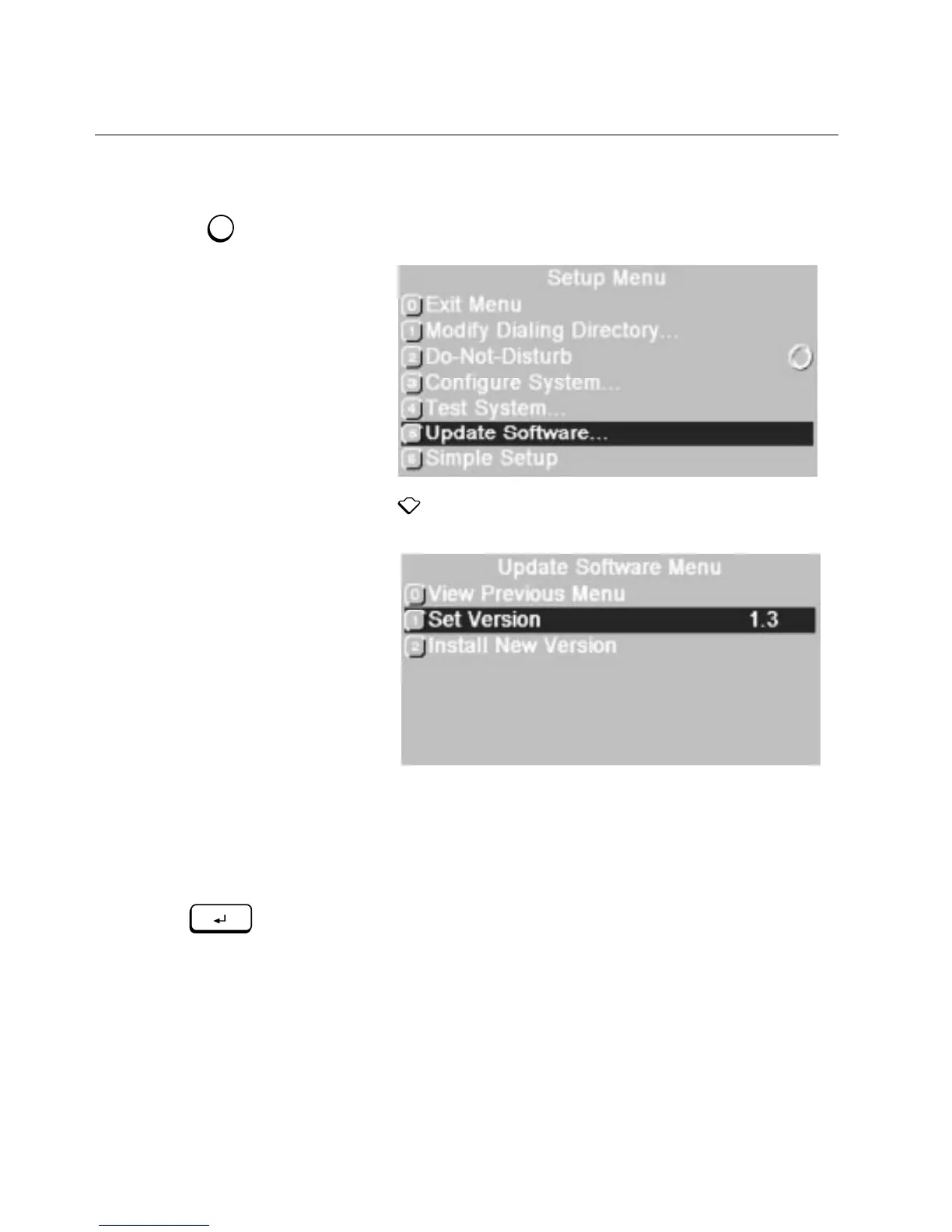
1. Press
SETUP
.
!
\E/!,/)(7!>/4(!877/8+."
2. Press and
ENTER
to choose
Update Software.
!
\E/!B738)/!,'@)K8+/!>/4(!877/8+."
3. Choose
Set Version
.
!
B7!)'!)K'!8J8$98&9/!.'@)K8+/!J/+.$'4.!8+/!9$.)/3"
4. Choose a software version and press
ENTER
.
!
\E/!0/..85/!
Change from Version XXX to Version YYY
!
!877/8+."
5. Press
ENTER
to change versions or press
CANCEL
!
!
if you want to
leave the current version unchanged.
!
*'(+!.-.)/0!.K$)PE/.!.'@)K8+/!J/+.$'4."


 To Next Page