!
5HH!5I*,(!(Q1!+&5H&'.!+&)1-(*)/
!
GRC
!
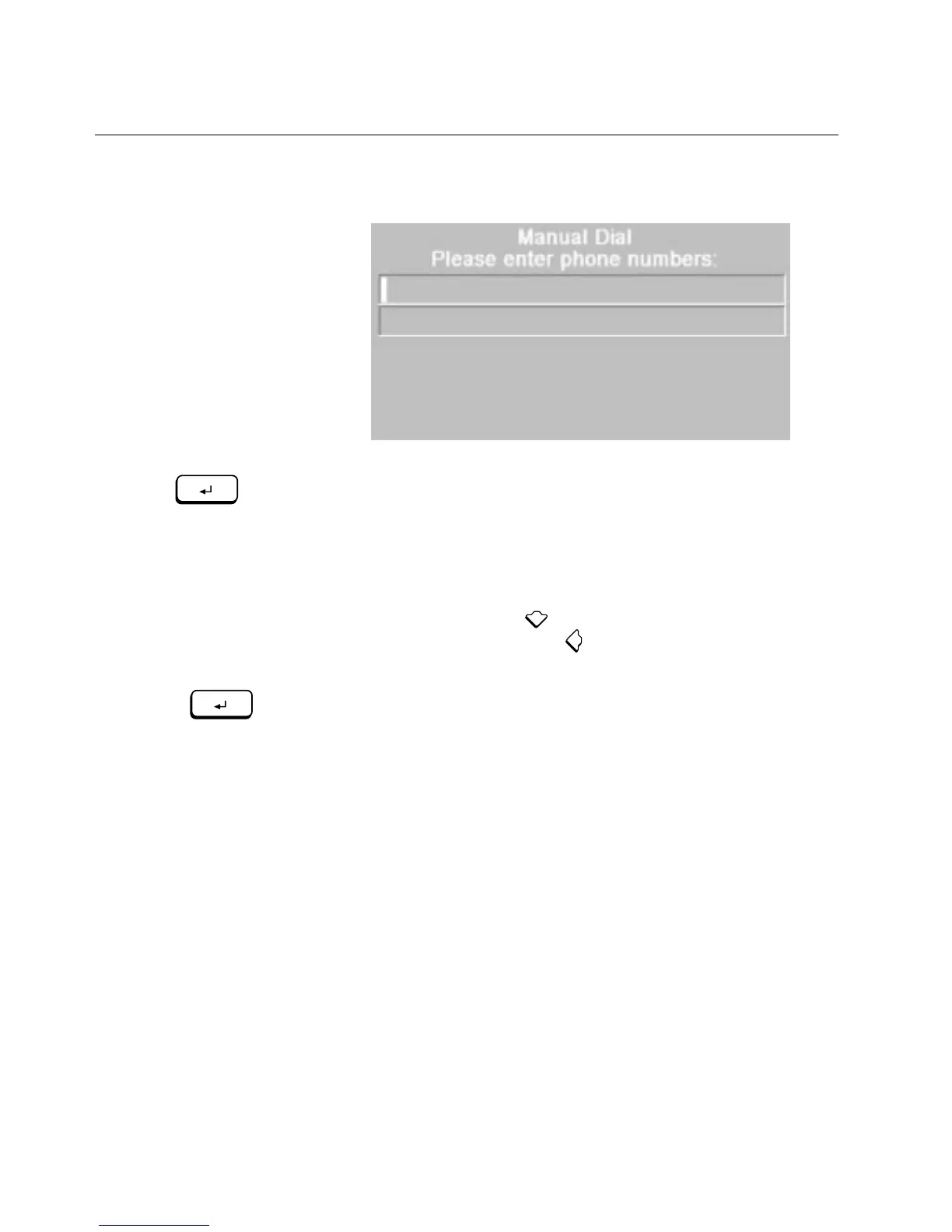
%4')E/+!.P+//4!877/8+.X!8.G$45!-'(!)'!/4)/+!)E/!7E'4/!
4(0&/+."
6. Type the first telephone number, and press
ENTER
.
!
\E/!4(0&/+.!877/8+!'4!)E/!.P+//4!8.!-'(!)-7/!)E/0"
7. If your call needs two telephone numbers, type the second
number. (If your call needs only one telephone number, skip this
step.)
!
?4.)/83!'@!7+/..$45!
ENTER
!
!8@)/+!)-7$45!)E/!`+.)!)/9/7E'4/!
4(0&/+X!-'(!P84!7+/..! !)'!P'7-!)E/!`+.)!)/9/7E'4/!4(0&/+!)'!
)E/!./P'43!9$4/"!\E/4!7+/..! !)'!&8PG.78P/!$@!-'(!4//3!)'!
PE845/!.'0/!'@!)E/!4(0&/+."
8. Press
ENTER
again (whether or not you typed a second number).
!
%!0/..85/!877/8+.!8.G$45!$@!-'(!K84)!)'!833!84-!0'+/!/4)+$/."
9. Choose
Yes
to add more entries to the Dialing Directory or choose
No
if you don’t want to add more entries at this time.
Saving the Last Dialed Call in the Dialing Directory
!
?@!-'(!084(899-!3$89!8!7E'4/!4(0&/+X!-'(!P84!8()'08)$P899-!.8J/!
)E8)!4(0&/+!$4!)E/!O$89$45!O$+/P)'+-!)'!(./!8)!84')E/+!)$0/"!*'(!
0(.)!.8J/!)E/!4(0&/+!K$)E$4!`J/!0$4()/.!'@!E845$45!(7!)E/!P899"
ENTER
ENTER



 To Next Page