!
5%%6$7!:@!3#D6$7!#!'?E!+6#;6$7!+6@?J9:@O!1$9@O
!
GRE
!
\'!.8J/!)E/!98.)!084(899-!3$89/3!4(0&/+!$4)'!)E/!O$89$45!O$+/P)'+-b
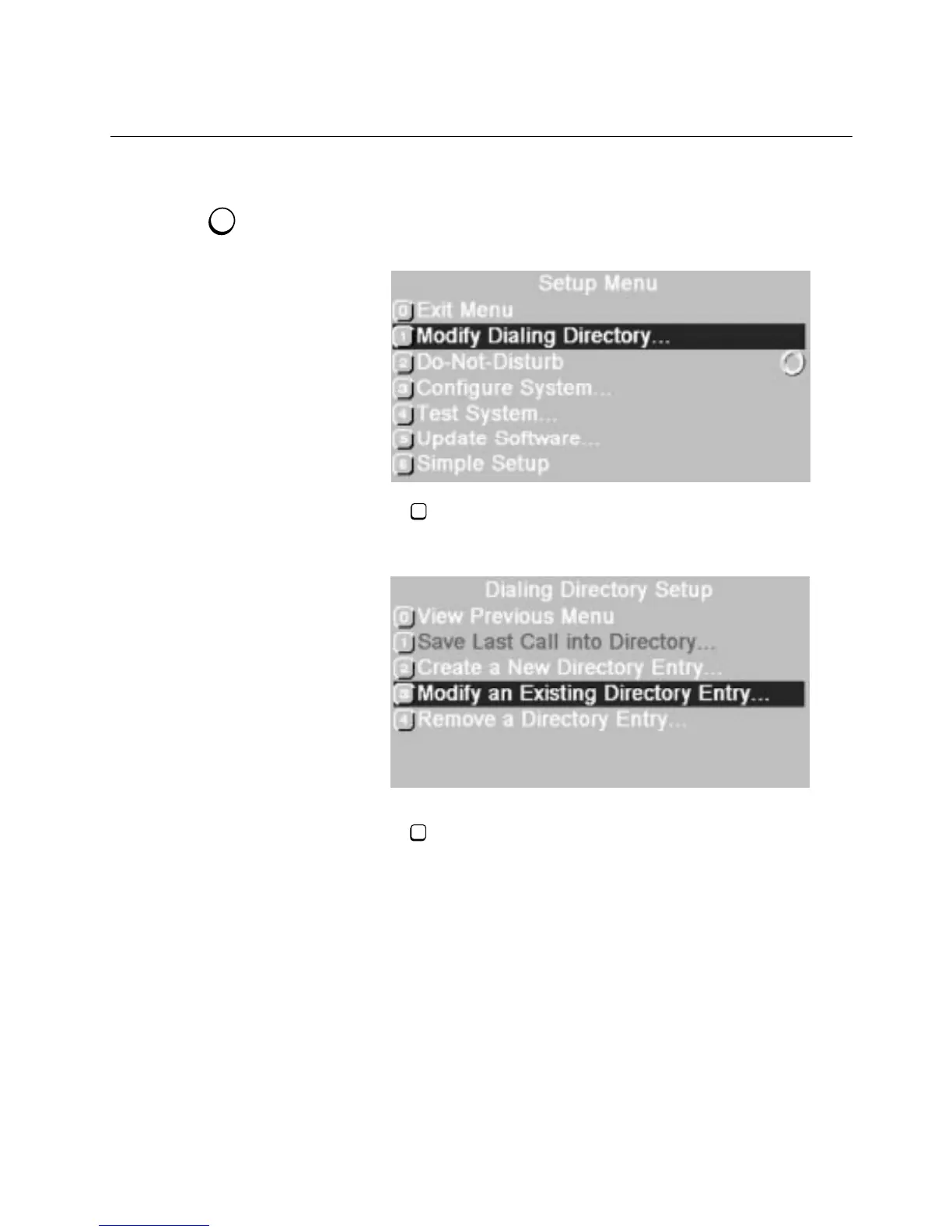
1. Press
SETUP
.
!
\E/!,/)(7!>/4(!877/8+."
2. Press to choose
Modify Dialing Directory
.
!
\E/!O$89$45!O$+/P)'+-!,/)(7!>/4(!877/8+."
3. Press
!
!
to choose
Save Last Call into Directory.
!
%!.P+//4!877/8+.!.E'K$45!)E/!4/#)!8J8$98&9/!3$+/P)'+-!/4)+-!
4(0&/+"!*'(!P84!(./!)E8)!4(0&/+!'+!/4)/+!8!4/K!'4/!d@+'0!1!
)E+'(5E!SSSe"!\E/!4(0&/+!-'(!/4)/+!&/P'0/.!)E/!.7//323$89!
4(0&/+!@'+!)E8)!.$)/"
4. Enter the speed-dial number and site name as described in Steps
4 and 5 of the “Adding a New Dialing Directory Entry” section.
!
%!K8+4$45!0/..85/!877/8+.!$@!84!$3/4)$P89!.$)/!480/!'+!4(0&/+!
$.!89+/83-!$4!)E/!O$89$45!O$+/P)'+-"!6)E/+K$./!)E/!4/K!/4)+-!$.!
833/3"
SETUP
1
1



 To Next Page