!
+6#;6$7!#!-#;;
!
ARE
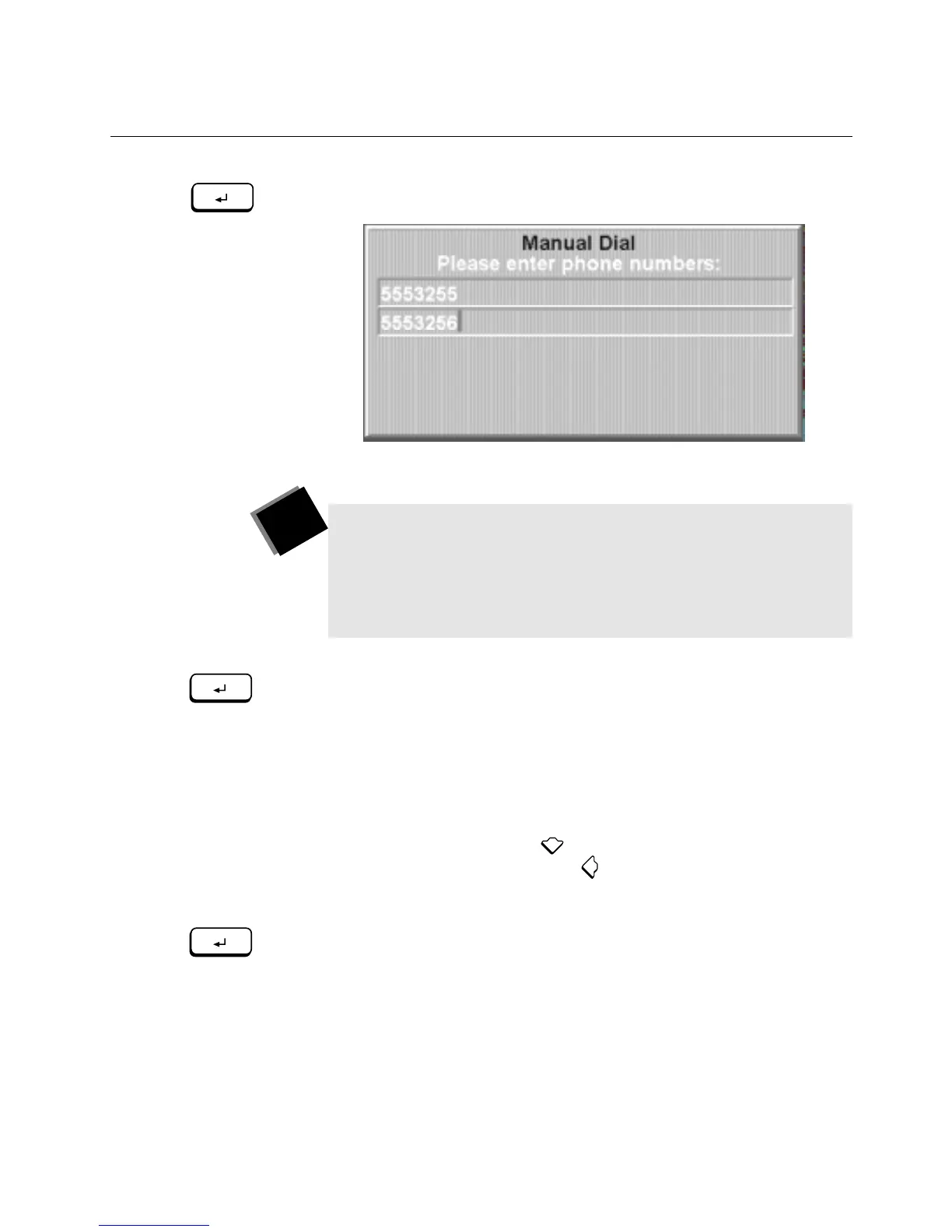
2. Press
ENTER
to choose
Place Manually Dialed Call
.
!
\E/!>84(89!O$89!.P+//4!877/8+."
3. Type the first telephone number, and press
ENTER
.
!
\E/!4(0&/+.!877/8+!'4!`+.)!9$4/!'@!)E/!>84(89!O$89!.P+//4!8.!
-'(!)-7/!)E/0"
4. If your call needs two telephone numbers, type the second
number. (If your call needs only one telephone number, skip this
step.)
!
?4.)/83!'@!7+/..$45!
ENTER
!
!8@)/+!)-7$45!)E/!`+.)!)/9/7E'4/!
4(0&/+X!-'(!P84!7+/..! !)'!P'7-!)E/!`+.)!)/9/7E'4/!4(0&/+!)'!
)E/!./P'43!9$4/"!\E/4!7+/..! !)'!&8PG.78P/!$@!-'(!4//3!)'!
PE845/!.'0/!'@!)E/!4(0&/+."
5. Press
ENTER
again (whether or not you typed in a second number)
to start dialing.
T I P
!
?4.)/83!'@!7+/..$45!
CALL/ADD
!
!843!)E/4!
ENTER
!
X!-'(!P84!
084(899-!3$89!V(.)!&-!7+/..$45!)E/!4(0&/+.!'4!)E/!E8432
E/93!+/0')/"!%.!.''4!8.!-'(!7+/..!8!4(0&/+!&())'4X!)E/!
>84(89!O$89!.P+//4!877/8+.X!.E'K$45!)E/!4(0&/+.!8.!-'(!
)-7/!)E/0"
ENTER
ENTER
ENTER



 To Next Page