I1/*'+!(Q1!I53&-3
ER3C
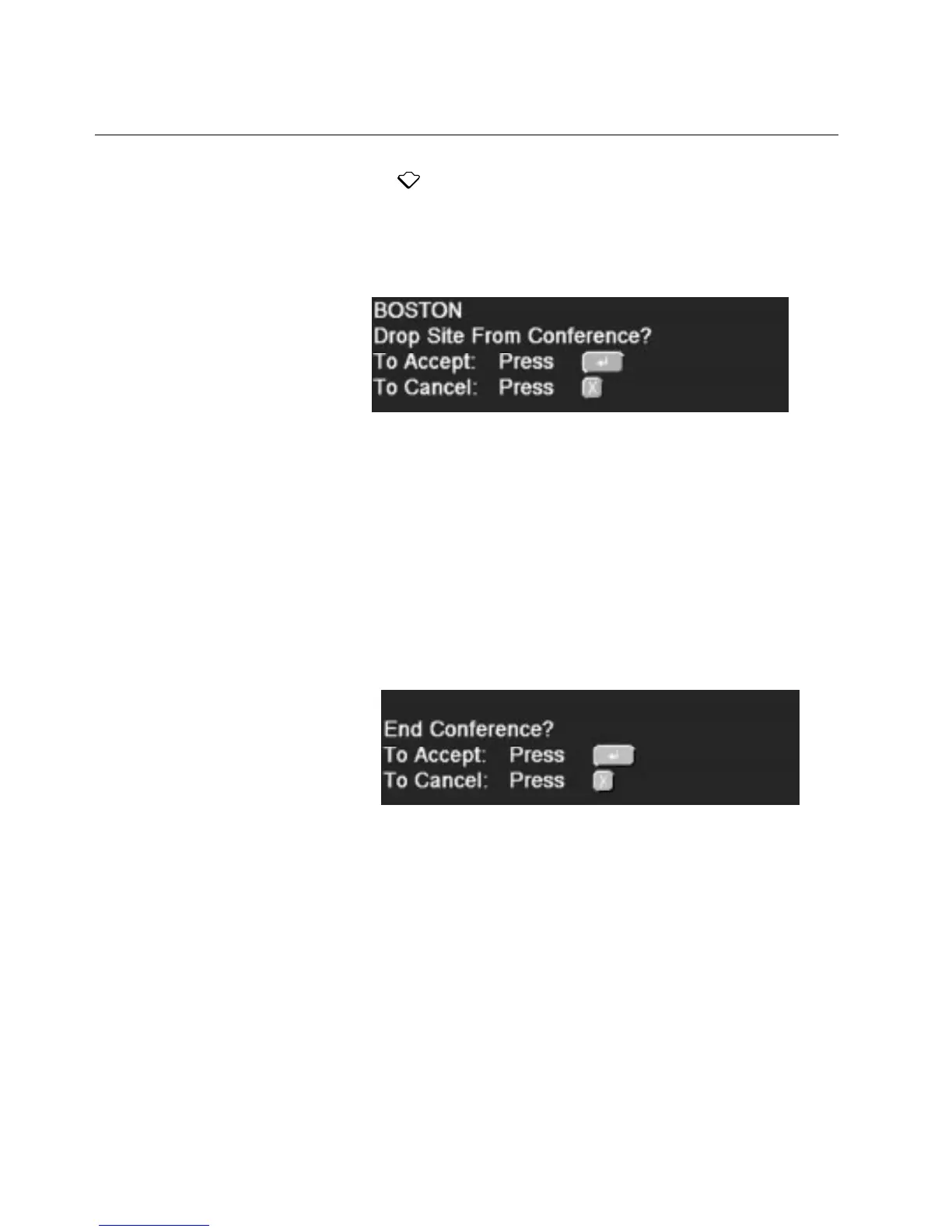
2. Press to highlight the site you want to drop.
3. Press
ENTER
.
\E/!.-.)/0!3$.798-.!8!0/..85/!8.G$45!-'(!)'!P'4`+0!)E/!8P)$'4!
'@!3+'77$45!)E/!.$)/!@+'0!)E/!J$3/'P'4@/+/4P/"
4. Press
ENTER
again.
\E/!.$)/!3+'7.!@+'0!)E/!J$3/'P'4@/+/4P/"
Ending the Videoconference
?@!-'(!E8J/!PE8$+!P'4)+'9X!-'(!P84!/43!)E/!J$3/'P'4@/+/4P/"!\'!/43!
)E/!J$3/'P'4@/+/4P/b
1. Choose
End Conference
from the Chair Control menu.
\E/!@'99'K$45!P'4`+08)$'4!0/..85/!877/8+."
2. Press
ENTER
.
[E/4!-'(!/43!)E/!J$3/'P'4@/+/4P/X!)E/!0/..85/!Ending call!
877/8+.!'4!)E/!0'4$)'+!'@!/8PE!.$)/!&/@'+/!)E/!P899!/43."



 To Next Page