Pinell north basic
Equaliser (in DAB and FM mode)
Press
MENU
>
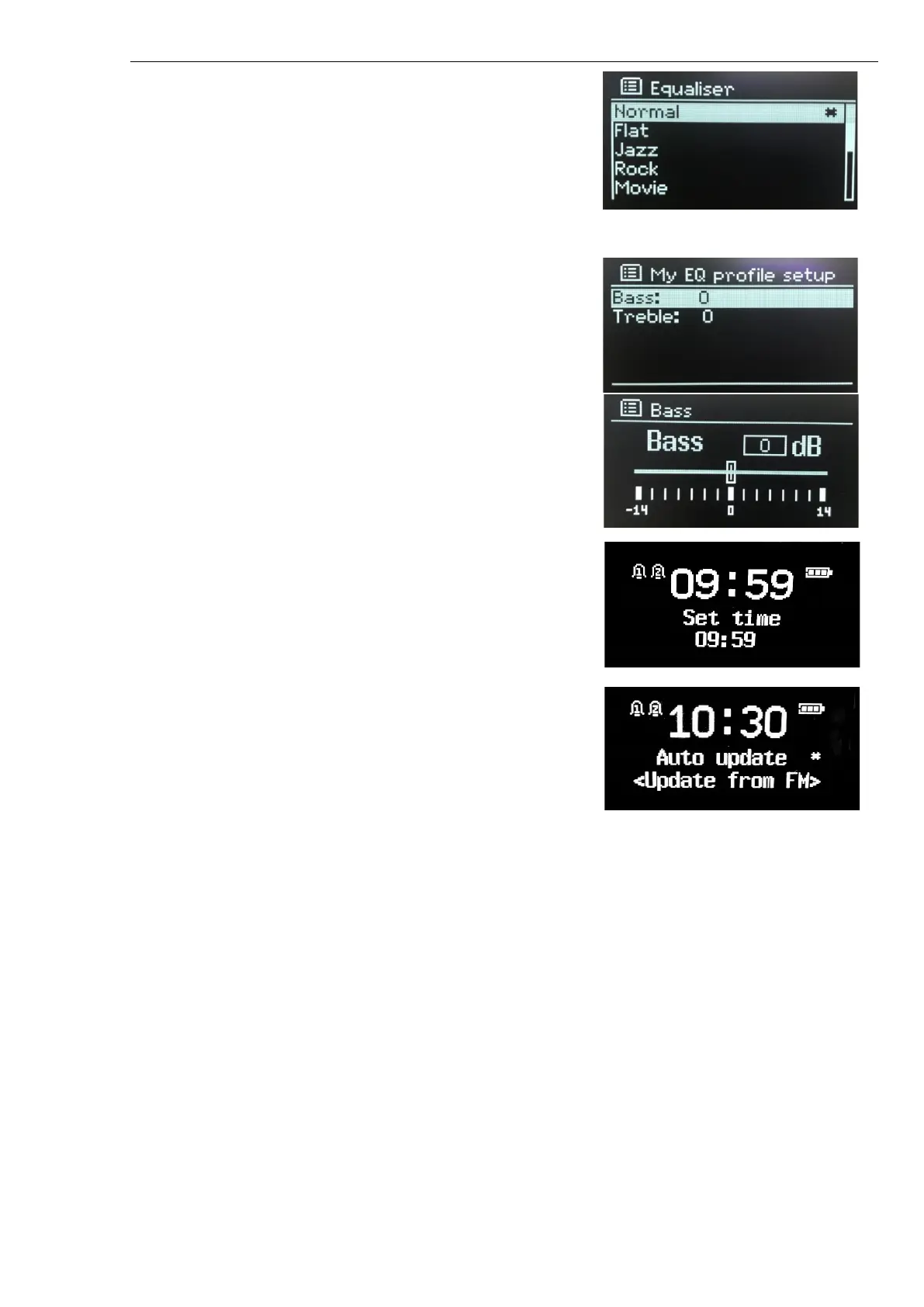
Equaliser
>
SELECT
and choose from a variety of
predefined settings:
•
Normal, Classic, Jazz, Pop, Rock or Speech
•
My EQ-settings
The last option ‘My EQ profile setup’ allows you to define your own
settings, with custom bass and treble.
Time/Date
•
Set Time/Date
•
Auto Update
•
Set 12/24 hours
•
Set date format
Set Time/Date
Time and date are displayed as dd-mm-yyyy and hh:mm with the
first value, dd, active (flashing). Adjust each value with SELECT
control.
Auto-update
Auto-update works with data sent over DAB or FM. The clock is
only updated when in a corresponding mode.
Options: Update from Any (DAB or FM), DAB or FM
Set 12/24 hours
Allows you to change between 12 and 24 hours display mode.
Set date format
Allows you to change between DD-MM-YYYY and MM-DD-YYYY.
Backlight
The display can be set to dim, when in Standby, after a Timeout period. This option allows you to set the
timeout period and the brightness settings before (On level) and after (Dim level) the timeout period.
•
Power on: High, Medium or Low.
•
Standby: High, Medium or Low
Language
The default language is English. To change, press MENU > Language > select you Language > SELECT.
Factory reset
A factory reset resets all user settings to default values, so time/date, network configuration and presets
are lost. However, the radio’s current software version is maintained.
To perform a factory reset, press MENU > Factory Reset > select Yes > SELECT.
SW version
Shows details of the current system:



 To Next Page