Pinell north basic
Screens
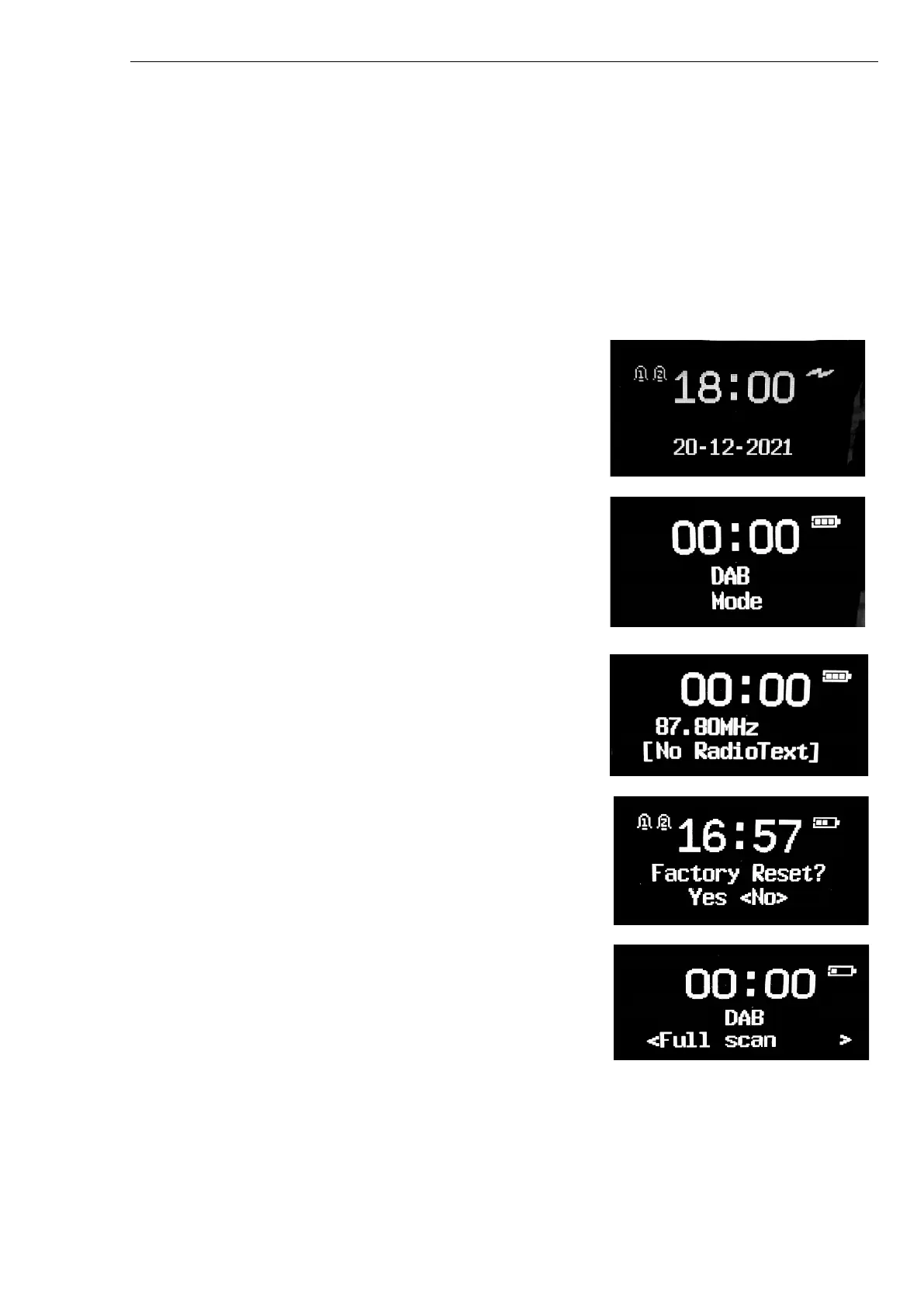
The screen shows various menus, dialogues and displays. There are basically six types of screens:
•
Standby (clock & date)
•
Splash (mode)
•
Now playing
•
Dialogue
•
Error/Information
•
Menu
Where there is more text than can be fitted onto a screen, the text automatically scrolls right to left after a
brief pause.
The Standby screen shows the time, date and any active alarm
times.
A Splash screen is displayed for each mode.
Now playing screens show information about the audio source and
track now playing, where available.
Dialogue screens are shown to allow the user to change settings.
Menu screens – for details of the selected mode.



 To Next Page