EasyManua.ls Logo

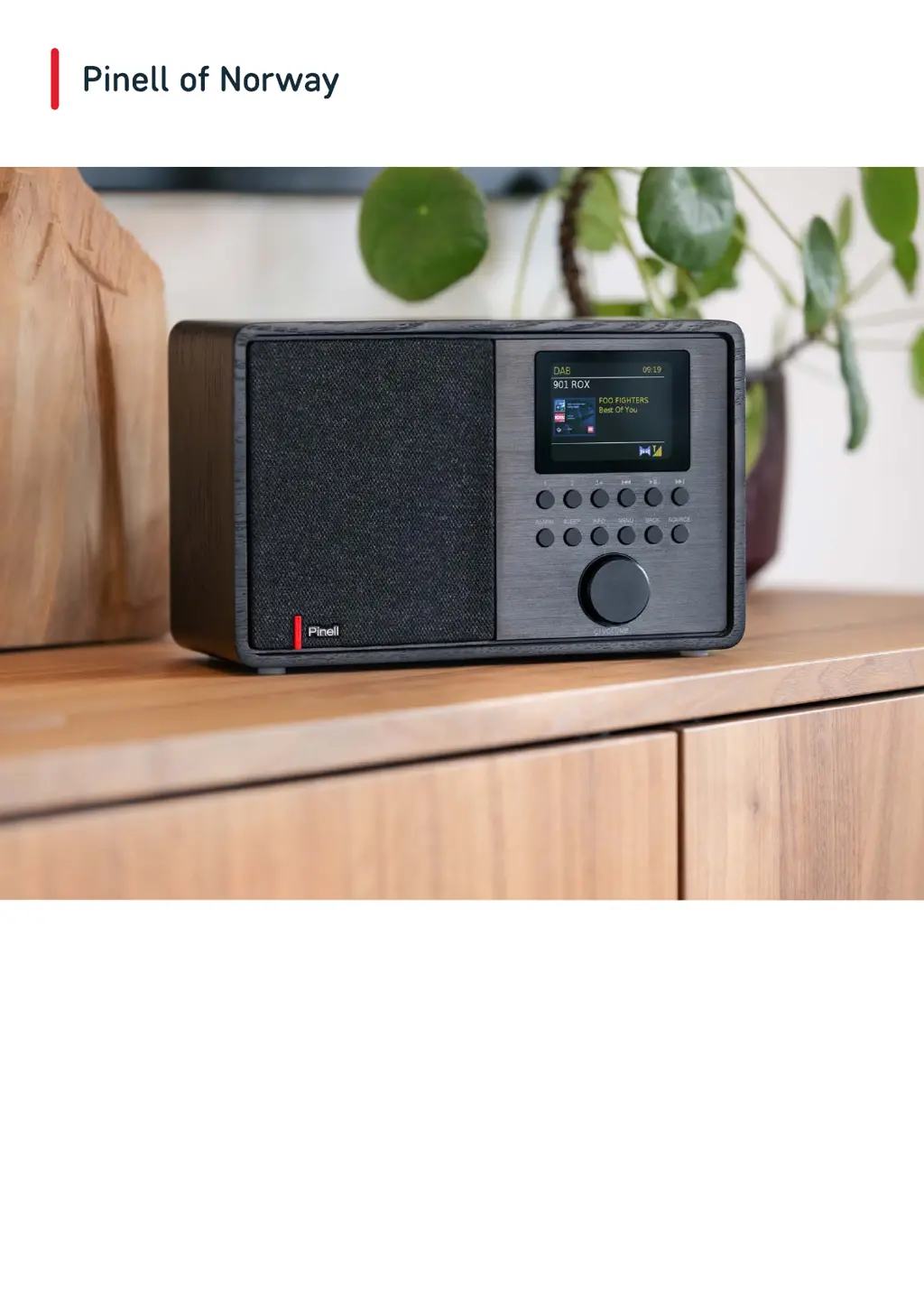
Pinell SUPERSOUND 202 - User Manual

Pinell SUPERSOUND 202
29 pages
Print Icon
To Next Page IconTo Next Page
Loading...
User Manual
SUPERSOUND 202
DAB/DAB+ / FM / Internet Radio / Bluetooth / Podcasts / Spotify

Questions and Answers

  • S
    scott50Aug 11, 2025
    What to do if my Pinell Radio says network not ready?
    • J
      Jacqueline RivasAug 11, 2025
      If your Pinell Radio displays a 'Network not ready' error, the most likely cause is that your router is switched off. Make sure that the router is powered on.
  • N
    Neil PerezAug 18, 2025
    How to fix Pinell Radio failed to connect?
    • N
      ncontrerasAug 18, 2025
      If your Pinell Radio fails to connect, check your router settings to see if MAC filtering is enabled. If it is, adjust the settings accordingly.
  • S
    Samantha GarciaAug 26, 2025
    What to do if my Pinell Radio shows a format error?
    • L
      lchanAug 26, 2025
      If your Pinell Radio shows a 'Format error', check the file format and ensure that it is compatible with the radio.
  • S
    Sarah NelsonSep 3, 2025
    What to do if Pinell Radio shows network timeout?
    • S
      Seth MurilloSep 3, 2025
      If your Pinell Radio shows a 'Network timeout' error, try reconnecting to the network.

Pinell SUPERSOUND 202 Specifications

General IconGeneral
BrandPinell
ModelSUPERSOUND 202
CategoryRadio
LanguageEnglish

Related product manuals