12
Other settings
Sections for those modes. Common settings are covered below.
Equalizer
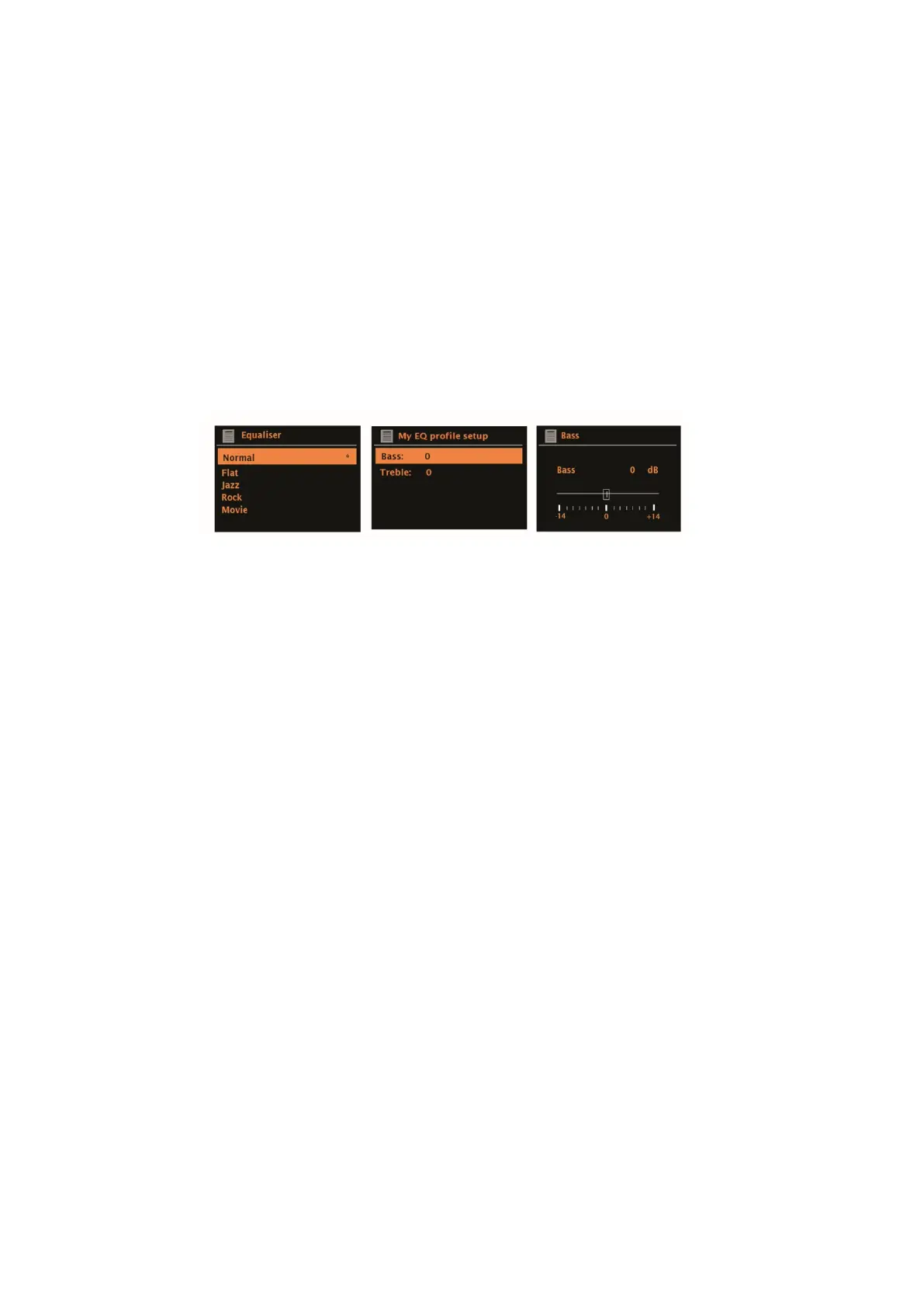
Several preset EQ modes are available; also a user-defined setting (My EQ).
To choose an EQ setting, select Menu > System settings > Equalizer.
You can then choose from a variety of preset modes and My EQ.
The last option “My EQ profile setup” allows you to define your own settings
for the “My EQ” option, with custom bass, and treble settings.
.
Network
Supersound 202 remembers the last four wireless networks it has connected to,
and automatically tries to connect to whichever one of them it can find. You can
see the list of registered networks through Menu > System settings > Network
> Network profile >. From here you can delete unwanted networks by turning
and pressing SELECT then confirming delete Yes.
There are also other options for viewing and manually altering network settings
from Menu > System settings > Network >.
Users experienced with networking may find these options useful for diagnosing
and fixing network problems.
Language
The default language is English. To change, select Menu > System settings
> Language > then select your language.



 To Next Page