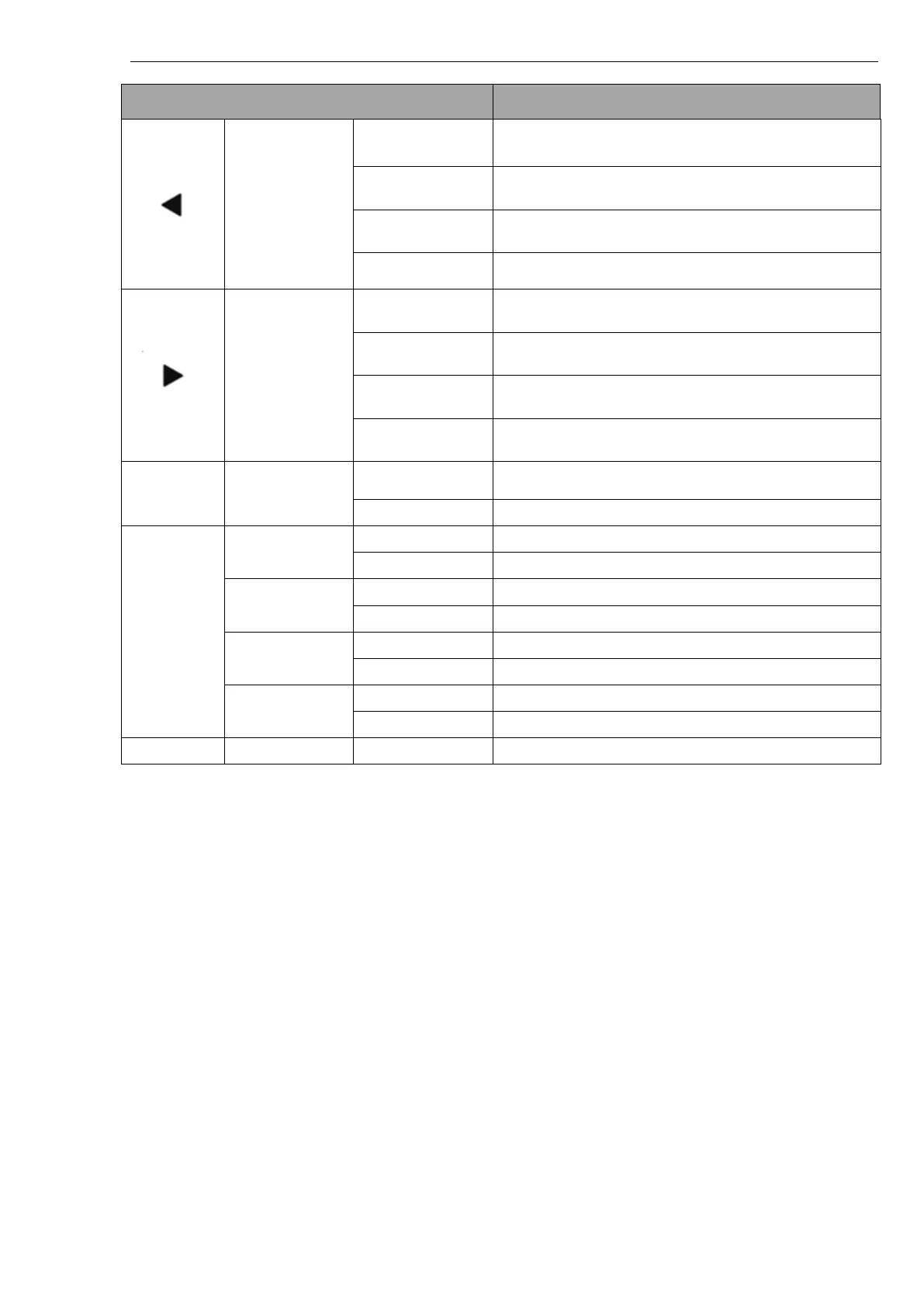
Pinell north basic
FM mode: searching previous channel automatically
DAB, FM mode: switch to the previous channel
Select function on Menu: move to previous function
Bluetooth mode: short press move to previous title
FM mode: searching next channel automatically
DAB, FM mode: switch to the next channel
Select function on Menu: move to next function
Bluetooth mode: move to next song
Enter into Menu / move backwards in Menu / exit the
Menu
Show current channel information
Store the current broadcasting station
Play the prestored radio station
Store the current broadcasting station
Play the prestored radio station
Store the current broadcasting station
Play the prestored radio station
Store the current broadcasting station
Play the prestored radio station
Hardware reset function key (hidden key)



 To Next Page