10
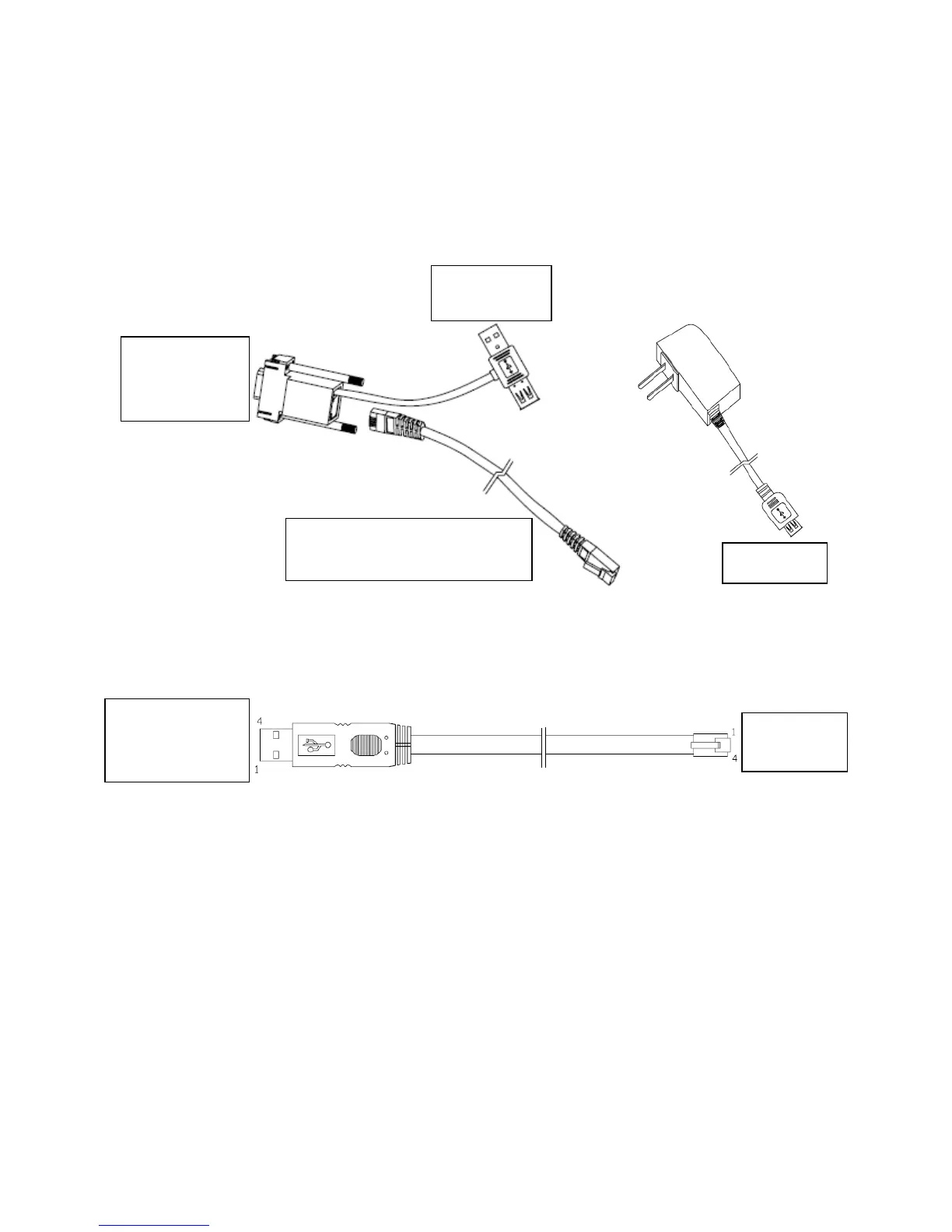
Method 2:If the external device or PC is attached with D9 interface, customer can use a
D9-4P communication cable with USB interface from Aclas to get power supply.
Connect the OS2X with the external device as below picture. If supply power is
available from the D9 interface of external device, there is no need to connect with other
power supply.
Method 3: If you purchased USB line, you can follow below picture to connect OS2X
and other terminal with USB port.
Note: To set the communication between the OS2X and the external device that has USB
interface, users should install USB virtual serial port driver first. Please refer to related
chapter for details.
Communication line, connect to
OS2 (Able to self-define the length)



 To Next Page