15
13. COMMUNICATION PROTOCOL
Send communication protocol actively :
Default send 10 times/s when power on. Frequency can be adjusted and the adjusting method is
same with OP box.
sending content is as follows:
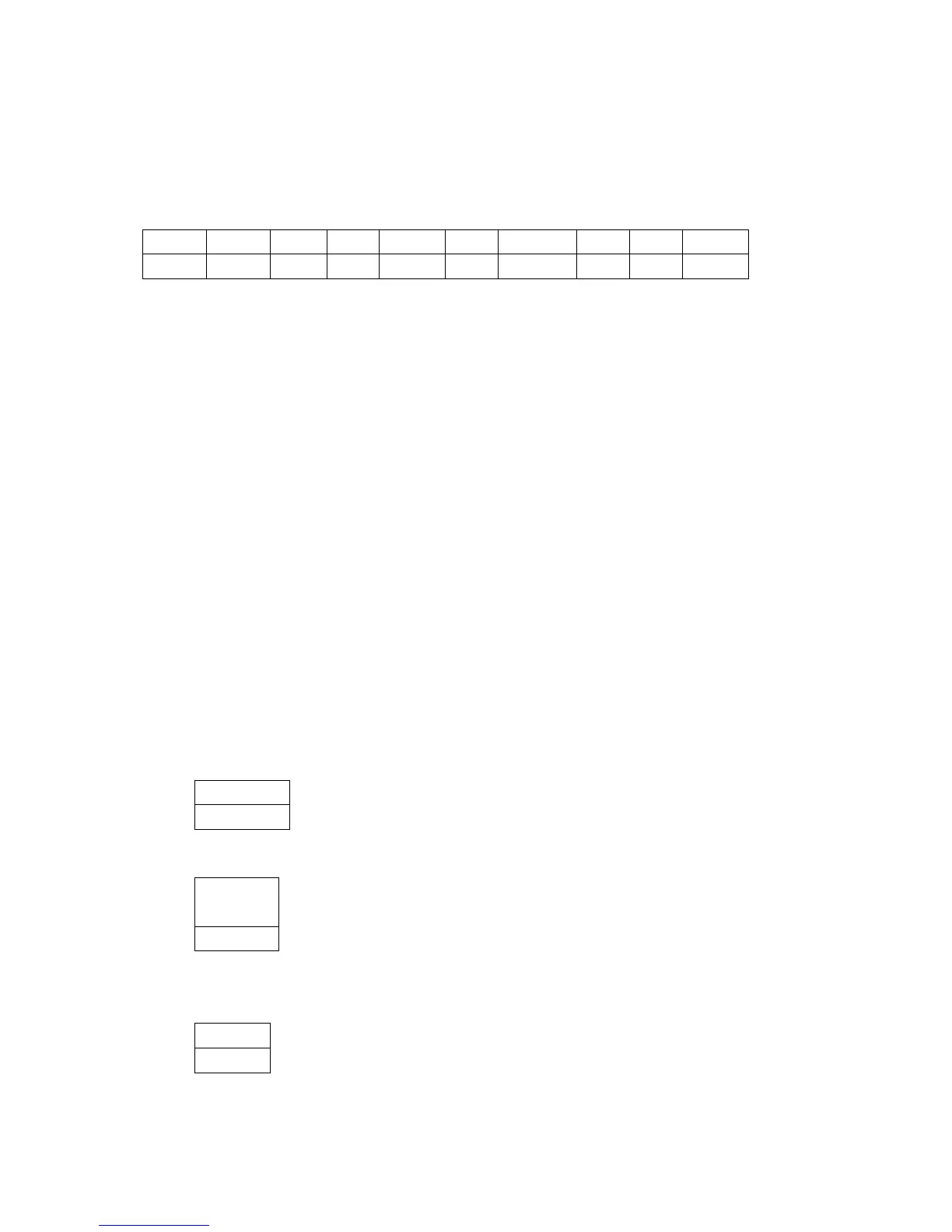
Head1:1 byte,fixed as 0x01.
Head2:1 byte,fixed as0x02.
Flag1:1 byte,status: F’: Weight is beyond the range or haven‟t startup to zero.
‘S’: Weight is stable.
‘U’: Weight is unstable.
Sign:1 byte,sign: ‘-’:Weight is negative.
‘ ’: Weight is positive.
Weight:6 bytes,weight
Unit:2 bytes,unit
CheckSum: 12 bytes in front of the vision exclusive or and.
Tail1:1 byte,fixed as 0x03.
Tail2:1 byte,fixed as 0x04.
Flag2:1 byte,status:
Bit4:1: The current weight is zero. 0:The current weight is not zero.
Bit5:1: current in the tare mode 0: Not in tare mode.
Bit6:1: Weight is beyond the range or haven‟t startup to zero. 0: Weight is in normal and has
startup to zero.
Send communication protocol passively
1>PC Request the connection firstly
PC Send one byte command 0x05 firstly.
Scale response one byte command 0x06.
PC can confirm the scale has connected via these two commands firstly.



 To Next Page