Step by Step
Connecting a Video Source
To connect the video source to Pinnacle Video Transfer, you need to use the
cable included in the box (composite video cable and stereo-audio cable (RCA)).
Connect the video and audio outputs on the video source to the corresponding
video and audio inputs on Pinnacle Video Transfer.
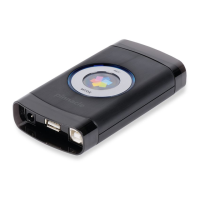
The signal recognition process begins and the respective input LED constantly
glows red. The process is complete as soon as the respective input LED has
changed to blue.
Do not disconnect the affected inputs from the Pinnacle Video Transfer
device whilst the signal recognition process is running.
If there is a video signal coming from both video inputs (composite and S-video)
at the same time, Pinnacle Video Transfer automatically uses the input that was
first detected as a valid video signal as the source.
9


 To Next Page