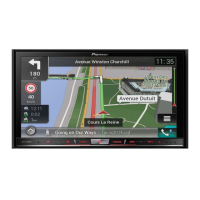
The navigation unit
Blue/white (*6)
Blue/white (*7)
To auto-aerial relay control
terminal (max. 300 mA 12 V DC).
The pin position of the ISO connector will differ
depending on the types of vehicles. Connect *6
and *7 when Pin 5 is an aerial control type. In
other types of vehicles, never connect *6 and *7.
Yellow/black
If you use an equipment with mute function, connect that
equipment to the Audio Mute lead. If not, keep this lead free of any
connections.
Power cord
Audio source will be set to mute or attenuate, while the following
sounds will not be muted or attenuated. For details, refer to
Operation Manual.
— Voice guidance of the navigation
— Incoming ringtone and incoming voice of the mobile phone
that is connected to this navigation system via Bluetooth
wireless technology
— When the voice recognition mode is activated. (AVIC-F40BT
only)
15 cm
Note
RCA connector
Fuse (10 A)
Engb
11
English
Section
02
Connecting the system


 To Next Page
 Loading...