EasyManua.ls Logo

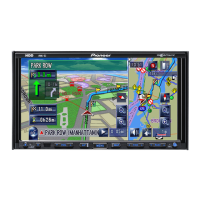
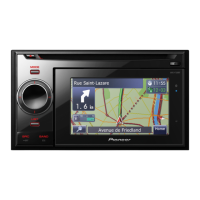
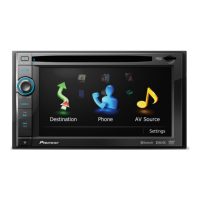
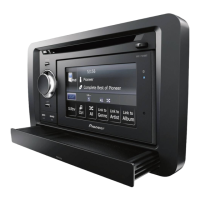
Pioneer AVIC-Z140BH - User Manual

Pioneer AVIC-Z140BH
240 pages
Print Icon
To Next Page IconTo Next Page
Loading...
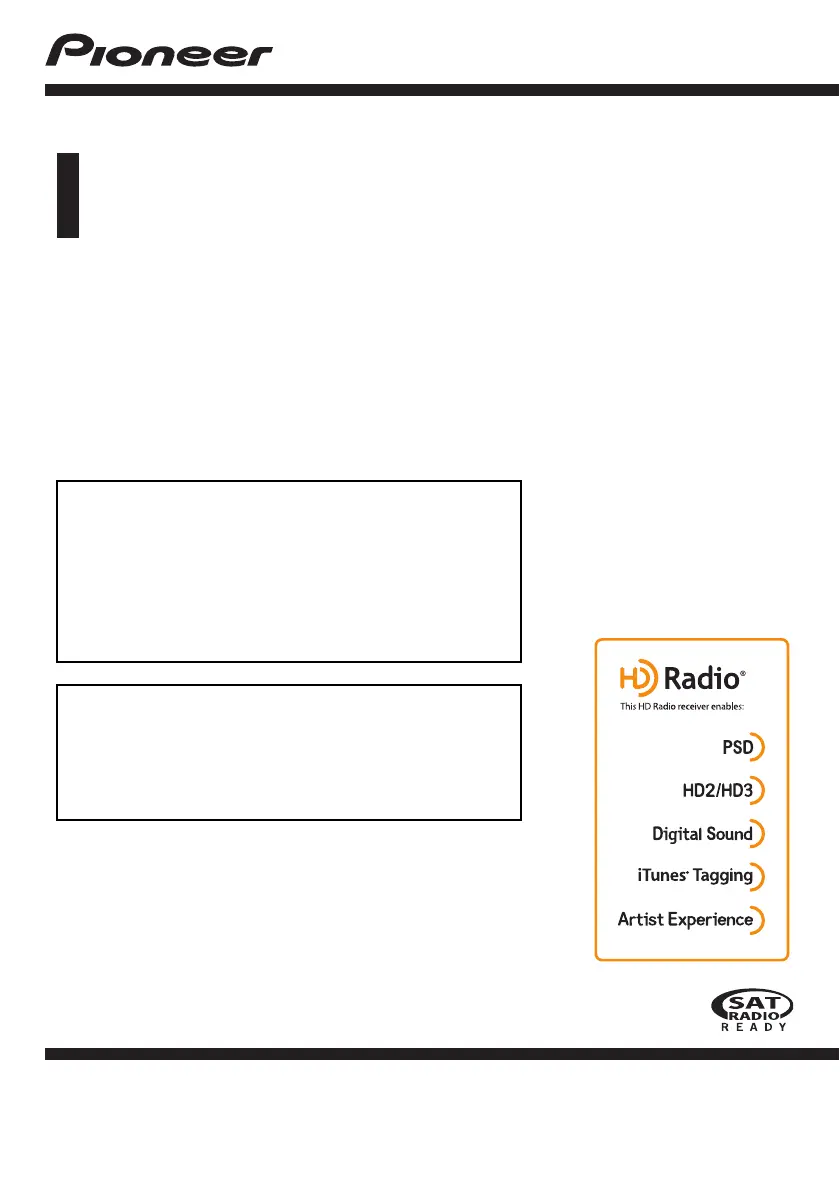
Operation Manual
MULTIMEDIA NAVIGATION RECEIVER
AVIC-Z140BH
AVIC-X940BT
Notice to all users:
This software requires that the navigation system is
properly connected to your vehicles parking brake and
depending on your vehicle, additional installation may
be required. For more information, please contact your
Authorized Pioneer Electronics retailer or call us at
(800) 421-1404.
Be sure to read Important Information for the User
first!
Important Information for the User includes the
important information that you must understand before
using this navigation system.
English

Table of Contents

Other manuals for Pioneer AVIC-Z140BH

Questions and Answers

  • S
    Sharon CarterJul 29, 2025
    What to do if my Pioneer AVIC-Z140BH Car Receiver power doesn’t turn on?
    • D
      Derrick NelsonJul 29, 2025
      If your Pioneer Car Receiver's power isn't turning on or the navigation system isn't operating, first double-check all connections to ensure they are correct. Also, if a fuse has blown, determine the cause, replace the fuse, and ensure you use a fuse with the correct rating. As an additional measure, park your car safely, turn off the engine, switch the ignition key to off (ACC OFF), then restart the engine and power on the navigation system again.
  • T
    Theresa GarciaAug 14, 2025
    Why is my Pioneer AVIC-Z140BH Car Receiver showing a significant positioning error on the map?
    • K
      Kayla LeeAug 14, 2025
      If your Pioneer Car Receiver cannot position your vehicle on the map accurately, check the GPS signal reception and the position of the GPS antenna. Obstacles may be blocking satellite signals, so continue driving until reception improves, and keep the antenna clean. Poor satellite positioning can also cause this, so continue driving. Noise might cause the built-in microprocessor to operate incorrectly, in this case park your vehicle in a safe place, turn off the engine, turn the ignition key back to off (ACC OFF), then start the engine again, and turn the power to the navigation system back on. Wait until reception improves if the quality of signals from the GPS satellites is poor. When using a cellular phone, keep the antenna of the cellular phone away from the GPS antenna.

Pioneer AVIC-Z140BH Specifications

General IconGeneral
AutoYes
Marine (chartplotters, sounders)-
Address inputStreet
Number of points of interest12000000
Map coverageAlaska, Canada, USA
Map view options2D/3D
Display diagonal7 \
Display resolution800 x 480 pixels
Native aspect ratio16:9
Placement supportedHorizontal
Storage media typeFlash
Compatible memory cardsSD, SDHC
Included memory card size4 GB
Audio formats supportedMP4, WMA
Video formats supportedDIVX, H.264, MPEG4, WMV
Form factorFixed
Product colorBlack
USB 2.0 ports quantity1
Supported radio bandsFM
Preset stations quantity24
Power source typeCigar lighter
Weight and Dimensions IconWeight and Dimensions
Weight- g

Related product manuals