01
6
En
Chapter 1
Before you start
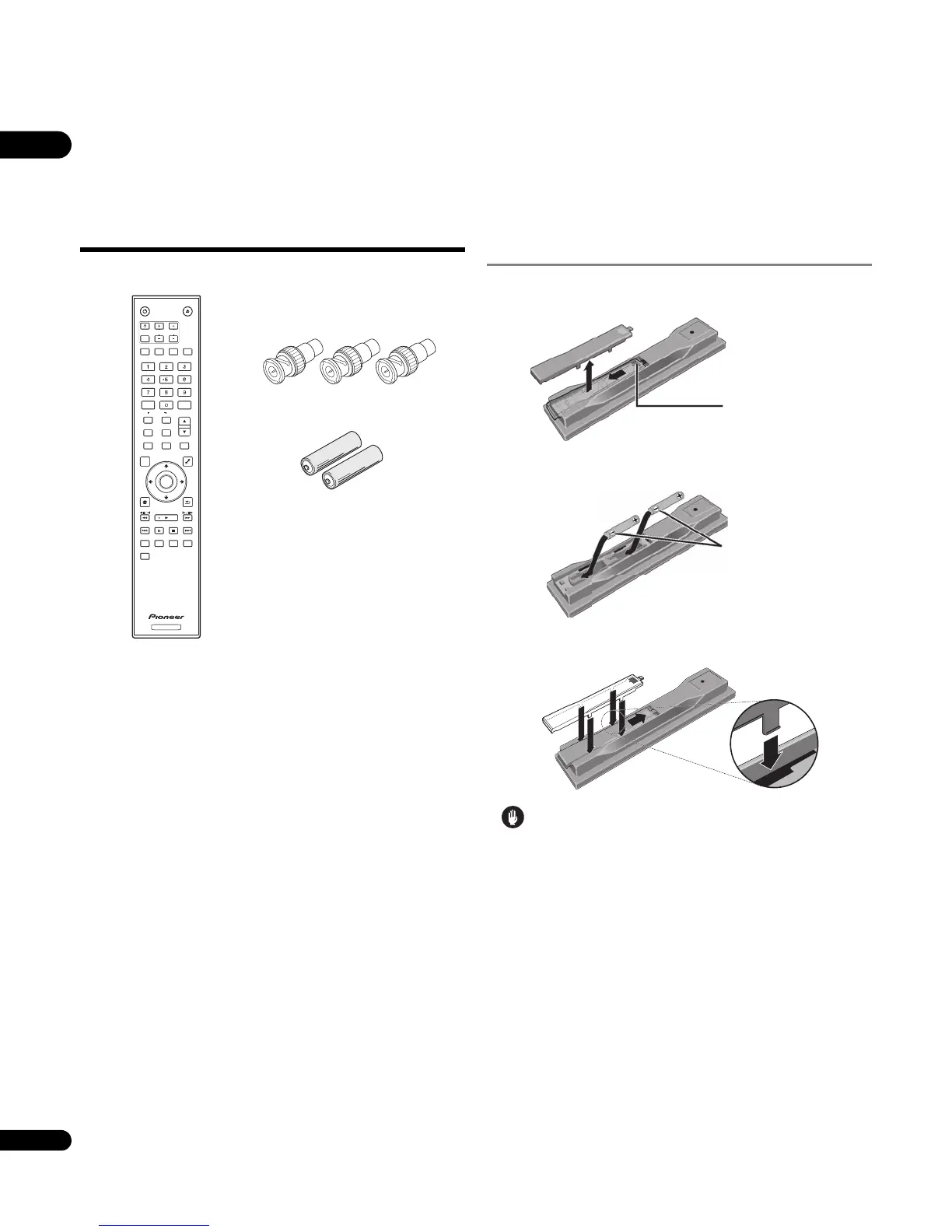
What’s in the box
Putting the batteries in the
remote control
1 Open the rear cover.
2 Insert the batteries (AA/R6 x 2).
Insert as indicated by the / marks into the battery compartment.
3 Close the rear cover.
Close securely (a click should be heard).
Caution
• Do not mix new and old batteries together.
• Batteries may have different voltages, even if they look similar.
Do not use different kinds of batteries together.
• To prevent leakage of battery fluid, remove the batteries if you do
not plan to use the remote control for a long period of time (1
month or more). If the fluid should leak, wipe it carefully off the
inside of the case, then insert new batteries.
• When disposing of used batteries, please comply with
governmental regulations or environmental public instruction’s
rules that apply in your country/area.
• WARNING
Do not use or store batteries in direct sunlight or other
excessively hot place, such as inside a car or near a heater. This
can cause batteries to leak, overheat, explode or catch fire. It
can also reduce the life or performance of batteries.
D3-4-2-3-3_En
STANDBY/ON
OPEN/CLOSE
AUDIO
SUBTITLE
ANGLE
FL DIMMER
CLEAR
ENTER
VIDEO SELECT
PLAY MODE
HOME MEDIA
GALLERY
MENU
DISPLAY POPUP MENU
TOP MENU
TOOLS
HOME
MENU
RETURN
BD PLAYER
PLAY
PREV
PAUSE
STOP
NEXT
RED
GREEN
BLUEYELLOW
VIDEO ADJUST
INPUT
SELECT
TV CONTROL
CH
VOL
AUDIO
VIDEO
SECONDARY
OUTPUT
RESOLUTION
ENTER
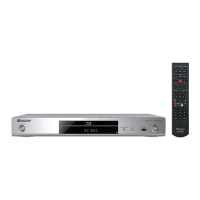
Remote control x 1
BNC-RCA adapter x 3
Use this to connect an RCA pin type
cable to the COMPONENT VIDEO
terminal.
AA/R6 dry cell batteries x 2
HDMI cable x 1
LAN cable x 1
Power cord x 1
Warranty card
Operating instructions (this manual)
Press lightly on this
part and slide into
the direction of the
arrow.
Insert the negative
() side first.



 To Next Page
 Loading...