Page 7
Manual Operations
3
Manual
Operations
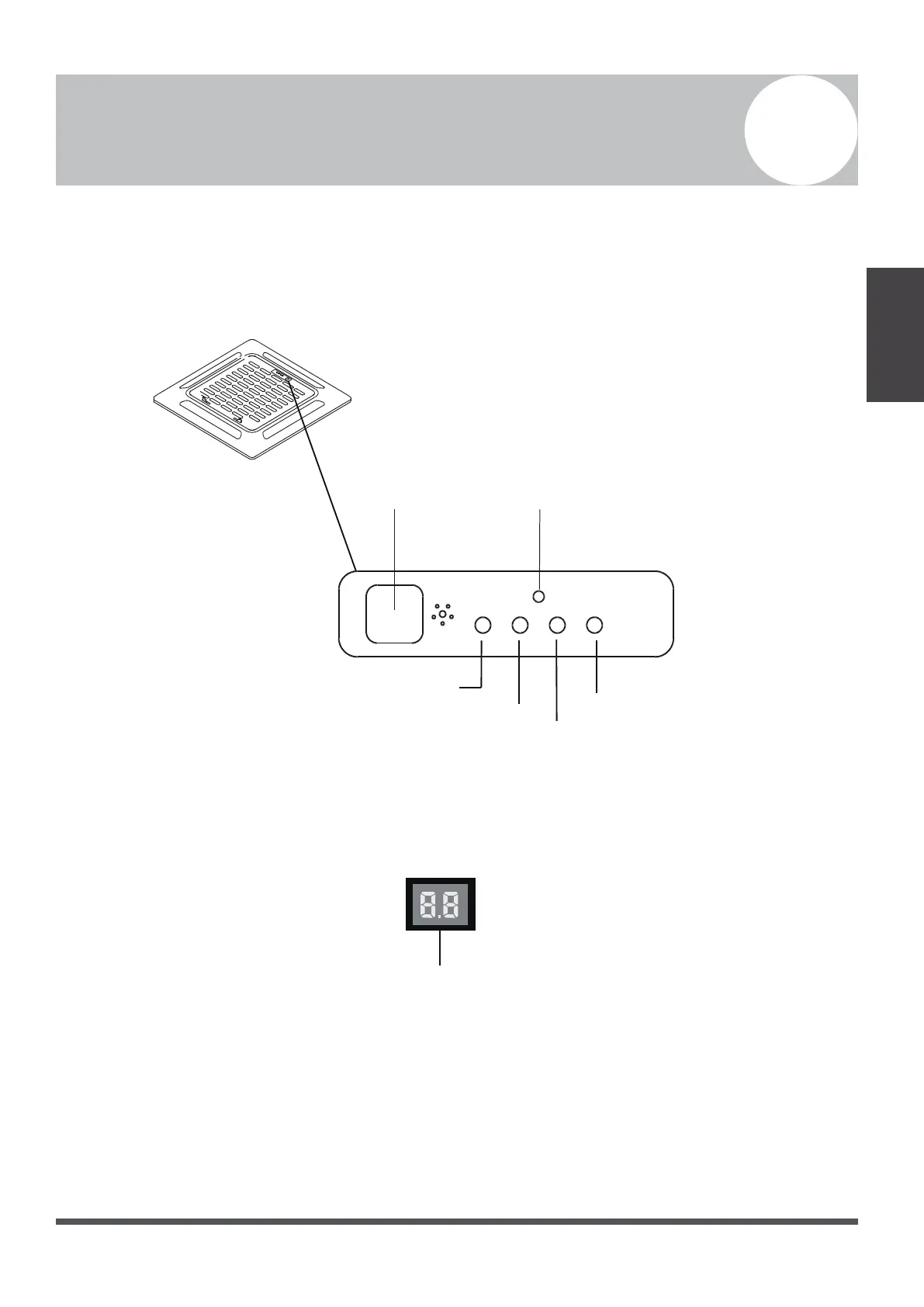
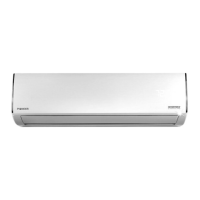
This display panel on the indoor unit can be used to operate the unit in case the remote control has been
misplaced, or is out of batteries.
Infrared Receiver
Fig. 3.1
•
MANUAL Button:
This button selects the mode in the following order: AUTO, FORCED COOL, OFF.
•
FORCED COOL Mode: In FORCED COOL mode, the Operation Light flashes. The system will then
turn to AUTO, after it has cooled with a high wind speed for 30 minutes. The remote control will be
disabled during this operation.
•
OFF Mode: When the panel is turned OFF, the unit turns off, and the remote control is re-enabled.
Timer Indicator
Alarm Indicator
PRE-DEF
(pre-heating/defrost)
Indicator
Manual Button
Operation Indicator
Fig. 3.2
LED Display




 To Next Page