EasyManua.ls Logo

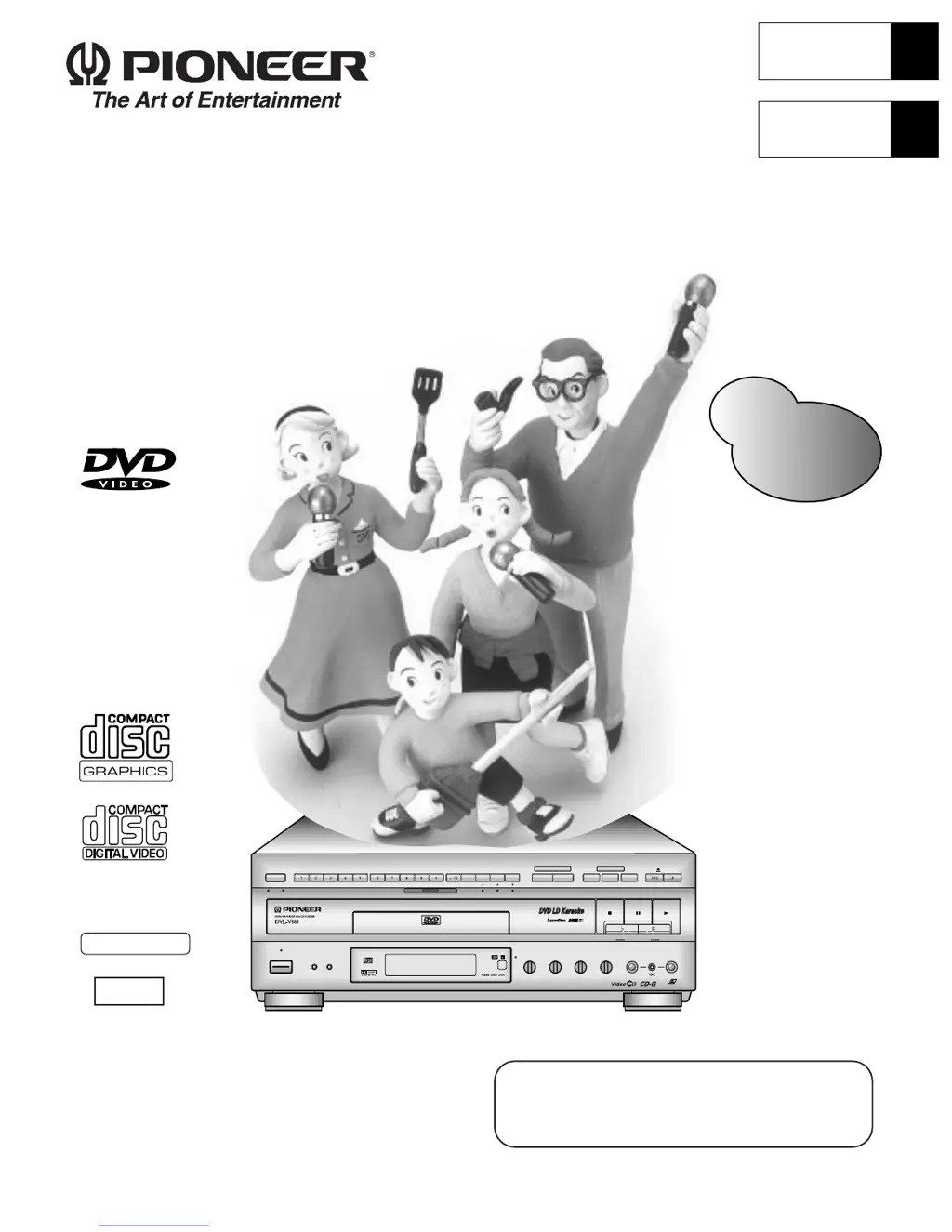
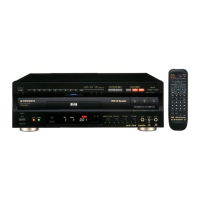
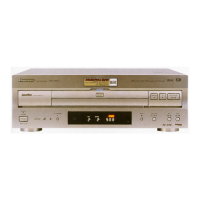
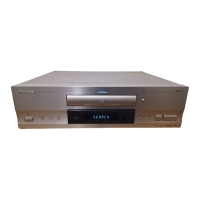
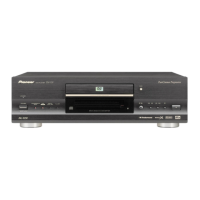
Pioneer DVL-V888 - User Manual

Pioneer DVL-V888
80 pages
Print Icon
To Next Page IconTo Next Page
Loading...
LD-G CD-G
LaserDisk
LASER DBC
A / B
A B
STANDBY
POWER
KARAOKE
MODE
SINGLE
PLAY
DISC SIDE
V-NR PBC
ONE
CHORUS
HI-LITE
MEDLEY
GUIDE
MELODY
OPEN/CLOSE
STOP PLAYPAUSE
CD / VIDEO CD
VOCAL
PARTNER
SCORING
SYSTEM
ONE-TOUCH
KARAOKE
GUIDE
VOCAL
VIDEO CD FUNCTION DVD FUNCTION
LOW HIGHKEY CONTROL
MIC 2MIC 1
MIC 2MIC 1
MIC
CONTROL
MAXMINMAXMIN
ECHO
MAXMIN
GUIDE VOCAL
MAXMIN
STANDBY/ON
Operating Instructions
Mode d'emploi
DVD LD PLAYER
Lecteur de DVD, LD
DVL-V888
& First refer to “Before using” on page 8 and
“Connecting the Player” on pages 66 – 68.
& Refer to pages 12 – 17 for basic playback.
& Refer to pages 28 – 29 for Karaoke functions.
Refer pages 6~7 for
"Contents".
L
'
NTSC
GRAPHICS
Æ
English
Français

Table of Contents

Questions and Answers

  • J
    Judy HamptonAug 20, 2025
    What to do if the Pioneer DVD Player remote control doesn’t operate?
    • E
      Eric HernandezAug 20, 2025
      If your Pioneer DVD player's remote control isn't working, there are a few things to check. First, make sure that the rear panel control input jack on the player is not in use, as this would disable the remote. Then, ensure you are close enough to the player and that the angle between the remote and the player's remote control reception window isn't too wide. Finally, check the batteries in the remote and replace them if they are dead.
  • J
    John CrawfordAug 22, 2025
    Why is there no sound coming from my Pioneer DVL-V888 DVD Player, or why is the sound distorted?
    • W
      woodstracieAug 22, 2025
      If there is no sound or the sound is distorted when using your Pioneer DVD player, several factors could be responsible. Check if the plugs are fully inserted and properly connected. Ensure that all connection plugs and jacks are clean. Verify that the audio cable connections are correctly set up. If you're using a stereo amplifier, make sure the input selection for CD/LD is correct. Avoid connecting the player to a stereo amp's PHONE input jack; use the appropriate audio input. Also, confirm that the play is not paused and that the digital output setting is correctly configured, especially if it's set to 96kHz, try changing it.
  • D
    David ConnerAug 25, 2025
    How to fix a Pioneer DVD Player when the disc table doesn’t stay in when closed?
    • J
      Jamie BergerAug 25, 2025
      If the disc table on your Pioneer DVD player won't stay closed, there could be a few reasons. First, check the edges of the disc for dirt and clean them if necessary. Ensure the disc is correctly loaded in the disc table. Verify that the disc's region number matches your player's region. Finally, if there's condensation inside the player, allow it to dry out completely.
  • J
    James JohnsonAug 26, 2025
    Why is playback not possible on my Pioneer DVL-V888?
    • K
      Karen CalhounAug 27, 2025
      If playback is not possible on your Pioneer DVD Player, it might be because the TV system setting is not compatible with the application region. Adjust the TV system setting to be compatible with the application region.
  • A
    Allison RoseAug 28, 2025
    Why is the picture unclear during DVD play on my Pioneer DVL-V888 DVD Player?
    • J
      Johnny BerryAug 28, 2025
      If the picture is unclear during DVD playback on your Pioneer DVD player, it may be due to compatibility issues with the disc. This player is compatible with copy guard analog copy protect systems, so ensure the disc is compatible with the player. Also, some discs may feature a copy protect signal, so try using a different disc.
  • M
    Melinda YoderAug 30, 2025
    Why is the picture unclear when playing a DVD recorded on a VCR with my Pioneer DVL-V888?
    • S
      Seth FrankAug 30, 2025
      If the picture is unclear when playing a DVD recorded on a VCR with your Pioneer DVD player, it could be due to copy protection. Use a disc without a copy protect signal. Avoid playing discs with a copy protect signal through a VCR.
  • S
    Susan RosalesAug 31, 2025
    What to do if the picture stops and operation buttons do not function on my Pioneer DVD player?
    • A
      Ashley CastroAug 31, 2025
      If the picture freezes and the operation buttons stop working on your Pioneer DVD player, press the STOP button, and then press PLAY again.
  • L
    Lynn VazquezSep 2, 2025
    What to do if no menu is displayed when playing a Video CD with Playback Control on my Pioneer DVL-V888?
    • A
      Autumn MartinSep 2, 2025
      If no menu is displayed when playing a Video CD with Playback Control on your Pioneer DVD player, it's possible that Playback Control is switched OFF. Switch ON the Playback Control.
  • S
    Susan OchoaSep 4, 2025
    Why are Karaoke operations not possible on my Pioneer DVL-V888 DVD Player?
    • M
      Mark GonzalezSep 4, 2025
      Karaoke operations may not be possible if the audio output jack is not connected to an amplifier with a digital input, or if the amplifier's SIGNAL SELECT setting is switched to AUTO. To resolve this, connect to an appropriate amplifier or adjust the SIGNAL SELECT setting.
  • D
    Deborah PowellSep 6, 2025
    Why is the DVD sound volume level low on my Pioneer DVL-V888 DVD Player?
    • J
      Jimmy RasmussenSep 6, 2025
      DVD sound volume level may sound lower than other discs, but this is due to the disc’s recording system, and is not due to the player malfunctioning.

Summary

Important Safety Instructions

Electrical and External Hazards Safety

Precautions for grounding, power cords, antennas, lightning, power lines, overloading, and liquid entry.

Servicing and Damage Prevention

Instructions on servicing, damage requiring service, replacement parts, and safety checks.

Important Warnings and Notices

Risk of Electric Shock Prevention

Caution against opening the unit to prevent electric shock.

Fire and Moisture Hazard Prevention

Warning to prevent fire or shock by avoiding rain or moisture.

Information to User

User Caution on Radiation Exposure

Caution on using controls other than specified for safe operation.

See What You Can Do

SCORING Function

Grades your singing ability during karaoke playback.

Basic Operation

Playing LDs

Playing DVDs, CDs, and Video CDs with No PBC

Playing Video CDs with PBC

To playback Video CDs with PBC

Step-by-step guide for playing Video CDs with PBC.

Stopping Playback & Switching Power OFF

Continuing Playback from where you Stopped

Last Memory Function

Memorizing and resuming playback from a stopped point.

Detailed Operation

Karaoke Operation

Karaoke Entertainment

Karaoke Setup and Song Selection

Initial setup for karaoke and selecting songs.

Karaoke Entertainment (cont.)

Adjusting to Create the Desired Sound

Echo and Key Control

Adjusting echo effect and performance key.

Convenient Functions for Practicing Karaoke

Guide Vocal Feature

Using guide vocals for practice with multiplex discs.

Guide Vocal (DVD)

Duet Singing

Enjoying duets with songs on DVD discs.

Harmony Singing

Singing along with harmony parts on DVD discs.

VOCAL PARTNER;ONE-TOUCH KARAOKE

Vocal Partner Function

Removing the singer's voice for solo practice.

One-Touch Karaoke Function

Reducing recorded vocal volume for karaoke.

SCORING GRADES YOUR SINGING ABILITY

Scoring Setup and Song Selection

Completing settings and selecting songs for scoring.

SCORING GRADES YOUR SINGING ABILITY (cont.)

Simultaneous Scoring for Two Singers (COMPETITION)

Competition Scoring Setup and Display

Setting up and viewing scores for two singers.

Reserving a Desired Song

Song Reservation Process

Steps for reserving songs and confirming the list.

Setting

Multi-Aspect Setting for Wide Screen TV Software

Multi-Aspect Setup Procedure

Step-by-step guide to adjust aspect ratio for wide screen viewing.

Changing Picture, Sound Quality and Graphics Settings

Changing Picture, Sound Quality and Graphics Settings (cont.)

Picture Quality Modes

Selecting different picture quality modes (Cinema, Animation, Standard).

Changing Picture, Sound Quality and Graphics Settings (cont. 2)

Changing Picture, Sound Quality and Graphics Settings (cont. 3)

Changing Picture, Sound Quality and Graphics Settings (cont. 4)

Changing Various Settings

Initial and Output Settings Menus

Navigating initial and output setting menus.

Changing Various Settings (cont.)

Setting the Basic Language and Subtitle Language

Set Up

Other Information

Connecting the Player

Connection Precautions and Examples

Guidelines and examples for connecting player to TV and external inputs.

Connecting the Player (cont.)

Connecting to Dolby Digital Amplifiers

Steps for connecting to an amplifier with Dolby Digital (AC-3) inputs.

Connecting the Player (cont. 2)

Connecting to AV Amplifiers

Connecting the player to a regular AV or stereo amplifier.

Names and Functions

Names and Functions (cont.)

Names and Functions (cont. 3)

Troubleshooting

Troubleshooting Operation and Audio Problems

Solutions for common operational and audio issues.

Troubleshooting (cont.)

Troubleshooting Karaoke and Cautions

Resolving karaoke operation issues and common cautions.

For Proper and Long Use

Pioneer DVL-V888 Specifications

General IconGeneral
DVD PlaybackYes
Laserdisc PlaybackYes
CD PlaybackYes
Remote ControlYes
Video Formats SupportedNTSC
Audio Formats SupportedDolby Digital
ConnectivityComposite Video, S-Video
Laser DiodeSemiconductor
Wavelength650 nm (DVD), 780 nm (CD)
Signal-to-Noise Ratio115 dB
Frequency Response4 Hz to 20 kHz (CD)
Total Harmonic Distortion0.003%
Power RequirementsAC 120V, 60 Hz
TypeDVD/Laserdisc Player

Related product manuals