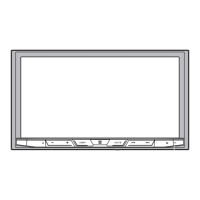
When not using the supplied
mounting sleeve
1 Line up the holes on the
mounting bracket with the holes
on the sides of the unit to attach
the bracket.
2 Screw in one screw on each side to
hold the unit in place.
Tapping screw (5 mm × 9 mm,
not supplied with product)
Mounting bracket
Dashboard or console
Using the included bracket
Check to make sure that the included
bracket matches your particular
model of vehicle and then attach it to
the unit as shown below.
Removing the unit (installed
with the supplied mounting
sleeve)
1 Remove the trim ring.
Trim ring
Notched tab
• Releasing the front panel allows
easier access to the trim ring.
• When reattaching the trim ring,
point the side with the notched
tab down.
2 Insert the supplied extraction
keys into both sides of the unit
until they click into place.
3 Pull the unit out of the dashboard.



 To Next Page
 Loading...