3
H:\PDF-OUT\127075016695_KM636ES\020Chapter_EN.fm
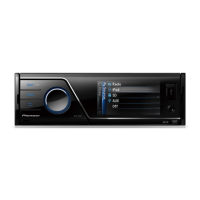
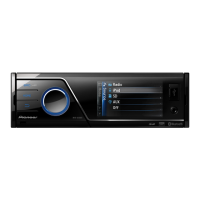
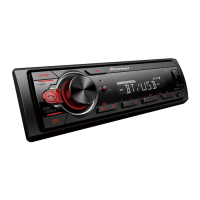
MVH-85UB
127075016695
En
MVH-85UB
* This button is referred to as DISP in the manual.
Frequently used operations
Getting Started
Basic operation
Purpose Operation
Turn on the power* Press SRC/OFF to turn on the power.
Press and hold SRC/OFF to turn off the
power.
Adjust the volume Turn the M.C. dial.
Select a source Press SRC/OFF repeatedly.
Change the display information Press DISP repeatedly.
Return to the previous display/list Press BAND/DIMMER .
Return to the normal display from the
menu
Press and hold BAND/DIMMER .
SRC (source)/OFF
Detach buttonDisplay window
M.C. (multi-control) dial
BAND/DIMMER
Display button/DISP OFF*
* When this unit’s blue/white lead is connected to the vehicle’s auto-antenna relay control
terminal, the vehicle’s antenna extends when this unit’s source is turned on. To retract the
antenna, turn the source off.
Display indication
Detach the front panel to prevent theft. Remove any cables and devices
attached to the front panel and turn off the unit before detaching it.
• Avoid subjecting the front panel to excessive shock.
• Keep the front panel out of direct sunlight and high temperatures.
• Always store the detached front panel in a protective case or bag.
Indication Description
Appears when a lower tier of the menu or folder exists.
Appears when the button is pressed.
Appears when the local seek tuning function is set (page 7).
Appears when random/shuffle play is set.
Appears when repeat play is set.
Detaching the front panel
_127075016695_artwork.book Page 3 Thursday, October 15, 2015 6:14 PM


 To Next Page
 Loading...