EasyManua.ls Logo

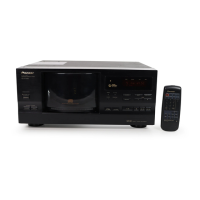
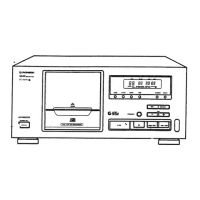
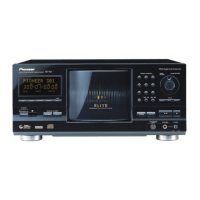
Pioneer PD-F904 - Front Panel Overview; Front Panel Controls and Indicators

Pioneer PD-F904
22 pages
Print Icon
To Next Page IconTo Next Page
To Previous Page IconTo Previous Page
Loading...
NAMES
AND
FUNCTIONS
OF
PARTS
FRONT
PANEL
case
indicates
the
page
where
the
control
1s
explained
When
the
front
panel
is
closed.
When
the
front
panel
is
open.
@
POWER
STANDBY/ON
switch
@
Remote
sensor
Receives
the
signal
from
the
remote
contro!
unit
RANDOM
button
[P.]
15]
@
ADLC
button
[P.[15]
TIME
button
MODE
button
[P.]
@
CLEAR
button
[P.114)(P.[
77)
®
Display
window
@
Track/Manual
search
buttons
(4
<<
/
>>
mri)
®
Stop
button
(
m)
@
DISC
buttons
(-/+)
Play
button
(
>
}
Pause
button
(11)
@
PLAY
INDICATOR*
Rack
1
(12-cm
CD
only)
Rack
2
(12-cm
CD
only)
@
Rack
3
(12-cm
CD
only)
Rack
4
(Both
8-cm/12-cm
CD)
EJECT
button
for
Rack
1({
4)
@
EJECT
button
for
Rack
2
(4)
@)
EJECT
button
for
Rack
3
(4)
@
EJECT
button
for
Rack
4
(4)
dele
*
This
also
functions
as
STANDBY
indicator.
<PRE1222>
En

Related product manuals