Part names04
12
En
Chapter 4
Part names
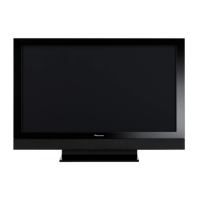
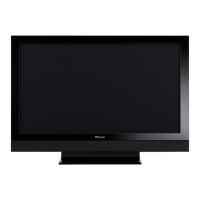
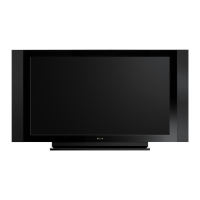
Flat screen TV
(Front)
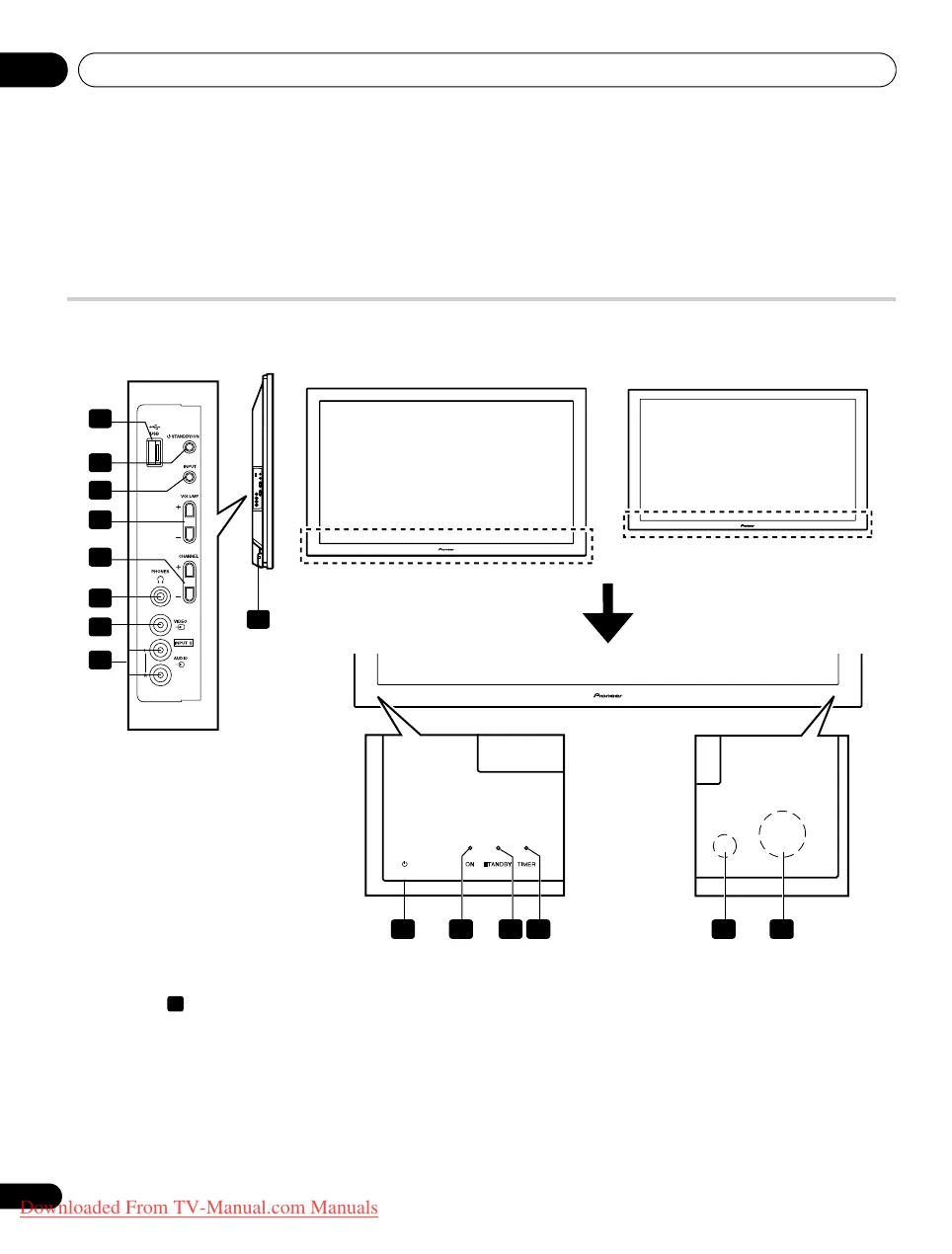
1 button (This button is located at the bottom on the rear
panel. (See on page 13.) If the button is off, the power will
not turn on even when
, 0 to 9 on the remote control unit or
STANDBY/ON on the flat screen TV is pressed. To turn on the
power, press
.)
2 POWER ON indicator
3 STANDBY indicator
4 TIMER indicator
• The TIMER indicator lights up when one or more DTV
programmes are preset for watching or recording (see pages
51 to 52).
5 Room Light Sensor
6 Remote control sensor
7 USB port
8 STANDBY/ON button
9INPUT button
10 VOLUME +/– buttons
11 CHANNEL +/– buttons
12 PHONES output terminal
13 INPUT 5 terminal (VIDEO)
14 INPUT 5 terminals (AUDIO)
8
1 2 4356
1
8
10
9
7
11
12
13
14
8
The terminals on side panels are common to the PDP-LX6090H and PDP-LX5090H.
(PDP-LX5090H)
(PDP-LX6090H)
Side
PDP-LX609H.book Page 12 Wednesday, August 6, 2008 4:00 PM
Downloaded From TV-Manual.com Manuals


 To Next Page
 Loading...