EasyManua.ls Logo

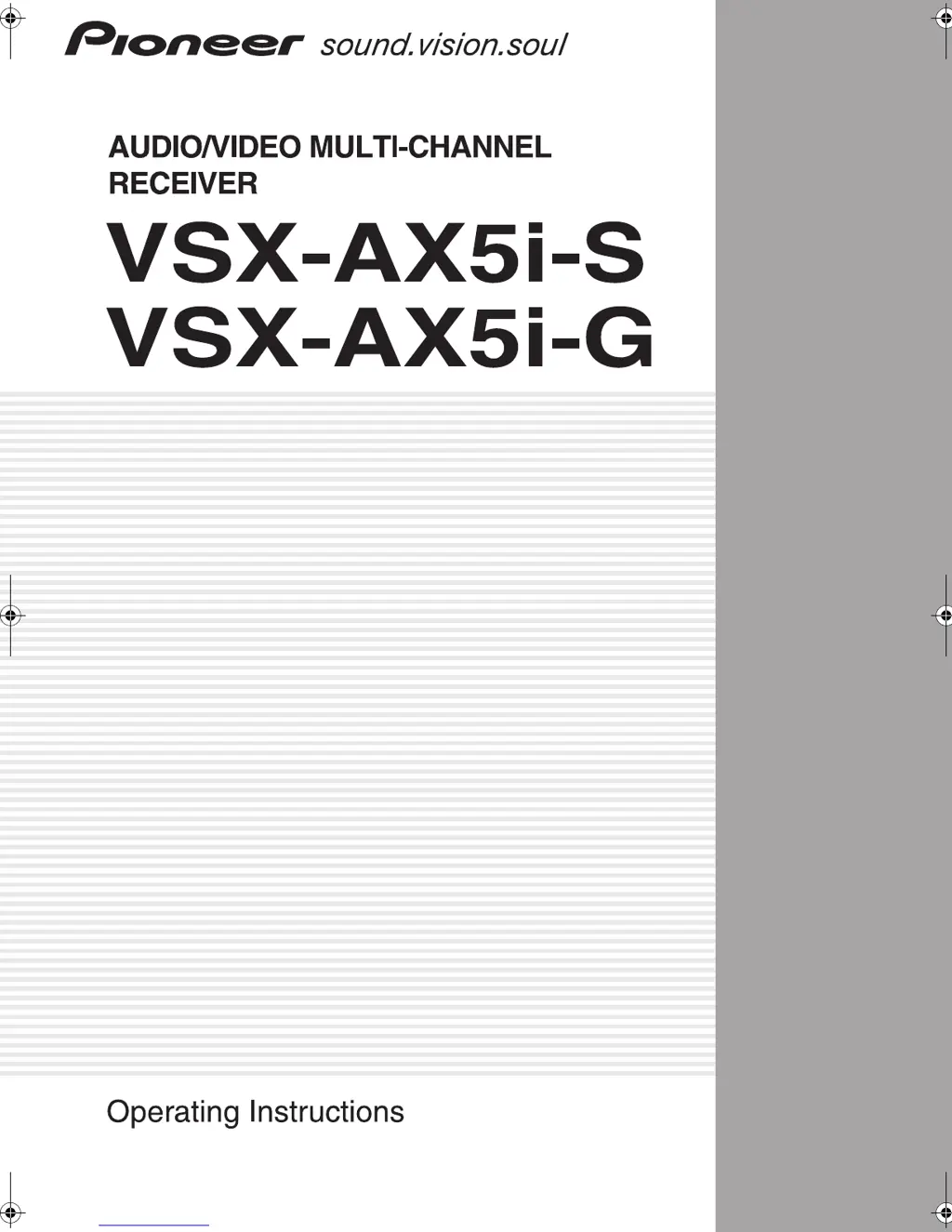
Pioneer VSX-AX5i-G - User Manual

Pioneer VSX-AX5i-G
120 pages
Print Icon
To Next Page IconTo Next Page
Loading...
1
En
VSX-AX5i.book Page 1 Friday, May 23, 2003 6:33 PM

Table of Contents

Questions and Answers

  • E
    Evelyn BrownAug 18, 2025
    Why does my Pioneer VSX-AX5i-G suddenly switch off during loud playback?
    • J
      Jessica AveryAug 19, 2025
      Your Pioneer Receiver might be shutting down during loud playback due to the activation of the protection circuit. This can happen if the actual impedance of your speakers is too low. To resolve this, try the following: 1. Turn down the volume. 2. Lower the 63 Hz and 125 Hz equalizer levels using manual setting, which can be found in ACOUSTIC CAL EQ. 3. Turning DIGITAL SAFETY on may allow you to turn up the volume a little more. To do this, from Standby mode, hold down the MULTI JOG CONTROL SET UP button and press the STANDBY/ON button.
  • G
    grahamvanessaAug 21, 2025
    Why does my Pioneer Receiver suddenly switch off during operation?
    • C
      Connie GibbsAug 21, 2025
      If your Pioneer Receiver suddenly switches off during operation, it might be due to the speaker wires being frayed or sticking out of the jack and touching the back of the receiver or another set of wires. Reinsert the speaker wires, ensuring there are no stray strands and that they are fully inserted.
  • A
    Amy LynchAug 23, 2025
    What to do if OVERHEAT blinks on my Pioneer VSX-AX5i-G Receiver and there is no sound?
    • M
      Michelle SullivanAug 25, 2025
      If 'OVERHEAT' is blinking on the display and there's no sound, it means your Pioneer Receiver has gotten too hot. Turn the receiver off and allow it to cool down with good ventilation. Ensure you follow the instructions in 'Installing the Receiver' to address any heat dispersal and ventilation problems.
  • J
    Jonathan GeorgeAug 26, 2025
    How to fix a Pioneer VSX-AX5i-G Receiver when the setup screen doesn't appear?
    • J
      Jeffrey ThompsonAug 26, 2025
      If the setup screen doesn't appear on your Pioneer Receiver, check the following: ensure all output jacks are properly connected. Verify that the TV is connected to the MONITOR OUT 1 jack. Select the correct PAL/NTSC setting. If you're using component video cords, turn the color burst off (From the Standby mode, and while holding down the MULTI JOG CONTROL RETURN button press the STANDBY/ON button. Each action switches the color burst on or off.).
  • K
    keith57Aug 28, 2025
    What to do if i.LINK indicator flashes on my Pioneer VSX-AX5i-G but no sound is output?
    • K
      kevin88Aug 28, 2025
      If the i.LINK indicator is flashing but no sound is output, it could be due to several reasons. First, check if the output signal is produced from the i.LINK connector on the source player. It's possible that the selected component is not compatible with i.LINK Audio. Also, confirm that the selected component corresponds to DTCP.
  • J
    Jackie CowanAug 30, 2025
    Why does AUTO SURROUND SETUP on my Pioneer VSX-AX5i-G keep failing or giving incorrect settings?
    • S
      Sheri BoyerAug 30, 2025
      If AUTO SURROUND SETUP is resulting in errors or incorrect settings, the room environment may not be optimal. Ensure the room environment is in line with the guidelines for auto setup.
  • A
    Angelica HullSep 1, 2025
    What to do if my Pioneer VSX-AX5i-G power does not turn on?
    • J
      jenkinsjohnSep 1, 2025
      If your Pioneer Receiver isn't powering on, there are a couple of things to check: First, ensure that the power plug is securely connected to the wall outlet. If it is, the protection circuit may have been activated. Disconnect the power plug from the outlet, wait a few seconds, and then plug it back in to see if that resolves the issue.
  • Z
    zayalaSep 4, 2025
    What to do if my Pioneer VSX-AX5i-G does not respond when I press the buttons?
    • A
      amy01Sep 4, 2025
      If your Pioneer Receiver isn't responding to button presses, it could be due to static electricity. Try switching the unit off and then on again. If that doesn't work, disconnect the power plug from the outlet, and then plug it back in.
  • M
    Michael MorrisSep 6, 2025
    Why doesn't the i.LINK indicator light up on my Pioneer Receiver?
    • M
      Meredith KennedySep 6, 2025
      If the i.LINK indicator doesn't light up even when an i.LINK-equipped component is selected, check the following: Ensure the i.LINK cable is properly connected. If the cable is longer than 3.5m, use a shorter cable. Also, make sure the selected component corresponds to the i.LINK AUDIO format. Finally, verify that the component between the unit and the source player is turned on, as the output signal is not produced when the source player is off or in standby mode.
  • B
    Brian HillSep 8, 2025
    What to do if after upgrading a component and connecting it through i.LINK, the component name is not displayed on my Pioneer VSX-AX5i-G?
    • S
      smithgregorySep 8, 2025
      If, after upgrading a component and connecting it via i.LINK, the component name isn't displayed and the component isn't selected, initialize all the information stored in the unit. Here’s how: 1. In standby mode, press and hold STEREO/DIRECT, then press STANDBY/ON. 2. When “DB CLEAR?” is displayed, press MULTI CH IN. 3. When “DB CLEAR OK?” is displayed, press ACOUSTIC EQ. 4. Ensure “DB CLEAR SET” is displayed to end initialization. 5. If “DB ERROR” is displayed, repeat the procedure.

Pioneer VSX-AX5i-G Specifications

General IconGeneral
TypeAV Receiver
Channels7.1
Impedance8 ohms
Total Harmonic Distortion0.09%
Audio D/A Converter192 kHz / 24-bit
Input Sensitivity200 mV
Input Impedance47 kOhms
HDMINo
USB PortNo
Network CapabilitiesNo
BluetoothNo
Wi-FiNo
Frequency Response5 Hz - 100 kHz
Surround Sound FormatsDolby Digital, Dolby Digital EX, DTS, DTS-ES, DTS Neo:6, Dolby Pro Logic II
ConnectivityAnalog, Digital Optical, Digital Coaxial
Weight18.5 kg
Amplifier TypeDiscrete
Power Output100 W per channel (8 ohms, 20 Hz - 20 kHz, THD 0.09%)

Related product manuals