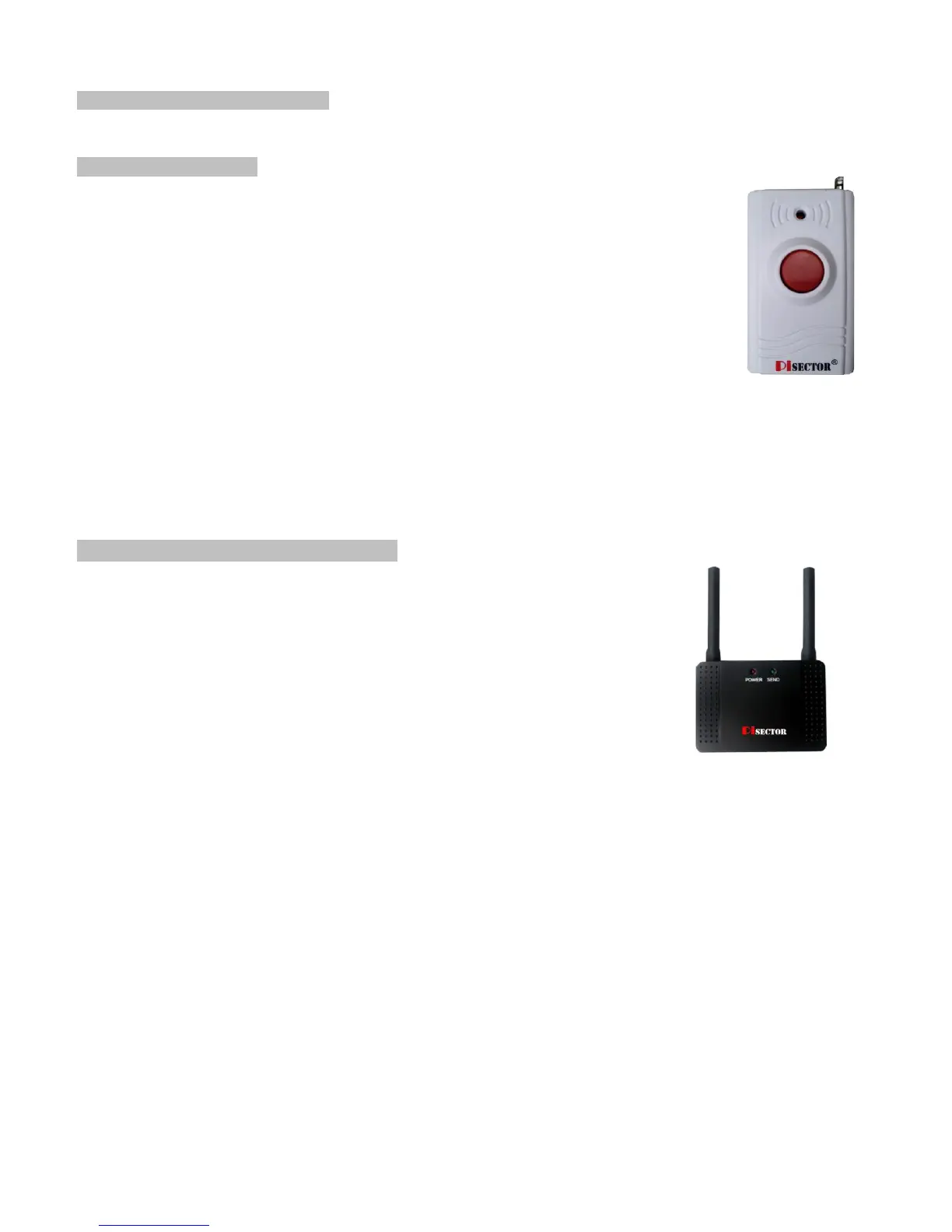
Wireless Panic Button (Option)
Program Panic Button
If you received a pre-Programed system kit, please ignore this step and do not
program it again.
Panic Button you need should be programmed to your console.
Press PROGRAM button on console, enter the default password 888 888
Use Scroll key to choose Sensor then press Enter on Console. Then choose Add, press Enter again,
then you will see Trigger Sensor, trigger your Panic Button by pressing the Red circle button. Then the
console will request you to add a Zone Name for this sensor. Input a name for this sensor, then press
SAVE. You will see Record Sensor Name, press Enter, record a voice for this panic button.
Set the Panic button as Emergency zone, use it in 24/7 regardless of console being Armed or Disarmed
(Press PROGRAM button on console, enter the default password 888 888, use Scroll key to choose
Sensor then press Enter on Console. Choose Edit press Enter, then choose Manual Search press Enter, use Scroll key to find
Panic button name and highlight it then press Enter, use Scroll key to choose Emergency zone then press Enter, highlight Yes
then press Save, use function key “Back” to exist the program) In the SAME way you can add a Smoke Detector, Water Leak
Sensor, Carbon Monoxide, and Temperature Sensors.
You also can add a Glass Break Sensor to your system.
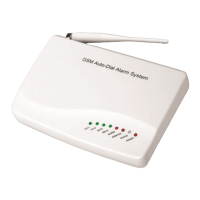
Wireless Signal Transmitter (option)
Wireless Signal Transmitter expands your wireless range up to 500 feet and makes the
communication between all sensors and the main console better. Please install the antenna
and plug a 12V 1A power adapter to the Power plug. Place the Wireless Signal Transmitter
away from the main console for about 10 feet. Keep code 4 and 5 at ON position, all other
codes at OFF position. The Transmitter will then start to auto transfer all the signals
between the sensors and the main console.
(Note: if you notice any issue such as an “open icon” displaying on the screen when the
door or window is open because the main console has detected that the door or window is
open, and the same icon is still showing after physically closing the door or window, a
communication problem must have caused this issue. For a solution, you may need
purchase this repeater to add to your system.)


 To Next Page