Page 4Item 93884 For technical questions, please call 1-888-866-5797
Operation
Refer to the Assembly Drawing on Page 6.
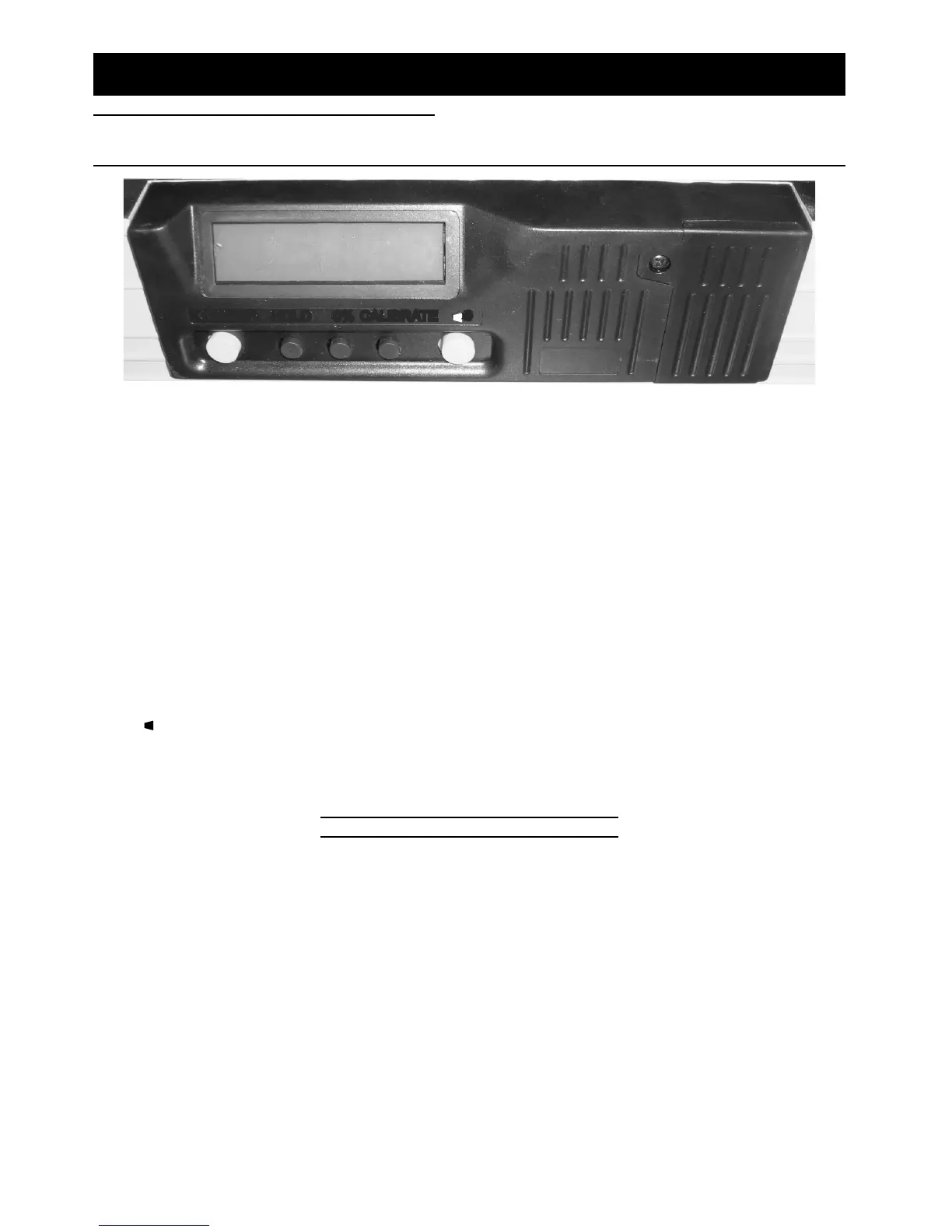
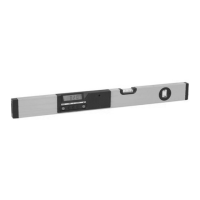
LCD Display Controls
1.
ON/OFF HOLD 0% CALIBRATE
)
)
)
On/Off: Holding this button down for several seconds turns the LCD display on or off. The
display will automatically shut off after a period to conserve battery power.
2. Hold: This button keeps the same reading on the display, even if the level’s angle changes.
Everything on the display will flash except the number while the reading is being held. Press
the button again to stop holding the reading.
3. 0% (percent): This button switches the LCD display between displaying the angle in degrees
and displaying the angle as a percent difference from 0° or 90°.
4. Calibrate (Zero Setting): This button toggles between reading 0 at the current angle and
reading the actual angle. Press the “Calibrate” button once to change the current reading
to 0° or 0%. Press the “Calibrate” button again and hold it to restore the level to reading the
actual angle. The level will reset to reading the actual angle if it is switched off. Note:
Actual calibration of the level (changing the actual angle setting) is not done by this button
and needs to be performed by a qualified technician.
5.
)
)
)
Sound: This button toggles the sound. When the sound is on, the level will beep once
when it measures any 10° increment and more than once when it reads 0° or 90°. A symbol
–
•
)
)
)
– will appear above the decimal point on the display and the unit will beep to indicate
that the sound is on.
Horizontal and Vertical Vial Use
The Vials (9, 10) on the level can be read by observing the bubble within. If the bubble is
centered in between the lines, then the Vial is level.


 To Next Page